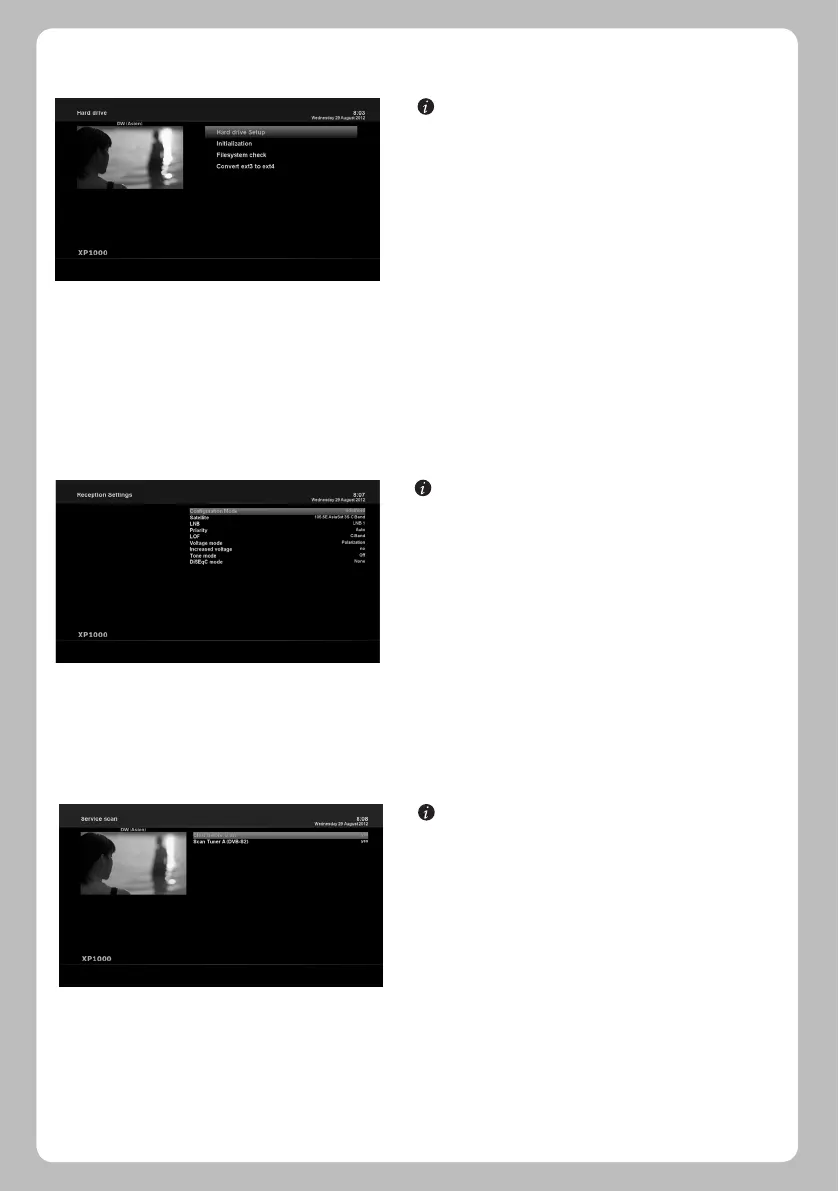
[ : MENU > Setup > System Settings > Hard drive > Hard
drive Setup]
You can set the duration of time after which HDD is to be put
into standby mode.
Here, you can choose from No standby to various duration.
Once you set this option, press GREEN key to confirm the
change.
5.2.1.6 Hard Disk Set Up
5.2.2 Service Searching
[ : MENU > Setup > Ser vice Searching > Tuner
Configuration]
If you run the First Time Installation process, the Tuner A is
already configured.
[ : MENU > Setup > Service Searching > Automatic Scan]
The easiest way to scan services is to use Automatic Scan. In
the Automatic Scan menu, there are two options to choose
from as below.
• Clear Before Scan
YES is used when you want to delete the existing channel list
before you start the automatic scan. If you want to keep the
existing list, select NO.
• Scan Tuner A (DVB-S2)
Press OK to activate the automatic scan. This will take some
minutes. As the scan proceeds, you will see the progressive
bar and the newly found services underneath.
5.2.2.1 Tuner Configuration
5.2.2.2 Automatic Scan
22


 To Next Page