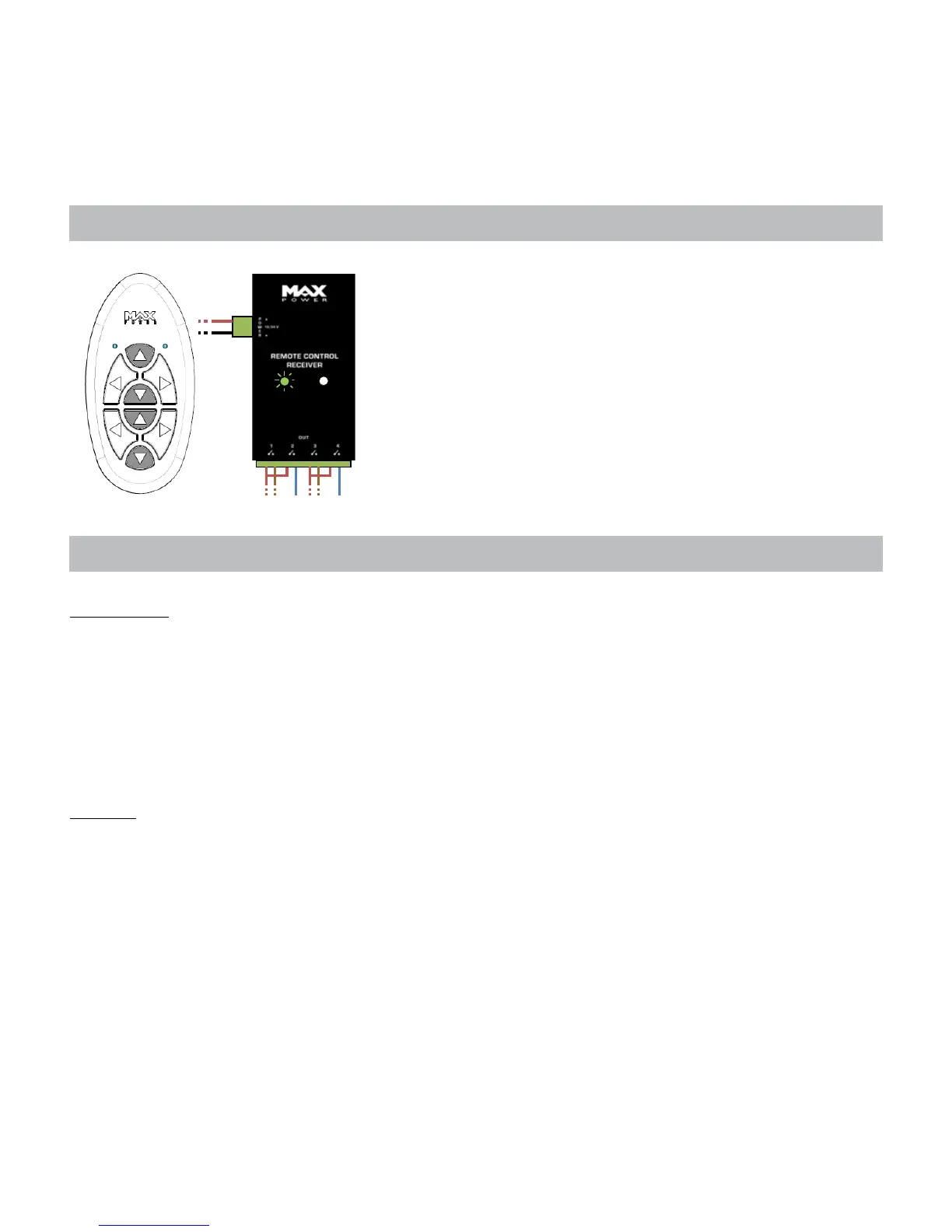
8- RESETTING
9- ADDING ADDITIONNAL TRANSMITTERS AND RECEIVERS
To reset a receiver, gently press the SYNC button using a small screwdriver
Æ The LED lights up.
Press the 4 up-down buttons simultaneously
Æ The LED will ash
The receiver’s memory has been cleared.
Turn the receiver’s power supply OFF, wait 5 seconds and then return to
step 2 (cf. Chapter 7 Set-up)
Transmitters
To add an extra transmitter, follow the instructions from step 2 (cf. Chapter 7 Set-up) and congure the additional
remote control.
NB: In case of error or doubt concerning the conguration, clear the receiver’s memory (cf. Chapter 8) and start from the
beginning. This will require the reconguration of all remote controls.
Each complete maximised system (ie. 2 receivers and all 8 channels used on the transmitter) can only include 2
transmitters.
Receiver
Go to step 2 (cf. Chapter 7 Set-up) and follow the instructions as normal.
8



 To Next Page