MAGPOWR Spyder Configuration Tool
All of the information herein is the exclusive proprietary property of Maxcess International, and is disclosed with the
understanding that it will be retained in confidence and will neither be duplicated nor copied in whole or in part nor
be used for any purpose other than for which disclosed.
Copyright 2006, all rights reserved.
Periodically there will be updates to this manual. The latest version is available at www.maxcessintl.com or by
calling your regional office. See back page for phone numbers.
TABLE OF CONTENTS
Section Description Page
1.0 Introduction 1
2.0 Hardware Connections 1
3.0 Configuring the Network Connections 2
3.1 PC Setup 2
3.2 Spyder Setup 2
4.0 Installing the Spyder Configuration Tool 3
5.0 Spyder Configuration Tool Operation 3
5.1 Running the Spyder Configuration Tool 3
5.2 User Interface 3
5.3 Spyder Parameter Types 4
5.4 Save Spyder Parameters to a File 4
5.5 Get Spyder Parameters from a File 4
6.0 Troubleshooting 4
Figures:
Figure 1. Local Area Connections 2
Figure 2. TCP/IP Properties 2
Figure 3. Spyder Configuration Tool User Interface 3
1. INTRODUCTION
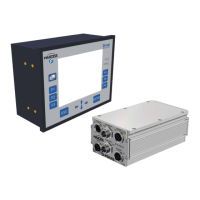
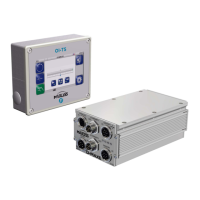
The MAGPOWR Spyder™ Configuration Tool allows the parameters from a MAGPOWR Model Spyder to be saved
and retrieved from a file on a PC. This will allow backing up of a Spyder's data and calibrations and may be used to
copy setup data from one Spyder to another.
2. HARDWARE CONNECTIONS
Connect the Spyder to a computer using a CAT5 Ethernet cable. Multiple Spyders may be connected to a single
computer by using a network hub or switch.

 Need help?
 General

 To Next Page