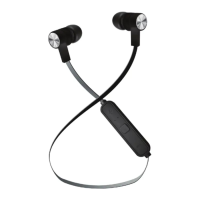
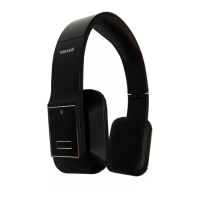
HEADPHONE OPERATIONS
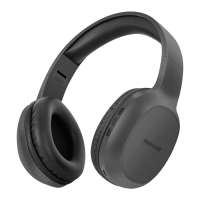
Using the MXH-BT600E with other Bluetooth devices
Form a wireless connection between Bluetooth-enabled devices through a simple operation. For
example, a Bluetooth Transmitter, it is necessary to operate the mobile phone Bluetooth to search for
Bluetooth devices, select and then connect wirelessly by PIN
1. Keep your headset and the device within 1 meter when pairing;
2. Make the headset to enter pairing mode (Please refer to “PAIRING THE MXH-BT600E” in
previous page);
3. Turn on the Bluetooth devices, it will be searched automatically and will receive a pairing
request(depends on model types)
4. When the headset requests to enter a PIN No., the transmitter will response “0000” automatically;
5. After successful pairing and connecting, blue LED of the headset flashes twice every 4 seconds.
Remarks:
The pairing password of the headset is “0000”. So, the headset can only pair with a Bluetooth
transmitter whose pairing password is “0000”.
If pairing still fails after several tries, please refer to the Bluetooth transmitter’s user’s manual for
further information.
Voice Call
If Bluetooth voice calling is supported with your phone, turn the Voice recognition feature on, and
your headphone as a headset.
1. Press and release the multifunction button once. You will hear a tone to indicate the voice
function is activated.
2. Say the name of person you wish to call clearly and slowly.
(Note: Headphone’s voice call function is determined by your mobile phone. Your phone must
support this function)
Remarks
When the MXH-BT600E disconnects from a mobile phone because it exceeds the effective range
(about 10 meters), it will re-connect to the mobile phone once it is back to the effective range
within 10 minutes. Longer than this, it will need to be re-connected manually.
Pairing mode will last for 5 minutes. Other devices cannot connect to the Bluetooth headphone
during this time.


 To Next Page