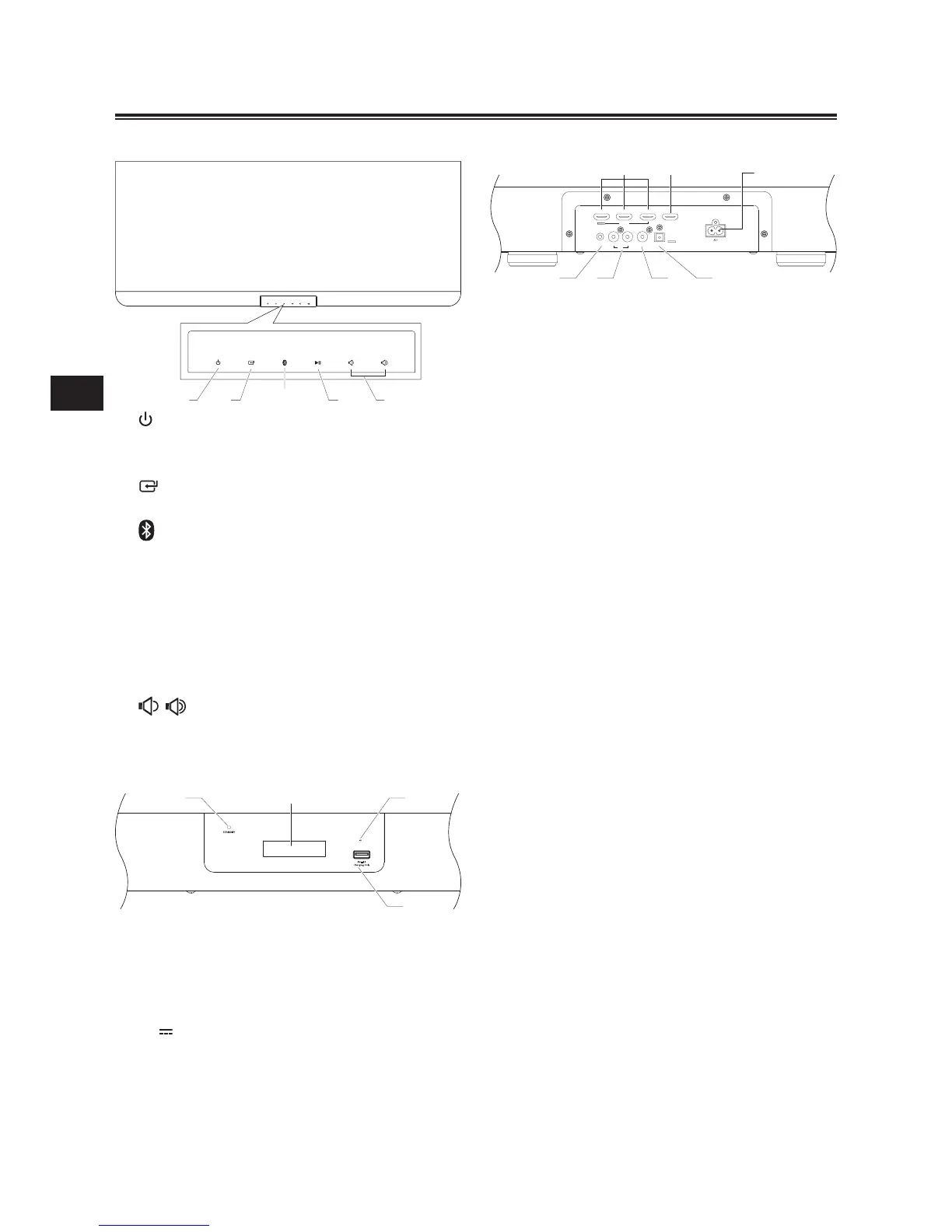
10 HDMI IN Socket
- Total 3 HDMI connectors compatible
with HDMI version 1.4 or below.
11 HDMI OUT Socket
- 1 HDMI connector compatible with
HDMI version 1.4 or below.
12 AC~ Power Plug
- Connect a power cord.
13 LINE IN Terminals
- Standard 3.5mm audio input jack.
14 RCA Terminals
- Standard RCA audio input jack.
15 Coaxial Terminals
- 1 Coaxial input jack.
16 OPTICAL Terminals
- 1 Optical input jack.
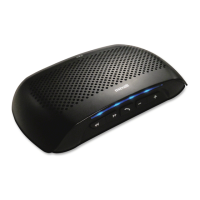
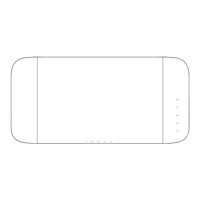
Main Unit: Top View
1
- Turn on this unit or switch to Power
standby mode.
2
- Select a source.
3
- Press this button to choose Bluetooth
source.
- Hold and press the button to Pair the
bluetooth-enabled device.
4
BF
In Bluetooth mode:
Start or pause playback.
5 /
Decrease or Increase sound volume level.
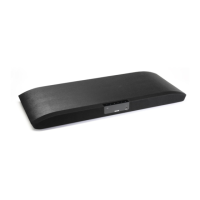
Front View


 To Next Page