60
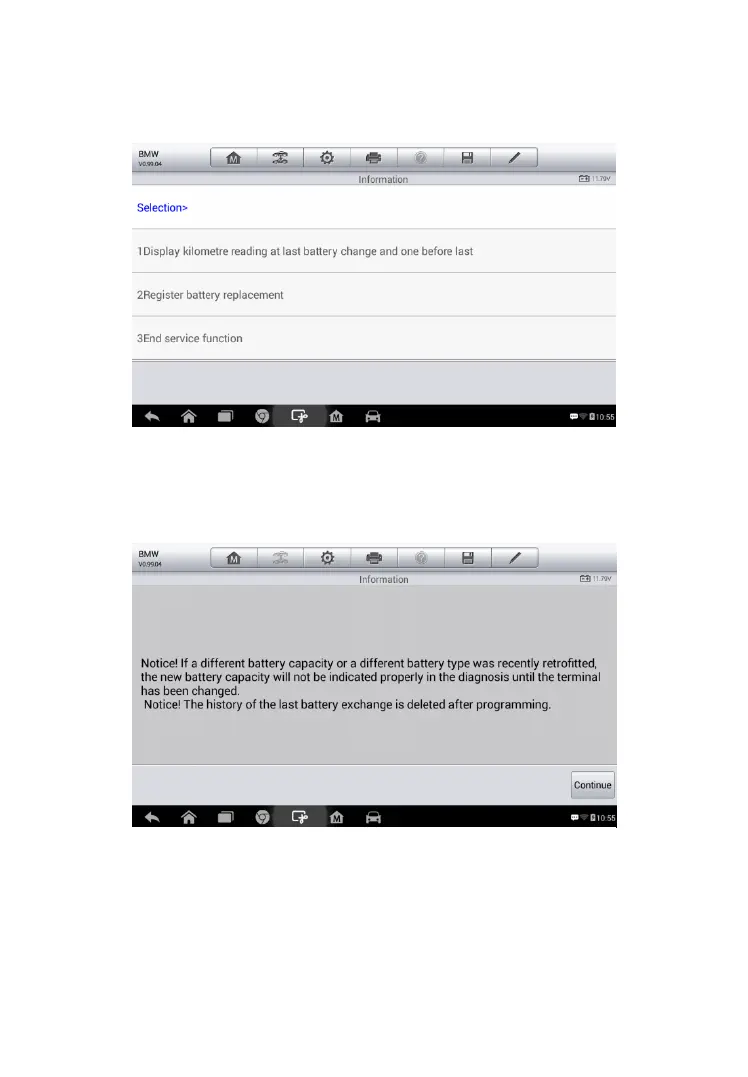
4. Tap on the corresponding service you want to carry out. In this case,
it is function 1 Display kilometer reading at last battery change
and one before last. A notice screen displays.
5. Read carefully the complete information and press Continue to
continue.
6. Check the battery capacity and the battery replacement information
on the screen.
Figure 5-10 Sample BMS Screen 2
Figure 5-11 Sample BMS Screen 3



 To Next Page