61
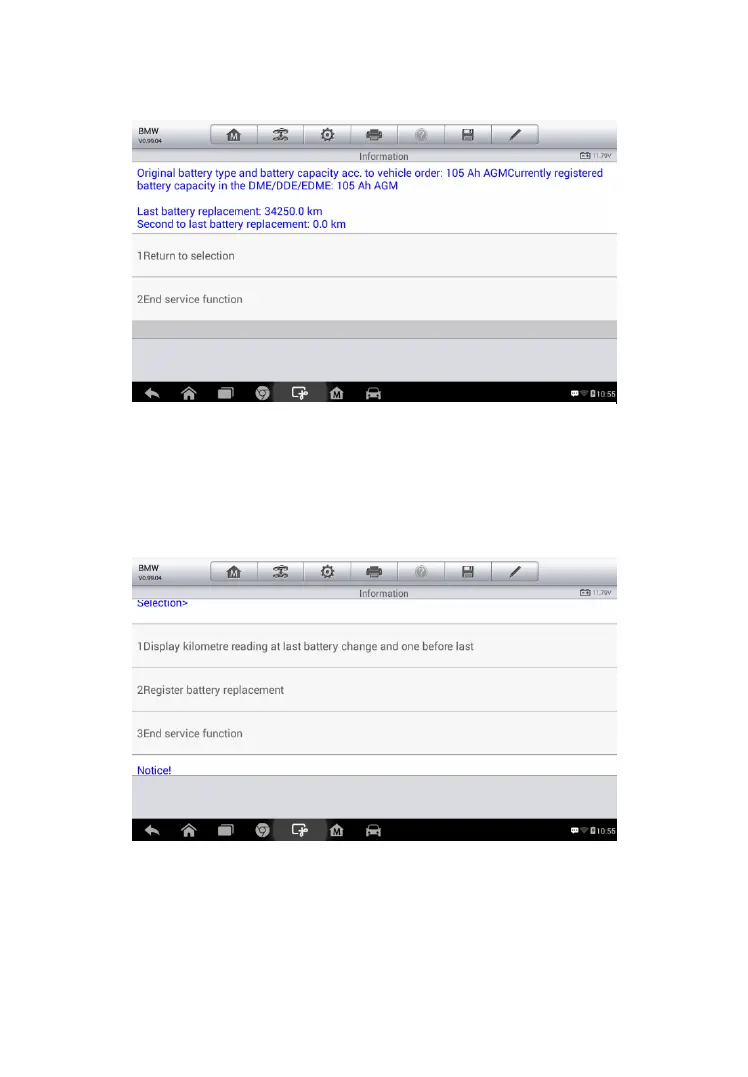
7. Tap on the corresponding function 1 to return to the selection screen
or press the function 2 to end the service function.
To register the battery replacement
1. Tap on the corresponding service you want to carry out. In this case,
it is function 2 Register battery replacement.
2. Read carefully the information on the screen and slide up/down to
view all the functions listed.
There are four functions listed:
Figure 5-12 Sample BMS Screen 4
Figure 5-13 Sample BMS Screen 5



 To Next Page