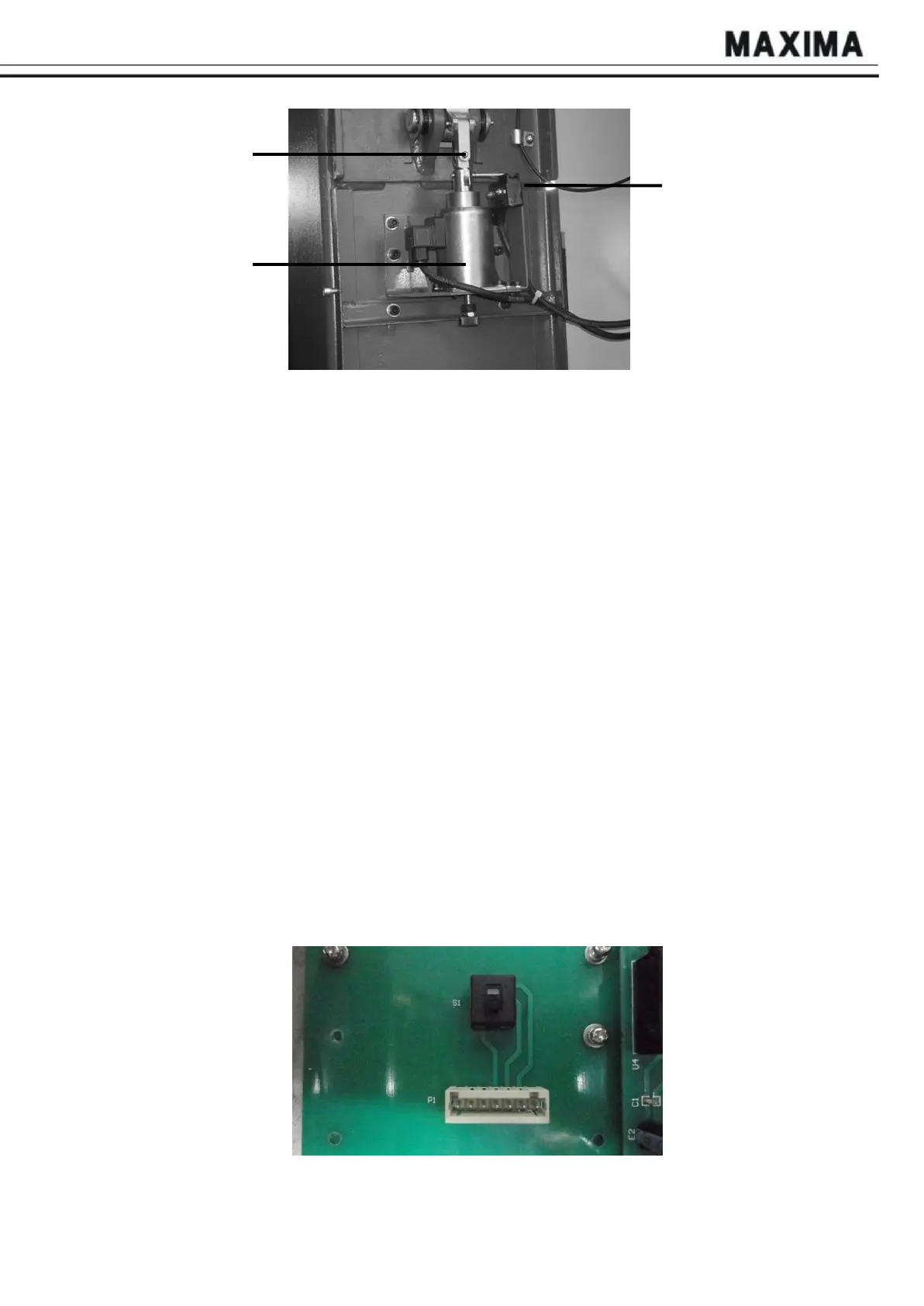
Safety Hook
Electromagnet
Micro-Switch
Fig. 6 Slave Control
B
ox
5.1. Control switches
5.1.1. Power switch
When this switch is at “OFF”, the lift is powered off and no operation is available; when this
switch is at “ON”, the lift is powered on and prepared for operation. Switch to “CHARGE” to
charge the battery.
5.1.2. “POWER” Light
When the power switch is at “ON”, it is shining.
5.1.3. “FAULT” light
When the carriages overrun the limit synchronous value of the each column or the heavy duty
connector of the cables become loose, it shines. And all the other switches do not work.
5.1.4. Mode selection knob
Turn the knob to “SINGLE”, columns can be operated to go up and down individually;
Turn the knob to “PAIR” or “ALL”, two columns/four columns/six columns can be operated to
go up and down together;
Note:
1. Before turning Mode Selection knob, please power off the lift and wait for 20s first;
2. “PAIR” mode can be used when four/six columns are communicating well. A and B columns
become a pair, same with C and D columns. Please be careful to operate this function. “ALL”
mode is used when there are four/six columns connecting together; “SINGLE” mode can be
used to operate one column individually;
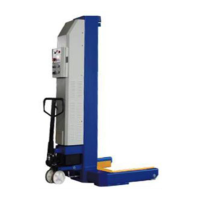
3. In case of an emergency, turn downward the change-over switch (Fig. 7) in control box, so
that the equipment can be operated without communication line;
Fig.
7


 To Next Page