15
ENGLISH
Sort
Sort your channels from the following options:
[Default]: Original order (based on how the channels have been found)
[Encrypt]: By encrypt mode. (Free to air channels will be shown first)
[Service Name]: Alphabetical order.
[Freq]: By frequencies. (The lowest frequency will be shown first – one satellite
position at the time).
5 Picture Settings
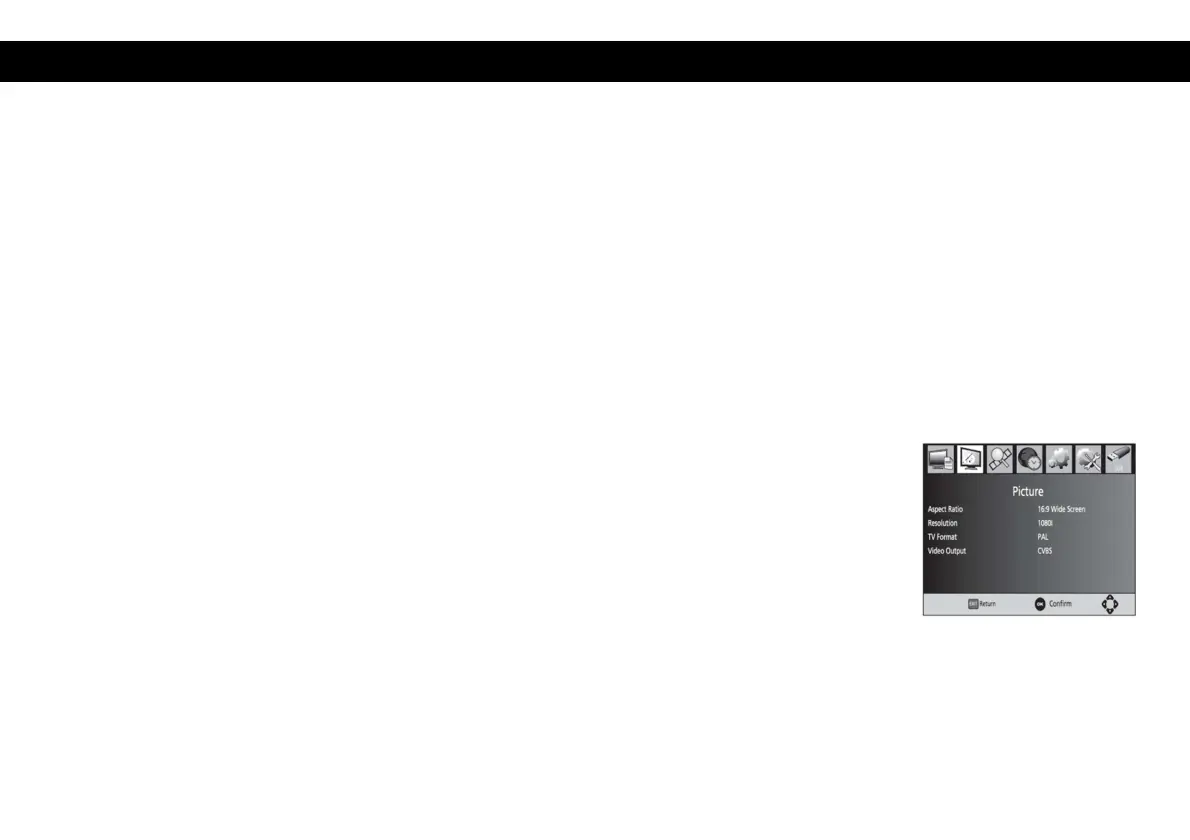
To access the Menu, press MENU then select [Picture]. The Menu provides
options to adjust the video settings. Press UP/DOWN to select an option and press
RIGHT/LEFT to adjust that setting. Press EXIT to exit the menu.
Aspect Ratio
You must set the display format to 4:3 Full, 4:3 Pan Scan, 4:3 Letter Box, 16:9
Wide Screen or Auto to get the maximum display when watching TV.


 To Next Page