22
ENGLISH
8 Settings
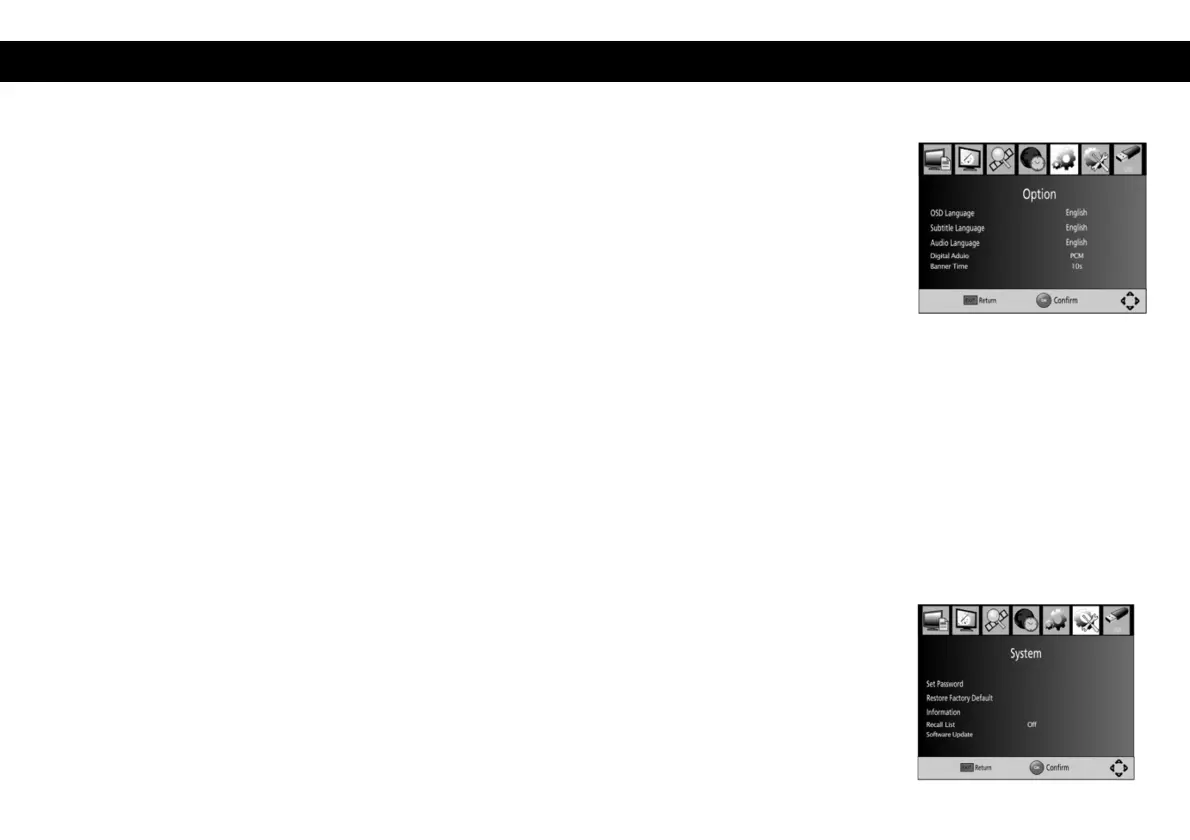
To access the Menu, press MENU and select [Option]. The menu provides options
to adjust the OSD Language, Subtitle Language and Audio Language among other
things. Select an option and press RIGHT/LEFT to adjust the setting. Press EXIT
to exit the Menu.
OSD Language: Select an OSD language.
Audio Language: Select the preferred audio language. If the chosen language is
not available, the default program language will be used.
Subtitle Language: Select the preferred subtitle language.
Digital Audio: Select Digital Audio mode. – It is possible to choose between
‘PCM’, ‘RAW’ and ‘off’.
Banner Time: Select how many seconds the info banner should be shown.
9 System
To access the Menu, press MENU and select [System].The menu provides options
to adjust the system settings. Press the UP/DOWN key to select an option and
press RIGHT/LEFT to adjust the setting. Press EXIT to exit the Menu.


 To Next Page