26
ENGLISH
11 Troubleshooting
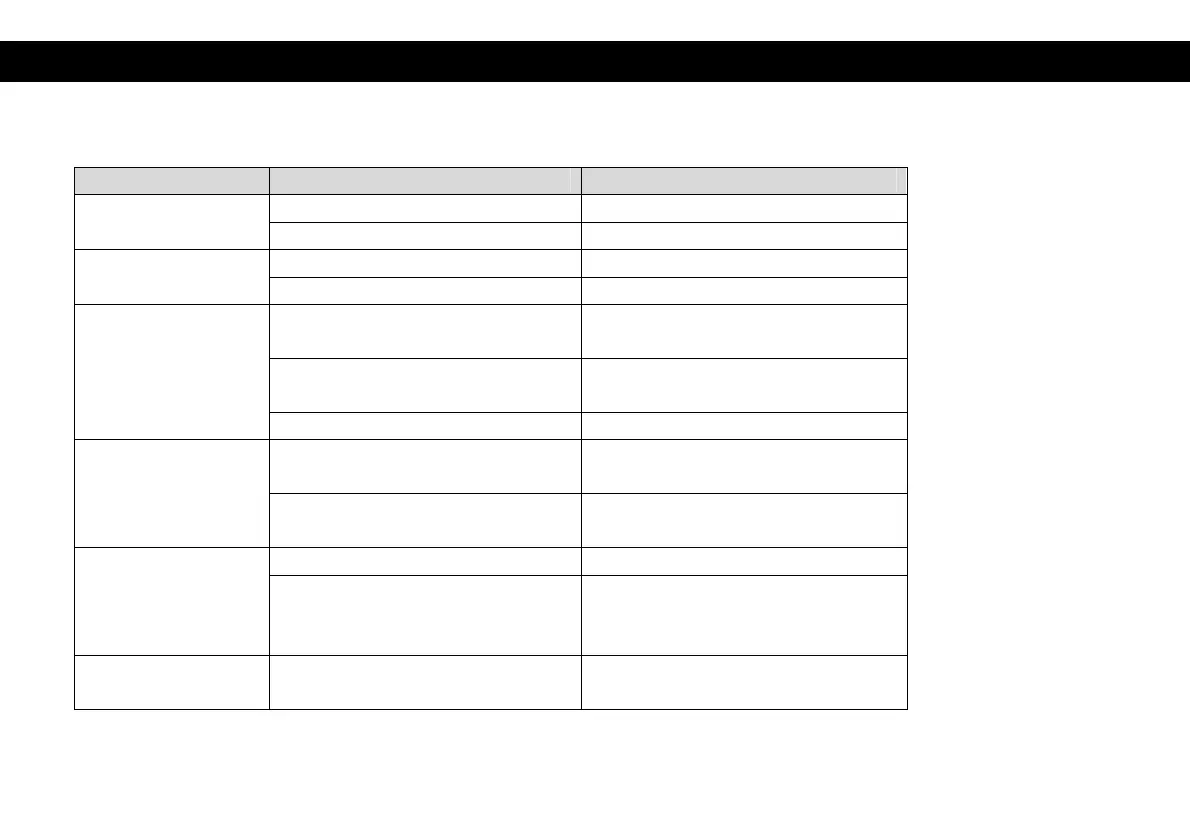
Problem Potential Reasons What to do
No picture Power is not connected Connect the power
The power switch is not on Switch on the power
Screen shows
No Signal
DVB-S cable is not connected Connect the DVB-S cable
Incorrect setting Set up correct parameters
No sound from
Speaker
No or incorrect connection
with audio cables
Connect the audio cables
correctly
Mute the sound Switch on the correct
volume control
Incorrect sound track Try another sound track
Only sound,
no image on the
screen
No or incorrect connection
with HDMI cables
Connect the HDMI cables
correctly
Radio mode is selected Press ‘TV/RADIO’ key to
change to TV mode
Remote control
unit is not working
The battery is exhausted Change the batteries
Remote control unit is not held
in the right position to IR “eye” or
too far from it
Adjust the way of holding the
remote control unit.
The image stop
suddenly or mosaic
The signal is too weak Strengthen the signal


 To Next Page