Getting Started
Setup Sensors
An added feature of the Weather Station is the readout of all measured and displayed time and
weather data on a PC.
Important Operation Notes
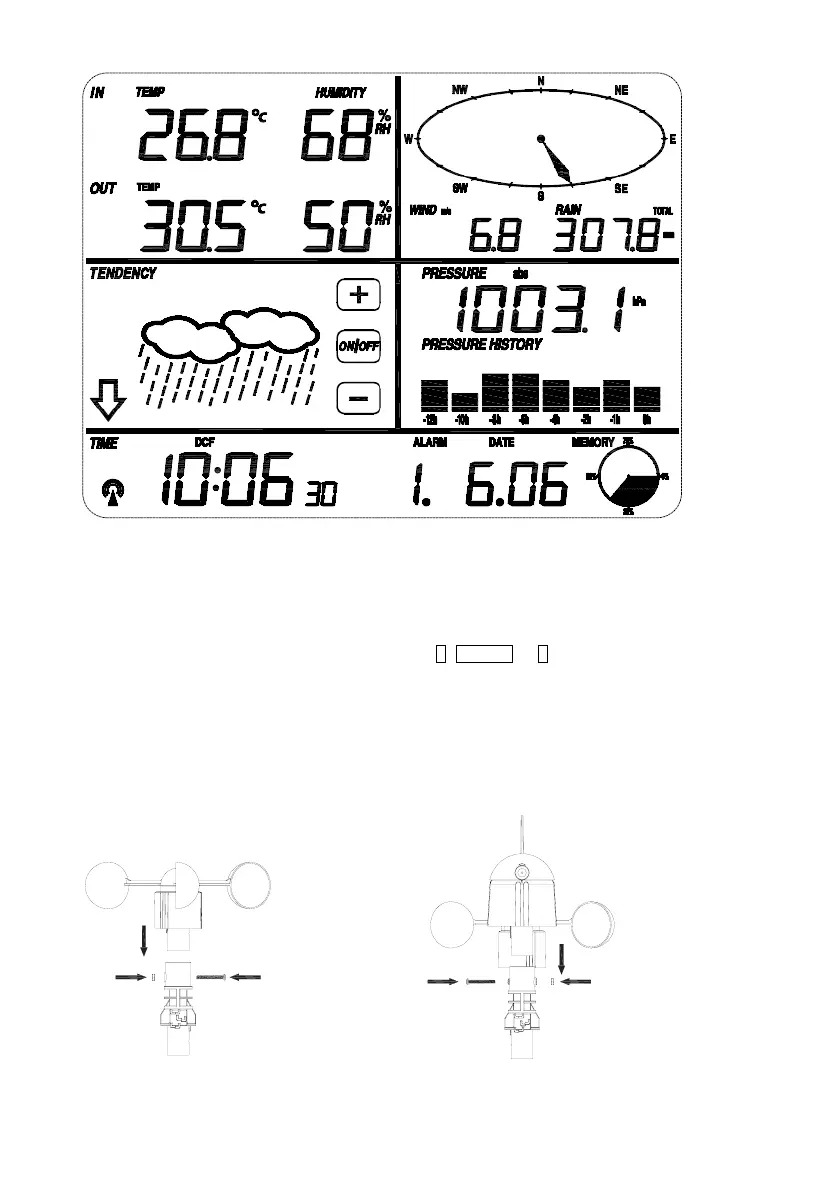
All actions and functions of the weather station are started on the touch screen by slightly touching
(not pressing!) the related areas, touch the flashing +, ON/OFF or – to make the corresponding
selection or increase the value.
Every time a programming step is activated by touching a switching area on the Touch Screen a tone
will sound, and the back light is switched on for a few seconds as well.
If no areas are pressed for 30 seconds, the LCD will automatically revert to the normal display mode
(automatic time out).
- 2 -
①
②


 To Next Page