- 19 -
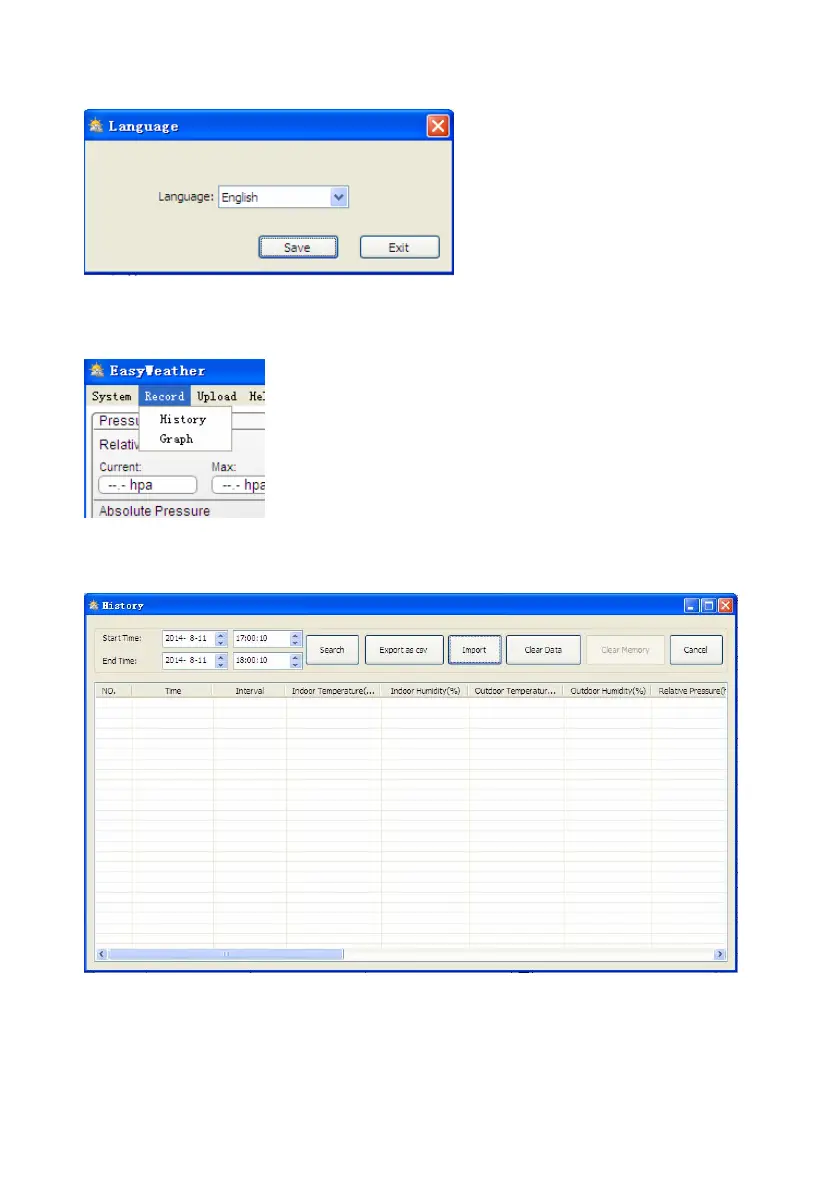
4.1.4 Click Language button, enters the Language menu
4.2 Record option
4.2.1 Click History button, enters the History menu
This section is used to display recorded history data in a spread sheet. If you wanted to see all history
data in a desired time period, choose the time duration and press Search to reload the history data.
With the Export button, you can export the selected history data into excel format file for other
application purpose.


 To Next Page