150Mbps Wireless N-Lite PCI-E Adapter
25
Chapter 4 WPS configuration
If the wireless Router supports Wi-Fi Protected Setup (WPS), you can establish a wireless
connection between wireless adapter and router using either Push Button Configuration (PBC)
method or PIN method.
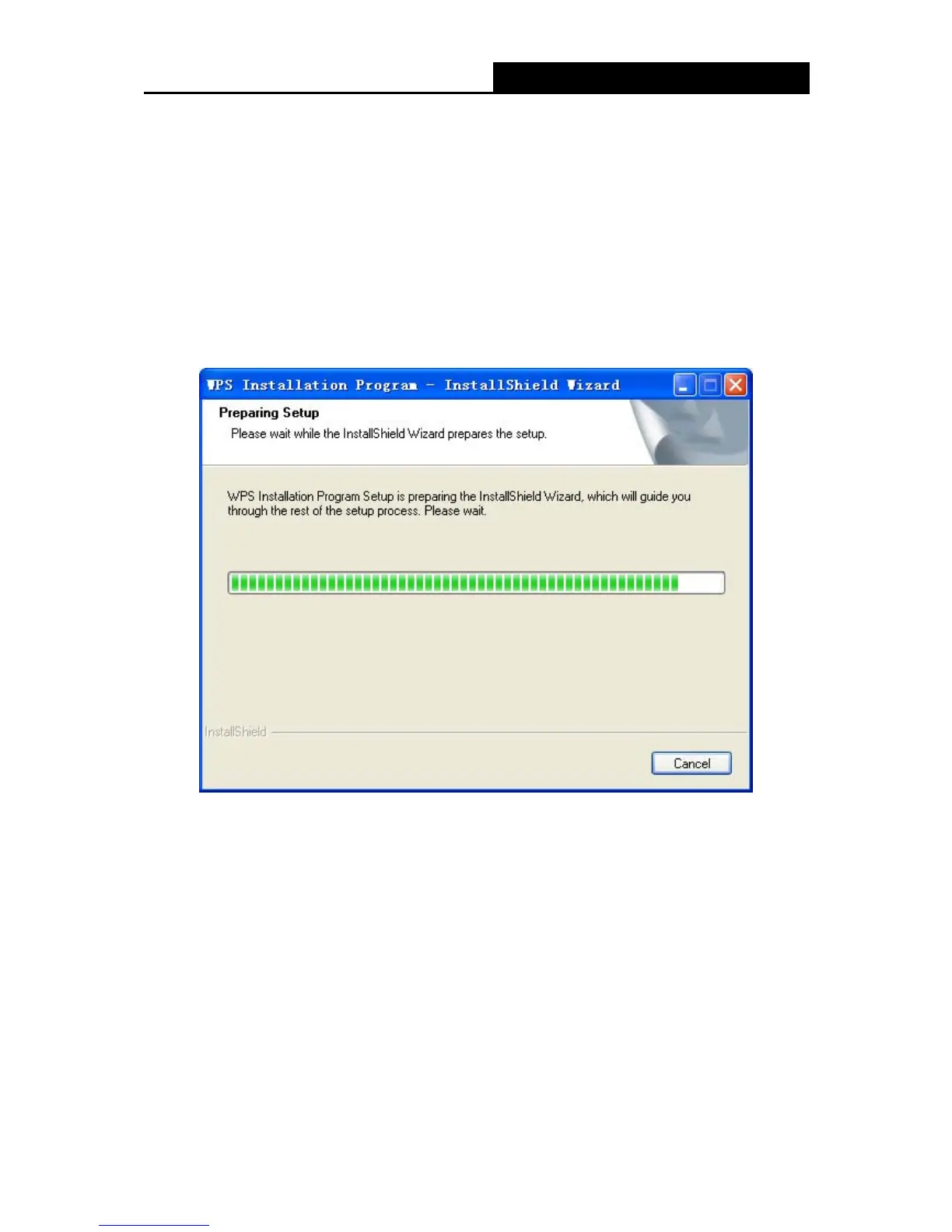
First, the WPS software should be installed. Insert the Resource CD into your CD-ROM drive. To
continue, open WP 8800 - 1N folder, and double-click WPS.exe.
Figure 4-1
Then, please follow the clue of the Operation System to complete the WPS installation. After that,
WPS function can be enabled. Here we will introduce how to configure the WPS (For the
configuration of WPS, here takes the Wireless Router of our company for example).
4.1 PBC (Push Button Configuration) method
1. Firstly, press the WPS button directly on the front panel of the Router shown in X Figure 4-2.


 To Next Page