150Mbps Wireless N-Lite PCI-E Adapter
28
4.2 PIN method
There are two ways to configure the WPS by PIN method:
1 Enter a PIN into your AP device.
2 Enter the PIN from your AP device.
Following are the detailed configuration procedure of each way.
4.2.1 Enter a PIN into your AP device
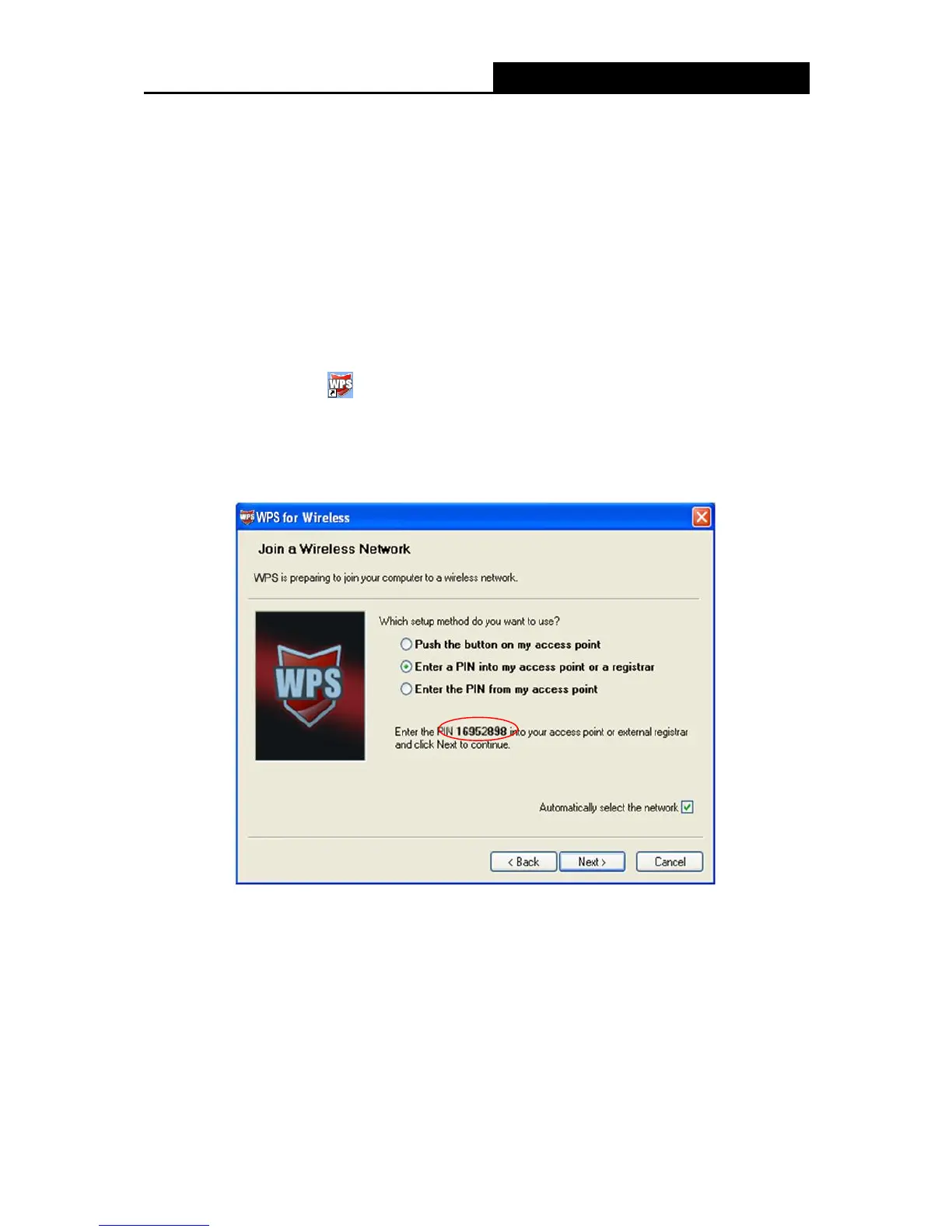
1. Double click the icon on the desktop to open the WPS Utility and then you can see the
welcome screen shown as Figure 4-5 Click Next to continue. Figure 4-6 will appear. Select
the second option and you will see the PIN value of the adapter which is randomly generated.
Click Next.
Figure 4-6
2. Open the Router‟s Web-based Utility and click WPS link on the left of the main menu.
Then XFigure 4-7 will appear.


 To Next Page