EasyManua.ls Logo

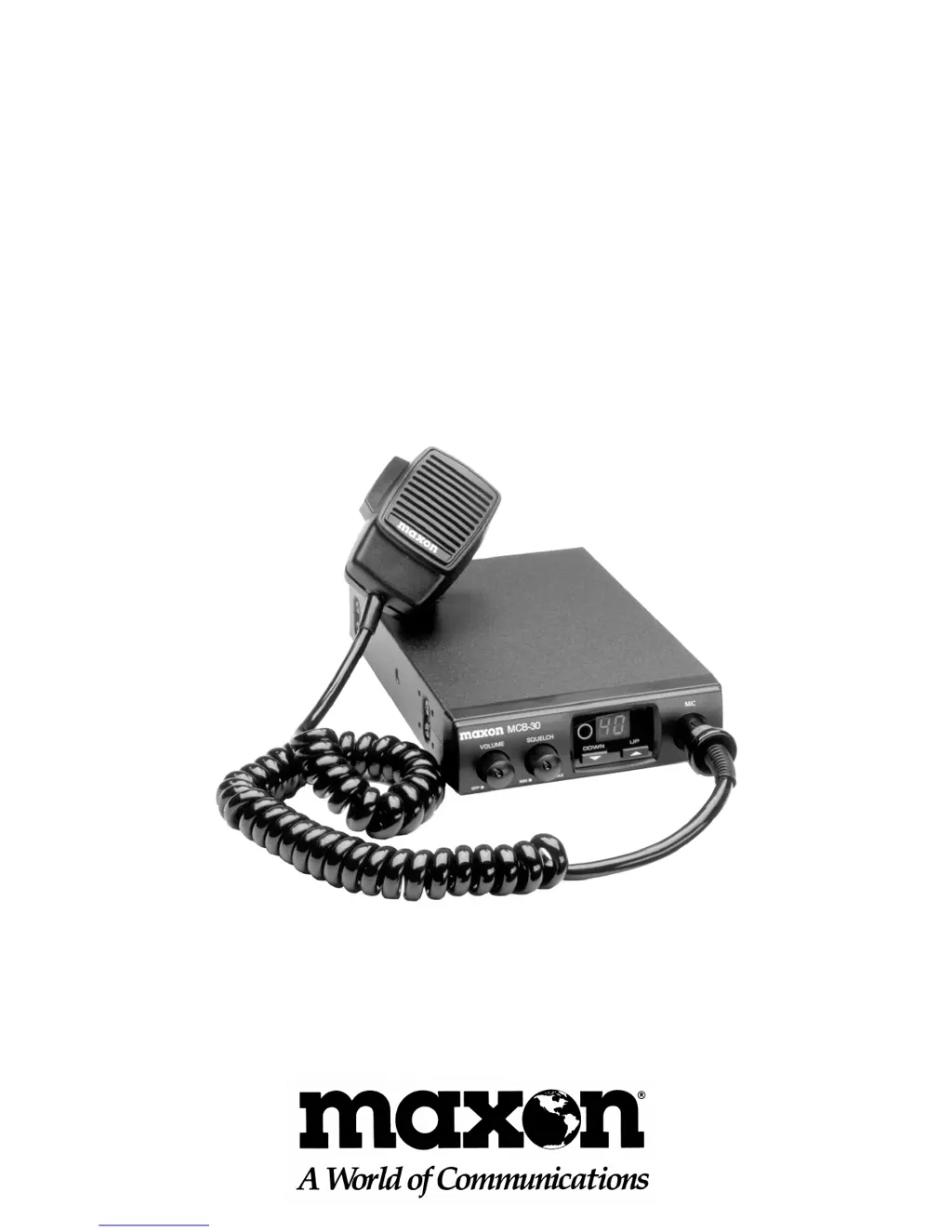
Maxon MCB-30 - User Manual

Maxon MCB-30
36 pages
Print Icon
To Next Page IconTo Next Page
Loading...
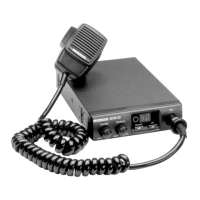
MCB-30
Compact 40 Channel
Mobile CB Radio
OWNER'S MANUAL
English/Spanish

Questions and Answers

  • X
    xhernandezJul 27, 2025
    Why is there no voice reception on my Maxon MCB-30 Radio?
    • G
      gwintersJul 27, 2025
      If you're experiencing no voice reception on your Maxon Radio, try these steps: * Check the power cable connection. * Check the fuses (in-line and main junction block). * Check the squelch adjustment. * Check the power off/on-volume control. * Change to an active channel. * Check the antenna connection. * Fully depress the push-to-talk bar when speaking. * Check the microphone connection.
  • J
    Joshua BaldwinAug 2, 2025
    What to do if my Maxon MCB-30 LED is illuminated, but there is no sound?
    • J
      Jeffrey MezaAug 2, 2025
      If the LED is illuminated on your Maxon Radio but you're not getting any sound, consider the following: * Check the power cable connection. * Check the fuses (in-line and main junction block). * Check the squelch adjustment. * Check the power off/on-volume control. * Change to an active channel. * Check the antenna connection. * Fully depress the push-to-talk bar when speaking. * Check the microphone connection.
  • B
    Bobby PhillipsAug 7, 2025
    How to fix unclear reception on Maxon MCB-30 Radio?
    • K
      Keith ReidAug 8, 2025
      To address unclear reception on your Maxon Radio, you can try the following: * Check the power cable connection. * Check the fuses (in-line and main junction block). * Check the squelch adjustment. * Check the power off/on-volume control. * Change to an active channel. * Check the antenna connection. * Fully depress the push-to-talk bar when speaking. * Check the microphone connection.
  • A
    Andrew AllenAug 13, 2025
    How to troubleshoot transmission problems with a Maxon MCB-30 Radio?
    • S
      smithkevinAug 14, 2025
      If you're experiencing transmission problems with your Maxon Radio, consider these troubleshooting steps: * Check the power cable connection. * Check the fuses (in-line and main junction block). * Check the squelch adjustment. * Check the power off/on-volume control. * Change to an active channel. * Check the antenna connection. * Fully depress the push-to-talk bar when speaking. * Check the microphone connection.
  • R
    robbinsjessicaAug 19, 2025
    Why is the reception poor on my Maxon MCB-30?
    • J
      Jesse BennettAug 19, 2025
      If you are experiencing poor reception on your Maxon Radio, please check the following: * Check the power cable connection. * Check the fuses (in-line and main junction block). * Check the squelch adjustment. * Check the power off/on-volume control. * Change to an active channel. * Check the antenna connection. * Fully depress the push-to-talk bar when speaking. * Check the microphone connection.

Summary

Product Description

Performance Features

Controls and Functions

Installation Instructions

Mechanical Mounting

Details the process for physically mounting the CB unit in a vehicle.

Power Supply Connection

Explains how to connect the CB radio to the vehicle's 12V DC power.

Mobile Antenna Information

Provides guidance on selecting and installing a mobile CB antenna.

Antenna Tuning Information

Operation

Operating Instructions

Step-by-step guide to operating the CB radio for optimal reception and transmission.

Troubleshooting Chart

Specifications

Warranty Service Instructions

Limited Warranty

Maxon MCB-30 Specifications

General IconGeneral
TypeCB Radio
Channels40
Frequency Range26.965 to 27.405 MHz
Modulation TypeAM
Power Output4 Watts
MicrophoneDynamic
Power Source13.8 V DC

Related product manuals