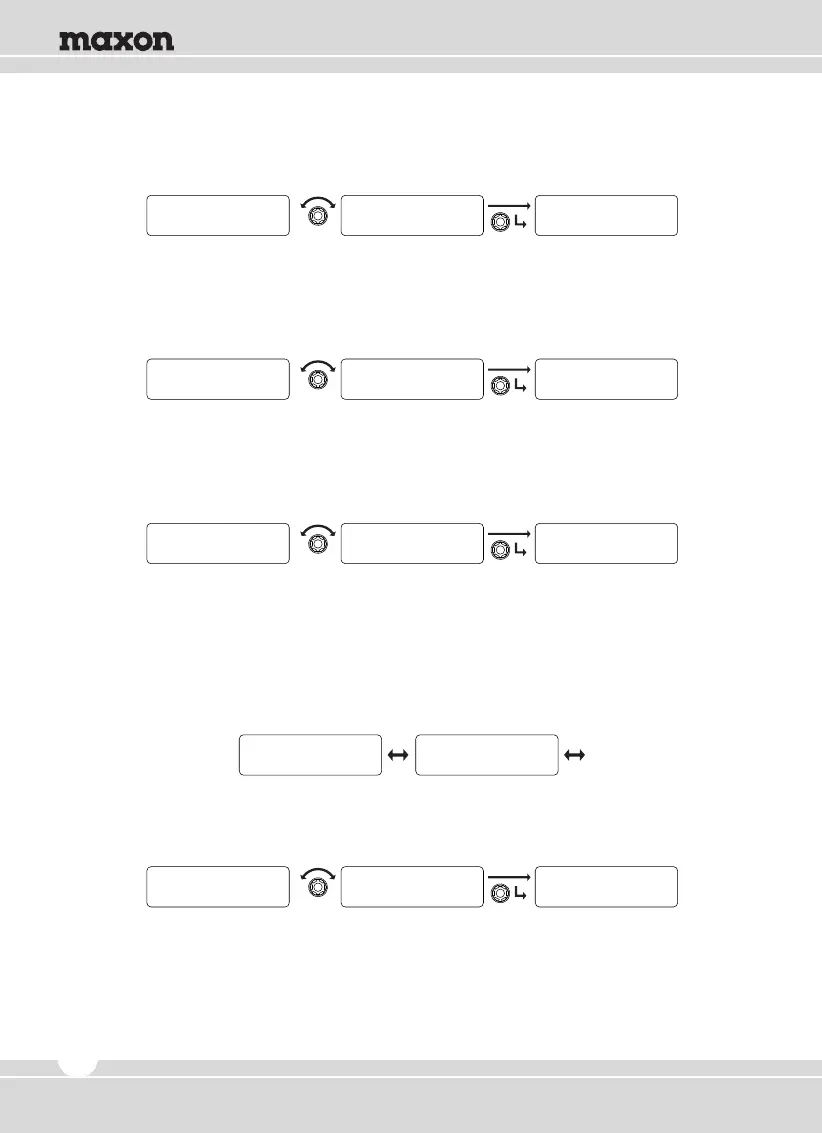
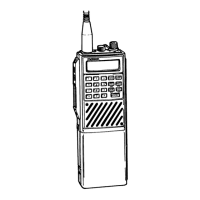
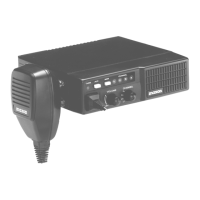
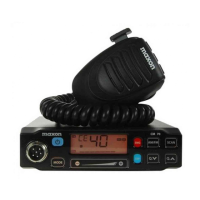
5) Name Tone
① Rotate the right selector knob to select preferred tone and press the knob to set.
② To return to upper menu, press the red button.
6) Message Tone
① Rotate the right selector knob to select preferred tone and press the knob to set.
② To return to upper menu, press the red button. .
7) Call Tone
① Rotate the right selector knob to select preferred tone and then press the knob to set.
② To return to upper menu, press the red button.
5.7 Repeater / Talk Around
Consists of two sub-menus for Repeater and Talk Around. The selection is made by rotating the
right selector knob and then pressing the knob to activate.
1) Repeater
① Rotate the right selector knob to select “Yes” and then press the knob to set.
② To return to upper menu, press the red button.
0
Name Tone
1
Name Tone
Sound/Tone
Name Tone
0
Message Tone
1
Message Tone
Sound/Tone
Message Tone
0
C a l l Tone
1
C a l l Tone
Sound/Tone
C a l l Tone
Repeater Talk Around
R p t r / T a l k A r n d R p t r / T a l k A r n d
22
Y E S
Repeater
Y E S
Repeater
R p t r / T a l k A r n d
Repeater


 To Next Page