7
After Sales Support
UK/N.IRELAND HELPLINE N
O
:
REP.IRELAND HELPLINE N
O
:
WEBSITE:
EMAIL:
01270 508538
1800 995 036
www.quesh.co.uk
enquiries@quesh.co.uk
Charging
USB Charging
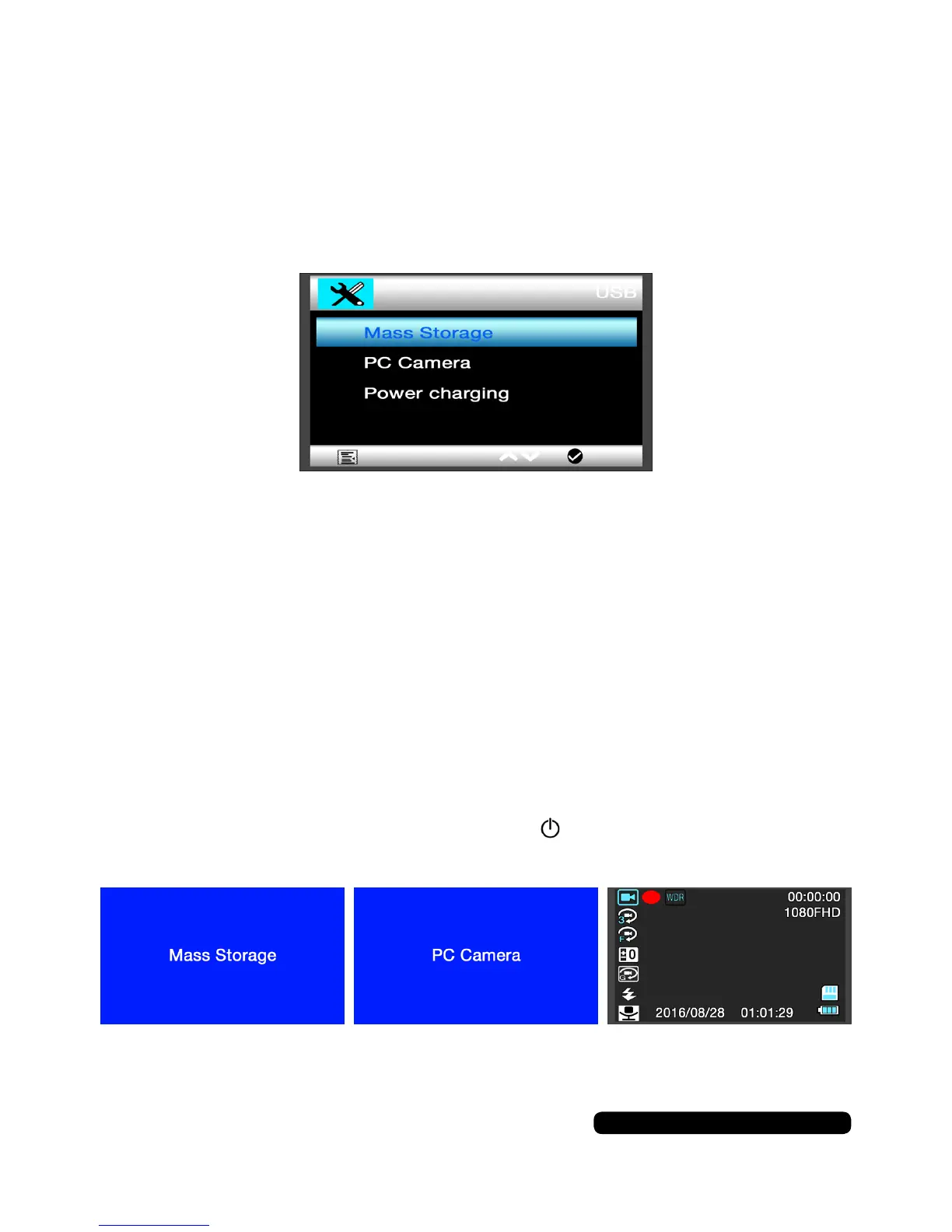
WhenthecameraisconnectedtoaPC/LaptopUSBport,the
camerawillautomaticallyturnitselfonandshowthe3options:
MassStorage,PCCameraandPowerCharging.
•MassStorage:ThiswillallowthecamerasmicroSDcardtobe
accessiblebytheconnectedPC/Laptopaswellaschargingthe
cameraslowly.Chargingcantakeupto2hours.
•PCCamera:Thisoptionwillturnthecameraintoawebcamera.
Selectthecameraastheinputsourcewithinavideoprogram.This
modewillalsochargethecameraslowly.Chargingcantakeupto
4 hours.
•PowerCharging:Thisoptionwillputthecameraintochargingmode
butwillleavethecameraon.Forfasterchargingitisrecommended
youturnthecameraoffbyholdingthebuttonuntilthe‘Goodbye’
screenisshown.Chargingcantakeupto2hours.
In-Car Adaptor
Chargingcantakeupto2hoursandcanbedonewhileinuse.



 To Next Page