Setup
Turning the Camera On
Afterthecamerahasbeenfullychargedandmountedcorrectly,
ConnecttheIn-caradaptortotheaccessory/cigaretteportandthe
other end to the camera. Press and hold the button on the side
markeduntilthe‘Welcome’screenappearsonthedisplay.
Please Note:
The camera is designed to be powered by the in-car adaptor.
The internal battery is a short term back up of up to 30 minutes.
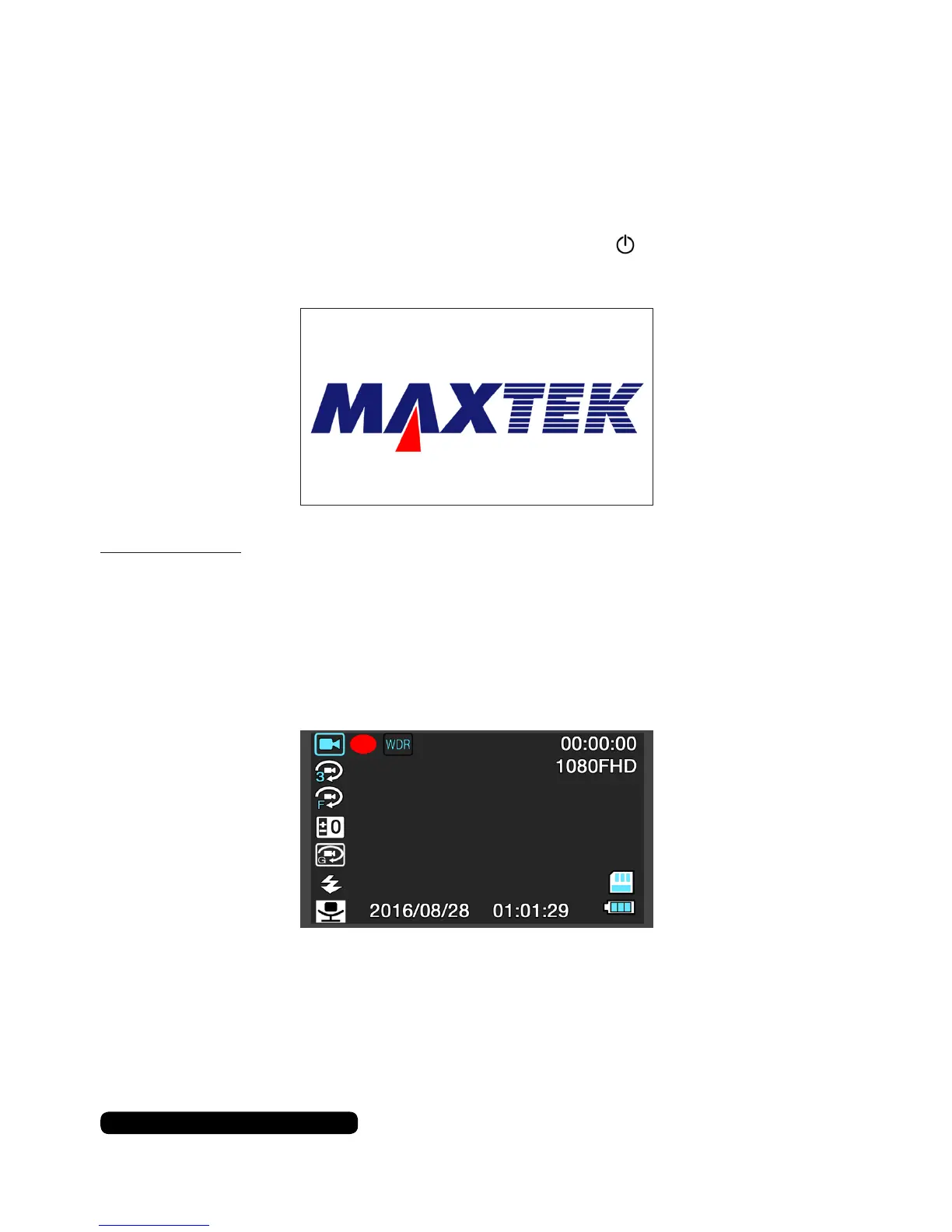
ThecamerawillloadupandshowtheHUDoverlayandtheliveview.
Ifthecameraisconnectedtothein-caradaptoritwillautomatically
turnonwhenthevehicleisturnedon.Pressthe‘REC’buttonto
begin recording.
8
After Sales Support
UK/N.IRELAND HELPLINE N
O
:
REP.IRELAND HELPLINE N
O
:
WEBSITE:
EMAIL:
01270 508538
1800 995 036
www.quesh.co.uk
enquiries@quesh.co.uk



 To Next Page