INSTALLATION
4 – 2
Unpacking and Inspection
Retain any packing material for reuse. Inspect the shipping container for evidence of damage in transit. Notify
the carrier immediately in case of damage to the shipping container.
As they are removed, inspect drives for evidence of shipping damage or loose hardware. If a drive is damaged
(and no container damage is evident), notify Maxtor immediately for drive disposition.
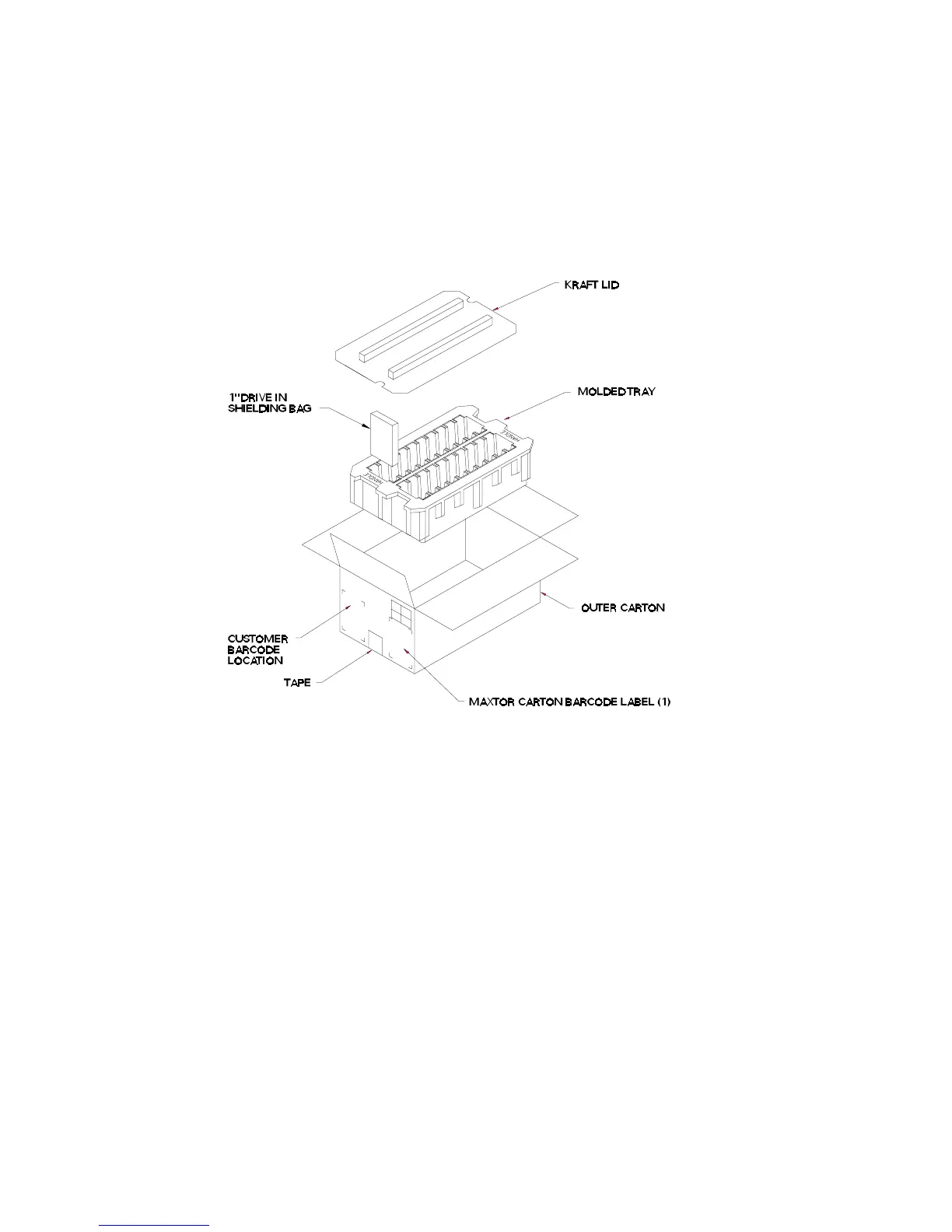
Figure 4 - 1
Multi-pack Shipping Container











 To Next Page