PAGE
42
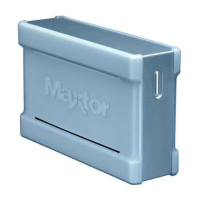
MAXTOR ONETOUCH III TURBO EDITION
WINDOWS INSTALLATION
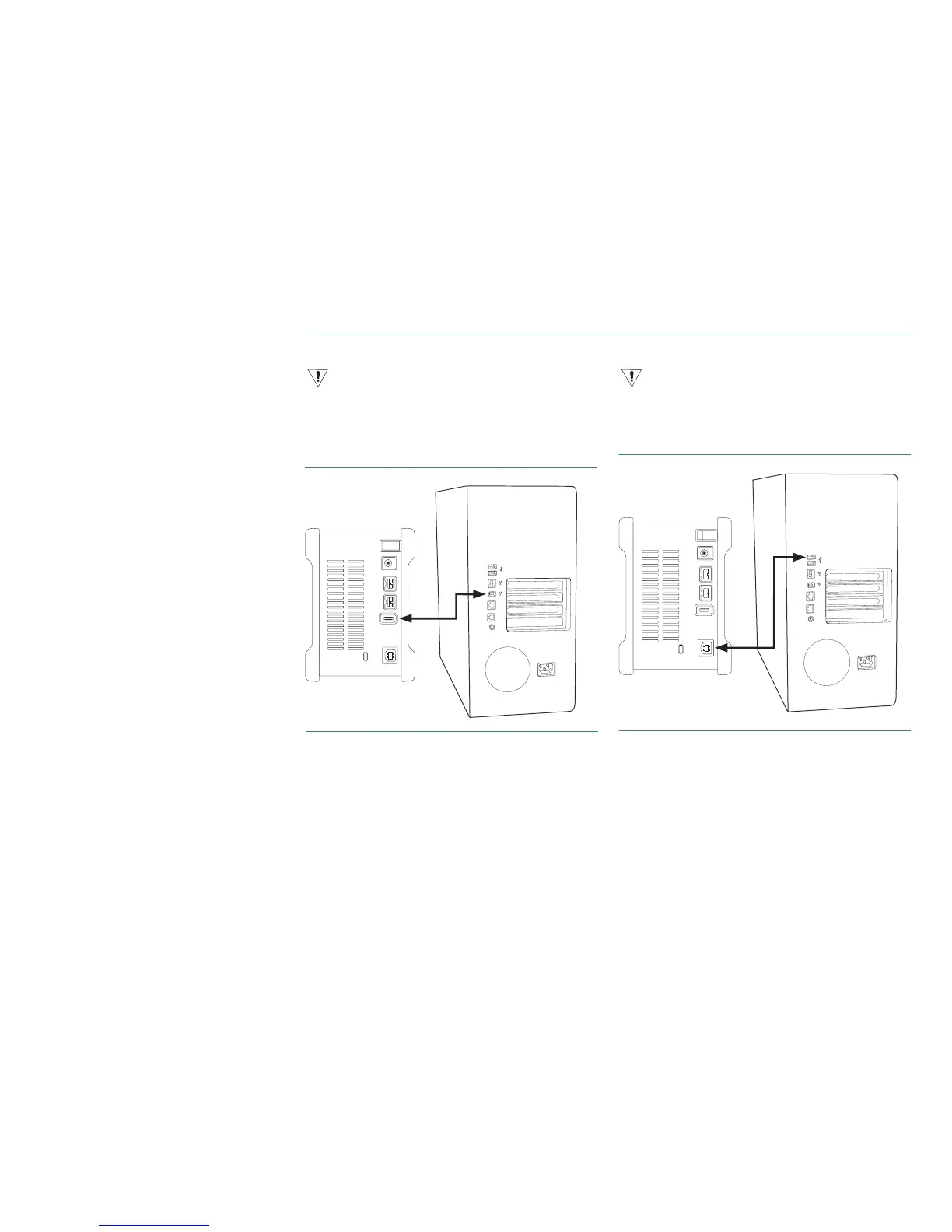
Connecting with a FireWire 400 Cable
Do not plug a FireWire cable into the drive when a USB cable is already connected
to the drive. This drive will only operate with one interface at a time.
1. Plug one end of the FireWire cable into an available
FireWire 400 port on your computer or to any other
FireWire 400 device that is connected to your computer.
FIGURE 5
CONNECTING TO A FIREWIRE 400 PORT
2. Plug the other end of the FireWire 400 cable into the
FireWire 400 port on the back of the drive.
3. Proceed to Step 3 – Setup the Drive.
Connecting with a USB Cable
Do not plug a USB cable into the drive when a FireWire cable is already connected
to the drive. This drive will only operate with one interface at a time.
1. Plug the larger end of the USB cable into an available USB
port on your computer.
FIGURE 6
CONNECTING TO A USB PORT
2. Plug the smaller end of the USB cable into the USB port
on the back of the drive.
3. Proceed to Step 3 – Setup the Drive.






 To Next Page