PAGE 77
MAXTOR ONETOUCH III TURBO EDITION WINDOWS INSTALLATION
Rollback
You can use rollback to undo changes to your computer and
restore its software and settings to a previous state, based on
a date in the past called a “Restore Point.” Think of a restore
point as a snapshot of your system.
It's good to create a restore point if you are about to make a
major change to your system, like installing new software or
making major changes to your computer's settings.
Rolling your computer back to a previous restore point will
not cause you to lose any of your current work, like
documents, email or web browser bookmarks.
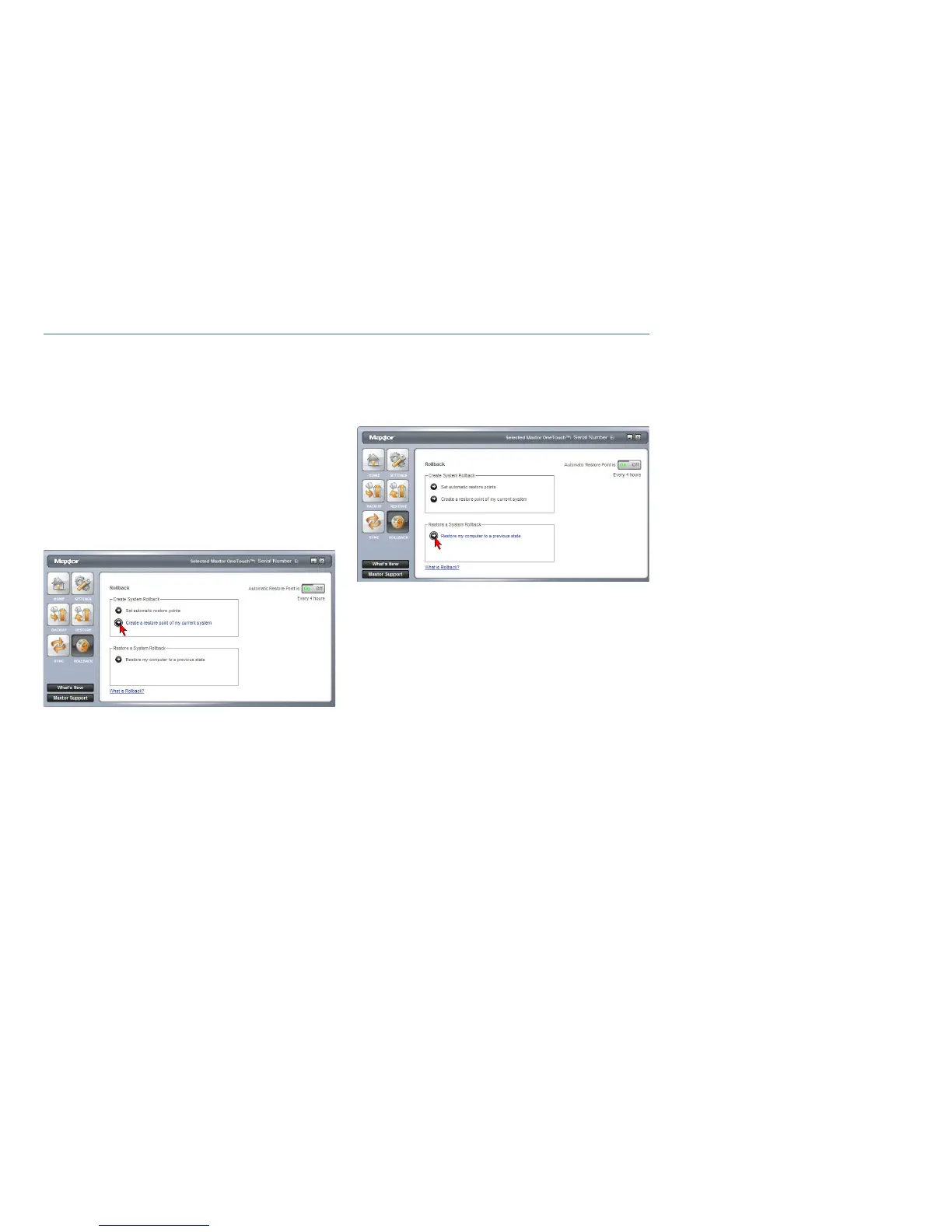
Creating a Restore Point
You may either create a restore point manually or set a
regular time for a restore point to be created automatically.
Rolling Back Your System
You may select a date in the past and a restore point to
restore. During the rollback process, your computer will shut
down. When your computer reboots, the rollback will be
complete.
Undoing a System Rollback
If, after you roll back your system, you decide that you want to
go back to your previous system state, you may undo the roll-
back you just completed.







 To Next Page