User Manual
10
7.Mail
Load Email.
a.Open network connection,
b.In setting the account interface, input the correct email address and password and click next
mobile phone automatically complete the sending and receiving server Settings. Pop-up mail find frequency,
and user Settings interface, complete Settings, click next.
c.For account creation name, the editor of the law that email user name, and click next. Complete
set, synchronous mailbox.
Create and send Email
When creating mails, select mails > create mails. Enter the address(recipient)、theme and contents.
Press MENU you could ‘append’、‘Add Cc/Bcc’, select send or discarded or save as draft.
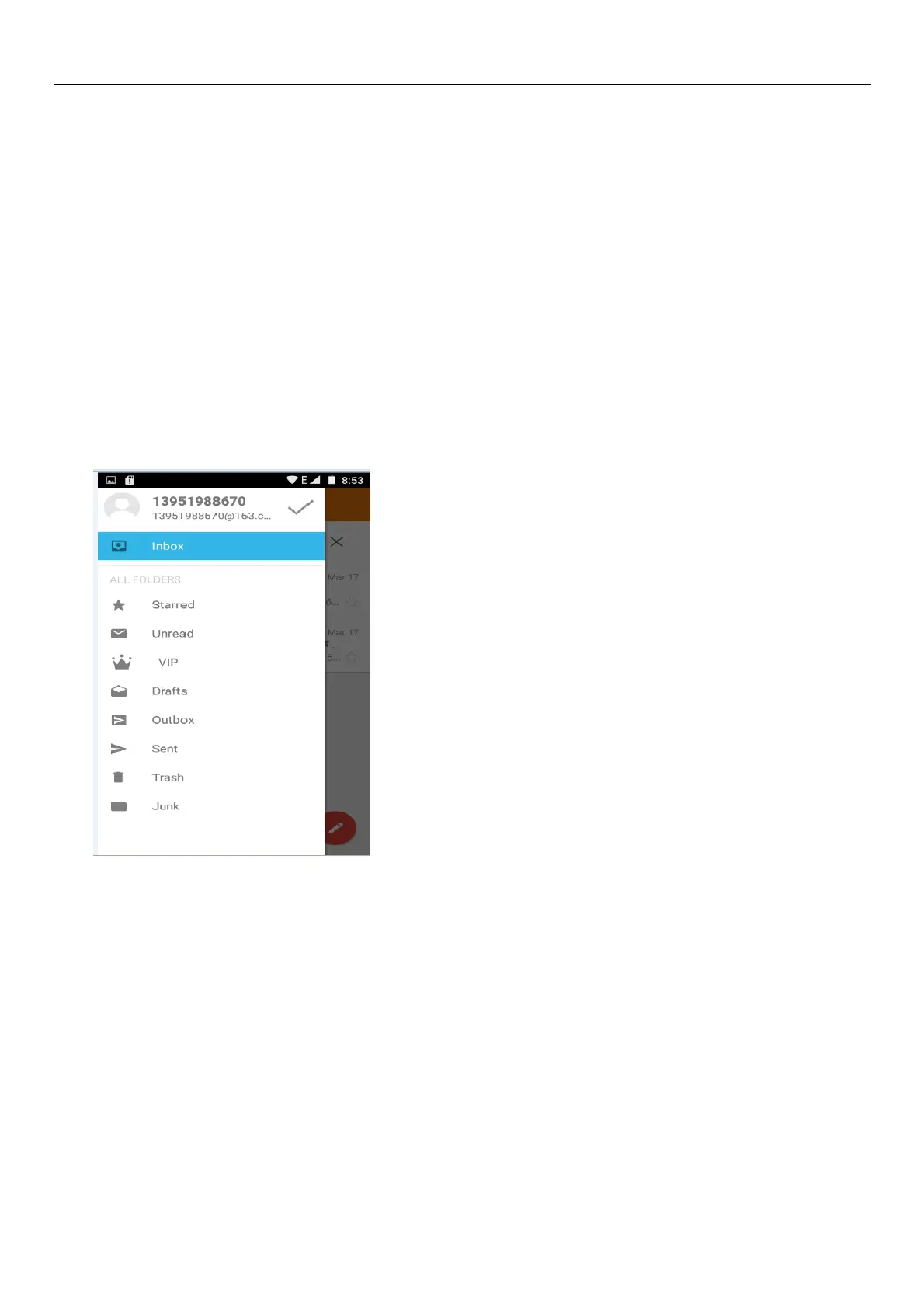
Check the Email files
Click the inbox to the left of the small buttons, list all the folder options
8.Dialling
When the icon of network server appears in the screen, you could dial or receive callings. The signal
bar on the top right corner show the strength of network signal (When the signal with the strongest signal) .
Start dialing
Open application’s main menu>dial >Dial the keyboard. You could choose SIM1 or SIM2 to do the
dialing.



 To Next Page