User Manual
26
13.Clock
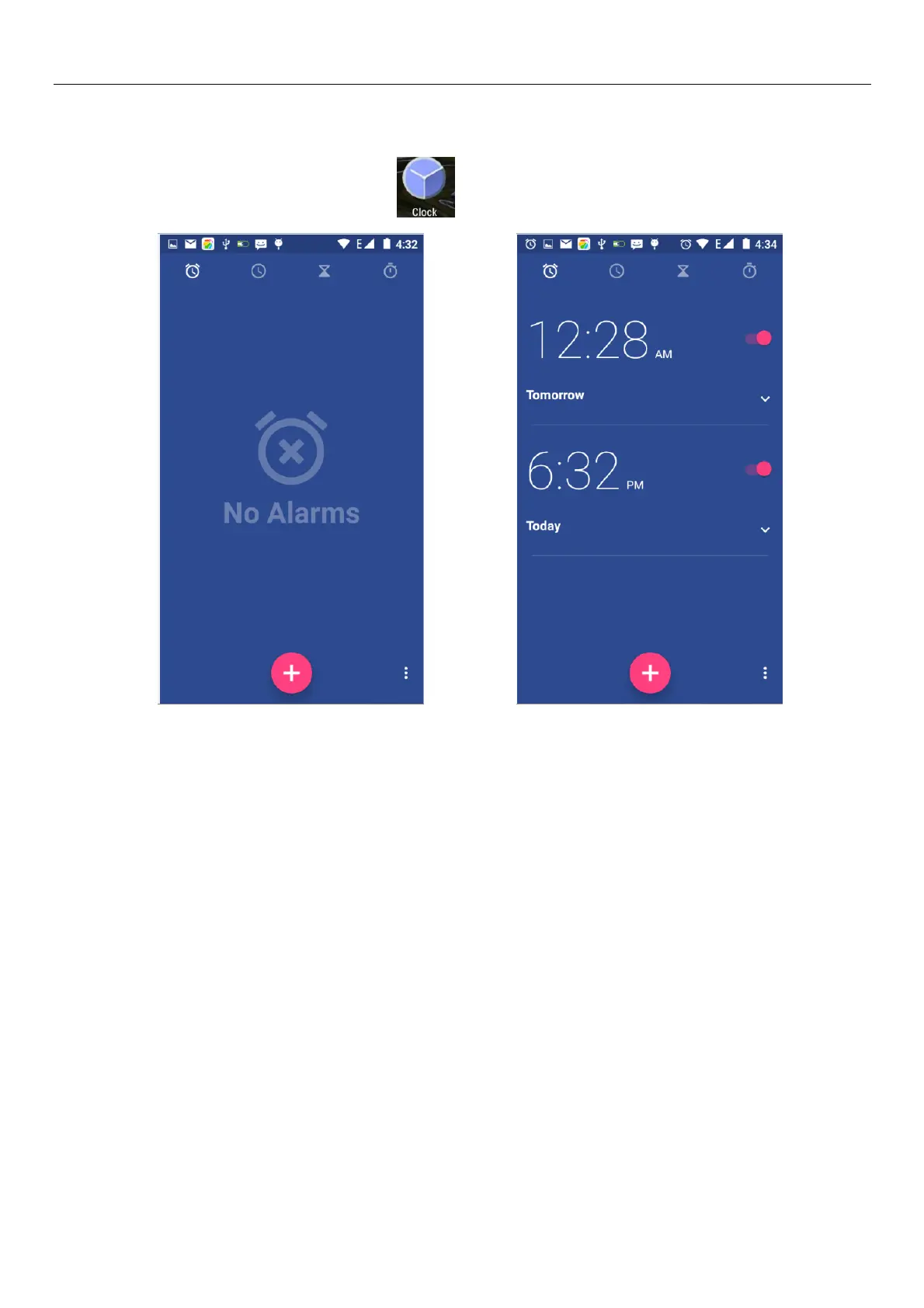
1)Open the menu of application, click , The alarm clock Settings into the interface
Alarm
After functions set,phone will arrives in the setting time to alert you by ringing or vibrating to achieve
it’s function. Press Menu to add alarm,you can also add it from the adding interface. You could set the alarm
according to your needs. In the interface of alarm will show three closed alarms(two alarm clocks are
Monday to Friday 8:30,9:00).
Edit
You can edit the current alarm,you could edit time、ringing tones、vibration、repeat form and tabs.



 To Next Page