User Manual
5
4.Using Memory Card as U Disk
If you want to send music, pictures or other files to the phone’s memory card from the computer,you
should set memory card as u disk first.
Set memory card as u disk
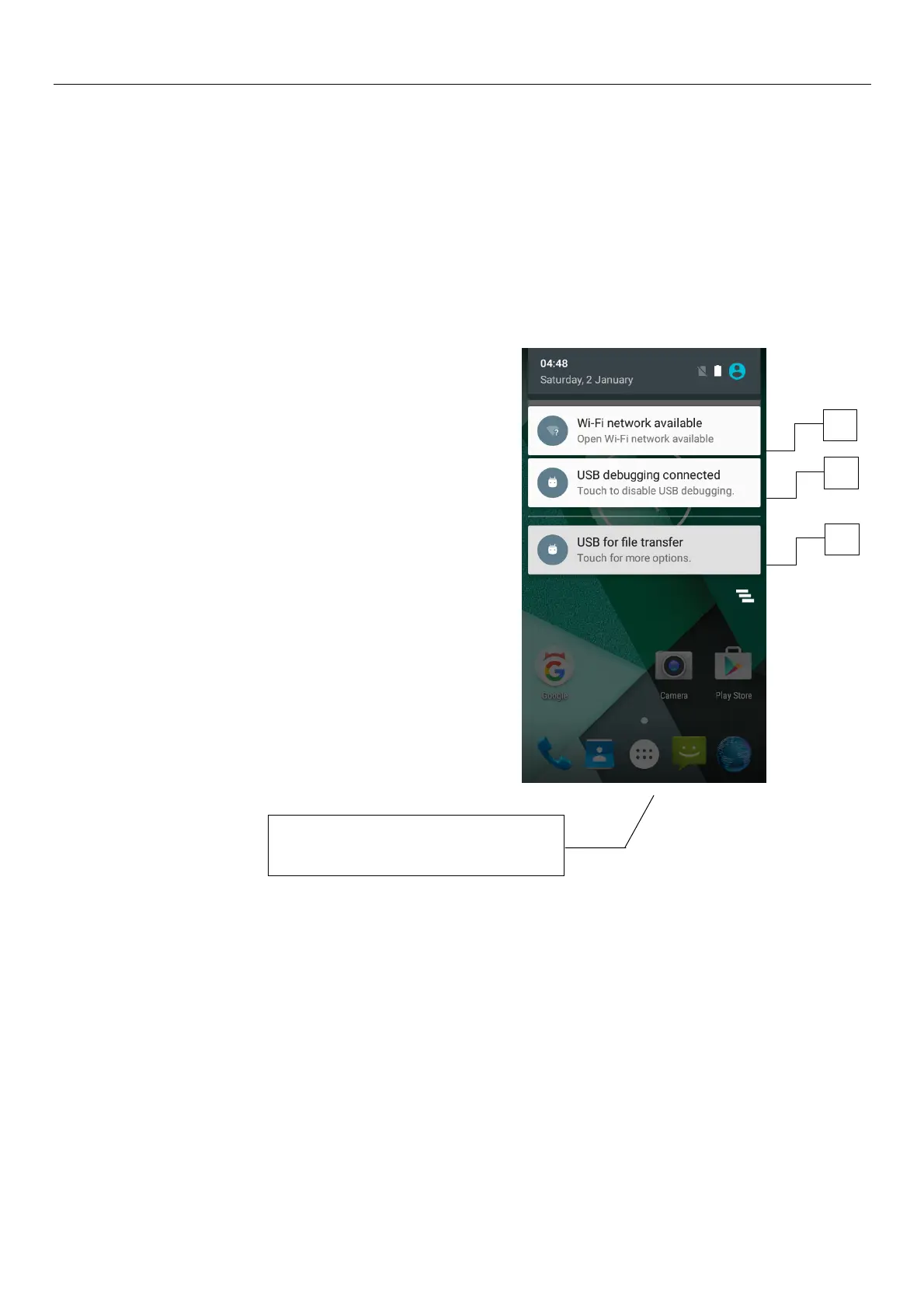
1) Connect the phone to the computer with USB cable. The notification icon will appear in the status
box.
2) Use USB mobile transmission line will connected to the computer
3) In the notification panel, touch USB is connected ,And then touch the USB connected as a media
device
2
3
1
Specific shown in the following
figure (picture 1.2.3.)



 To Next Page