User Manual
23
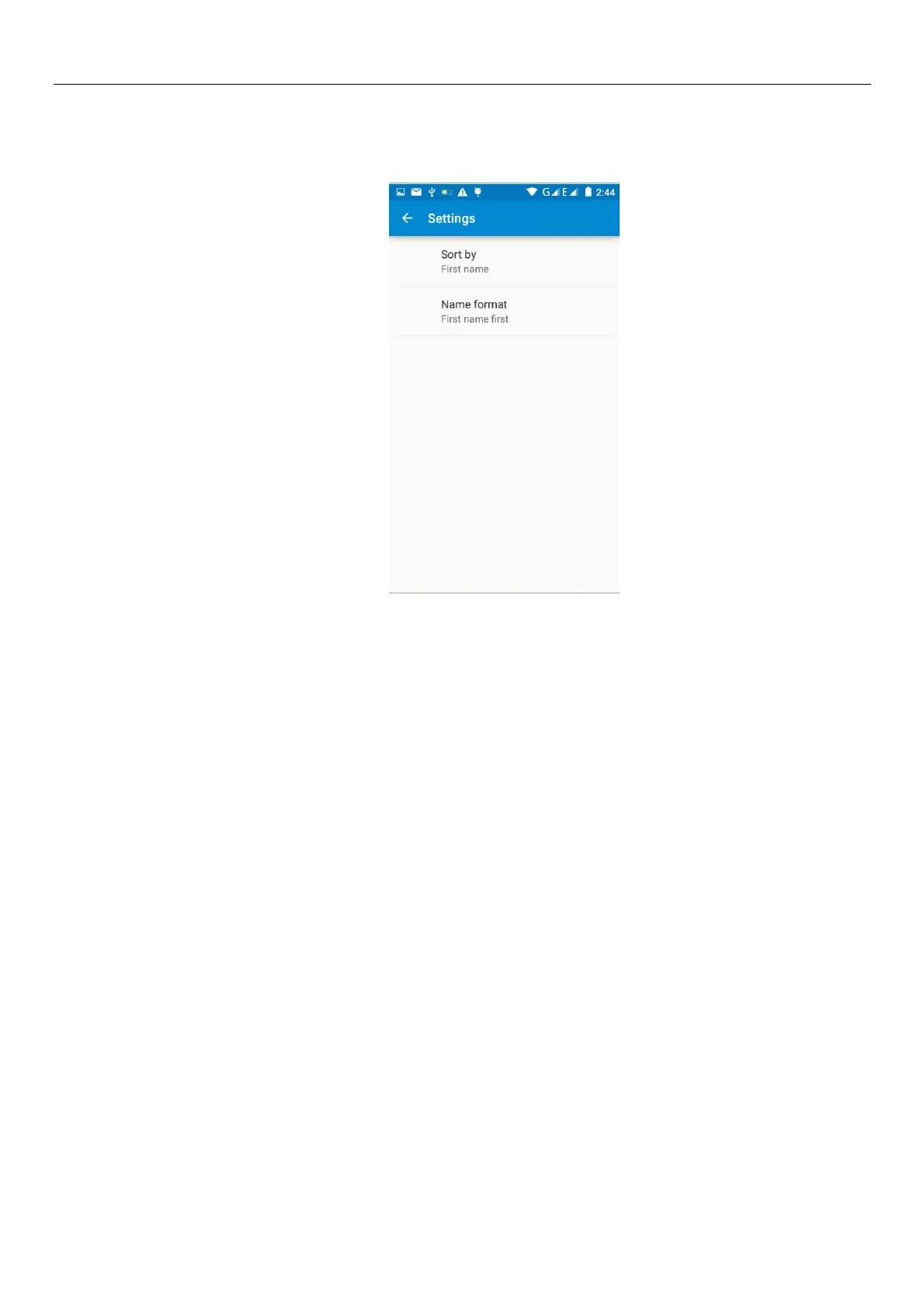
h.Menu >Setings
Can be set up sorting and the format of the name
11. Internet Explorer
Internet explorer
1) In the browser screen, and then touch input url address bar.
2) Using the keyboard input web address. At the same time, in the address you entered is in line with
web address will appear on the screen. You can touch the url directly to the page or continue to enter
url.Homepage
3) the page when browsing the Menu button Menu function
a.Menu >Refresh
Refresh the current browsing web pages
.
b.Menu > Stop
Stop the current in the loading state of a web page
c.Menu >Homepage
If you don't have a set, will use the preset site. The default home page is the page navigation
d.Menu >Save to bookmarks
Will send the address of the current window as a bookmark. Click the bookmark list of bookmarks,
open the bookmark url.



 To Next Page