User Manual
24
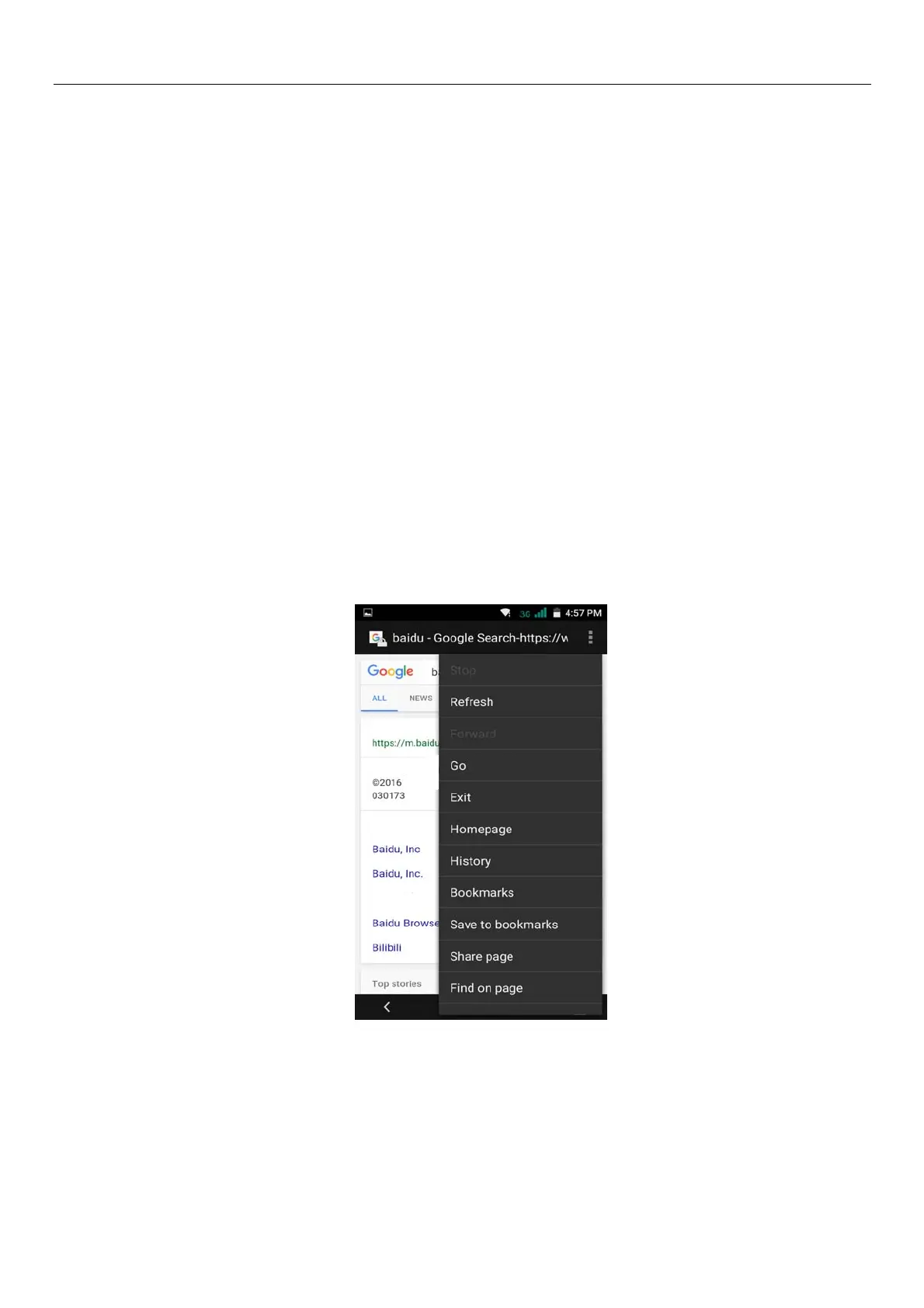
e.Menu > Exit
Exit the browser or minimize the browser.
f.Menu >Save for offine reading
Automatically save the current page and content, in order to browse next time.
g.Menu >Share page
Select the bluetooth, email, SMS or other ways to share the current web page
h.Menu >Find on page
The current visit web pages can be find
i.Menu >Request desktop site
Browse the pages in the form of PC
j.Menu >Bookmarks/History
Switch to the bookmarks/history/save the web interface
k.Menu >Settings
Browser contains a variety of Settings
Browser Settings
1) General, including home page set functions such as below.
2) Privacy & security, including clear historical record, clear the cache, and other functions
3) Accessibility, including size, click operation scale, and other functions.



 To Next Page