User Manual
13
Telephone recording
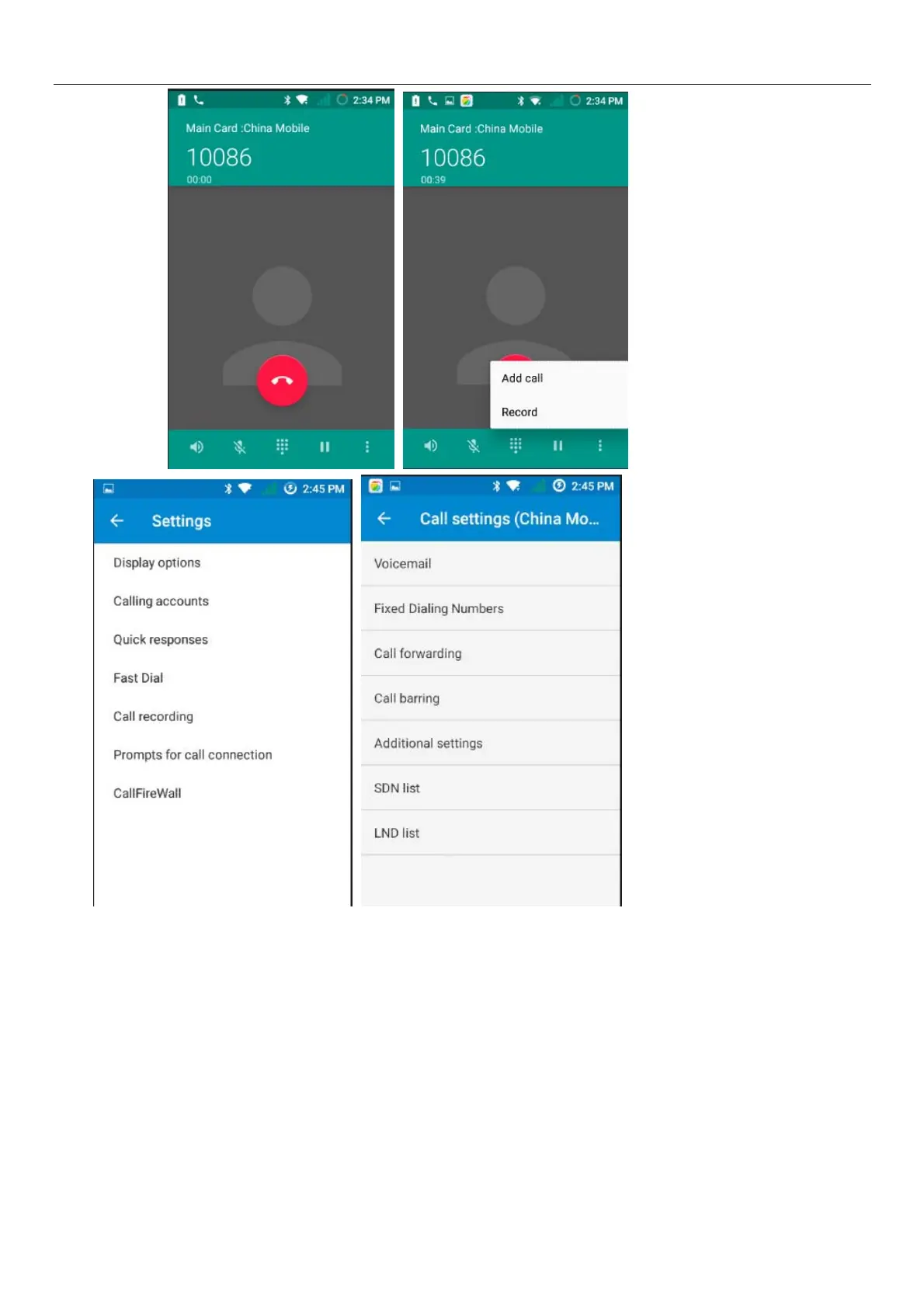
During the call,you could record the dialog of the call.
1)settings>Calling accounts >Call forwarding, set other functions of the call in the dialing settings,for
example:Call Transfer– after all the settings finished and turned on,you could transfer the call to a certain
number.
2)In settings> calling accounts >Additional settings,open “call waiting”.After turned on,you can
receive another call when already exist one,The answering and rejecting functions are just like the ordinary
phone.



 To Next Page