User Manual
28
Under camera viewfinder mode, press Menu,you can switch to video or photos’ gallery.
On the top right of camera viewfinder mode, display the preview of the previous picture. Touch
preview box, the photo display on full screen and you can enlarge it to view details.
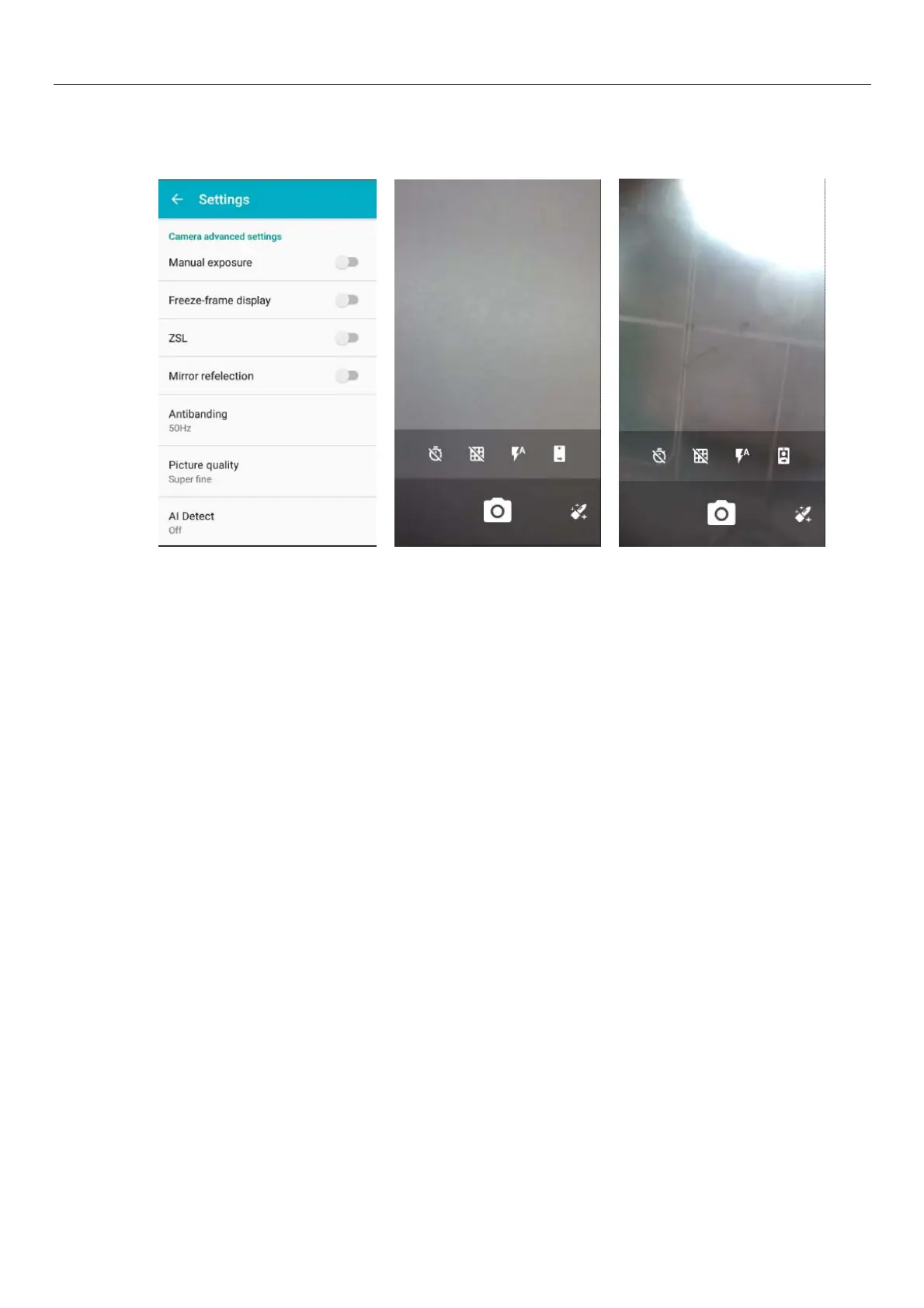
Camera adbanced settings
1) Manual exposure: on , off
2) Freeze-frame display : on , off
3) ZSL: on , off
4) Mirror refelection : on, off
5) Antibanding : 50Hz, 60Hz
6)Picture quality :Super fine, Fine, Normal
7)Al Detect: off, Face-detect, Smile-shutter
8)Color Effect:None,Mono,Neative, Sepia,Cold,Antique
9) Scene modes: Auto, Action, Night, Normal, Portrait, Landscape
10) White balance: Auto, Fluorescent, Incandescent, Cloudy, Sunshine.
11)Burst: 3,6,10,off
12)Contrast:3,2,1,0,-1,-2,-3
13)Brightness:6,5,4,3,2,1,0
14)ISO:Auto,1600,800,400,200,100
15)Volume key function: Volume model, Zoom model, Shooting model
16)Metering: Frame-average, Center-weighted, Spot-metering
17)Saturation:3,2,1,0,-1,-2,-3
18)Restore defaults
15.2 Video camera
Prior preparation
Install memory card before using the camera or video camera. All your photos or videos taken by the
phone are stored in memory card.



 To Next Page