User Manual
30
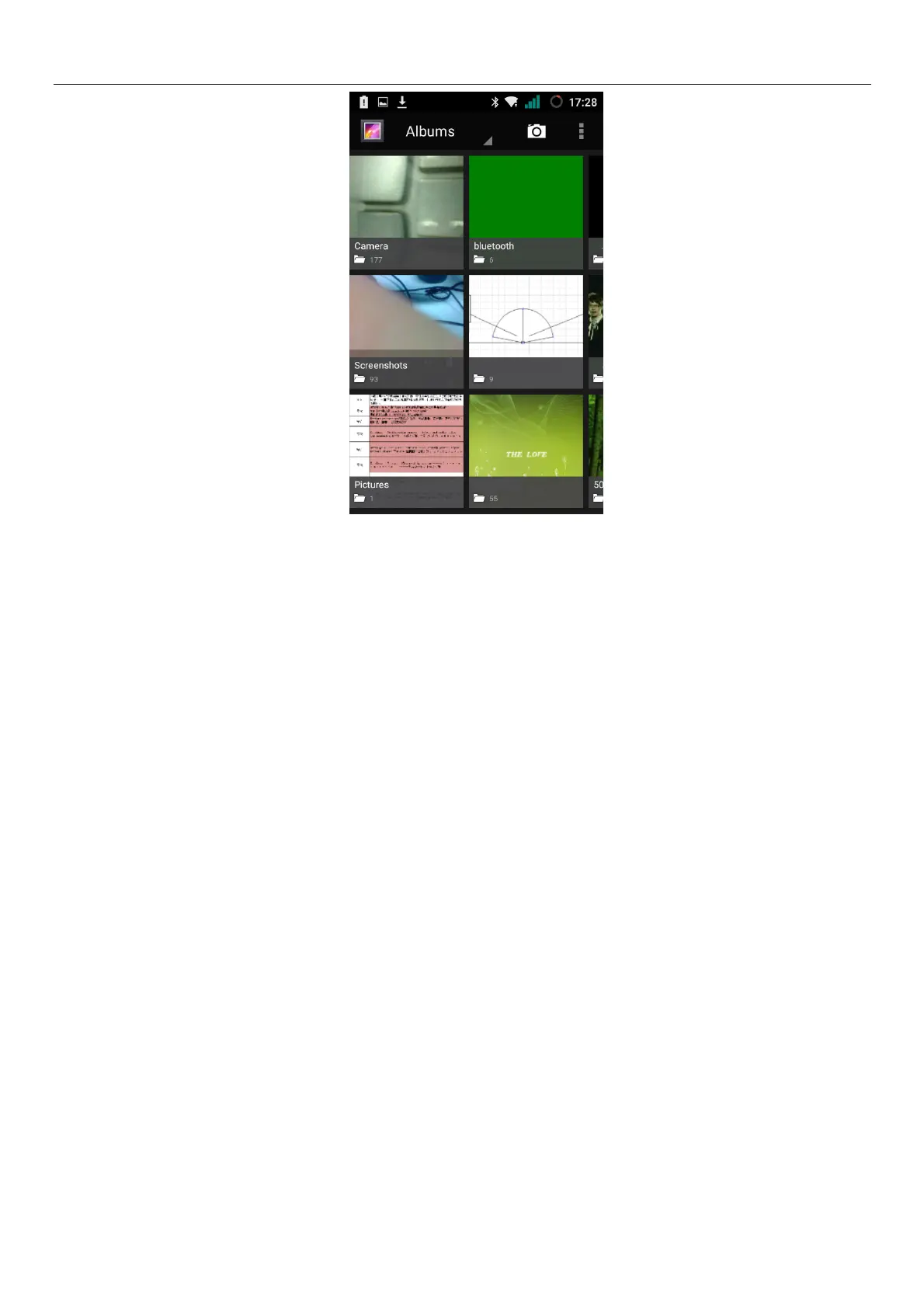
Gallery interface
A. in the gallery main interface, the upper right corner of the camera button, can quickly switch to the
camera application
B. folder tile in the gallery main interface, folder thumbnail displayed on the folder name and the
number of embedded file.
Files Interface
a.In the library the interface, upper right a slide show the play button, click on the way to the slide
circulation play all image files.
b.Click on the images, enter the picture to see interface.
c.Choose a long press image files, pop-up corresponding operation.



 To Next Page