Operation
- 34 -
Depending on the program range,
• an activity is started or
• the next menu item is automatically selected.
Note: The general rule:
If you press Back,
– the activity is cancelled or
– the navigation takes one step back in the menue
4.2 Normal operation
The described normal operation applies to several models
(e. g. SP5 B, SP5 C, SP5 S, SP5 S-M, SP5 S-F, SP5 S-A).
The SP5 B, SP5 S and SP5 S-A models are displayed as
examples in the figures.
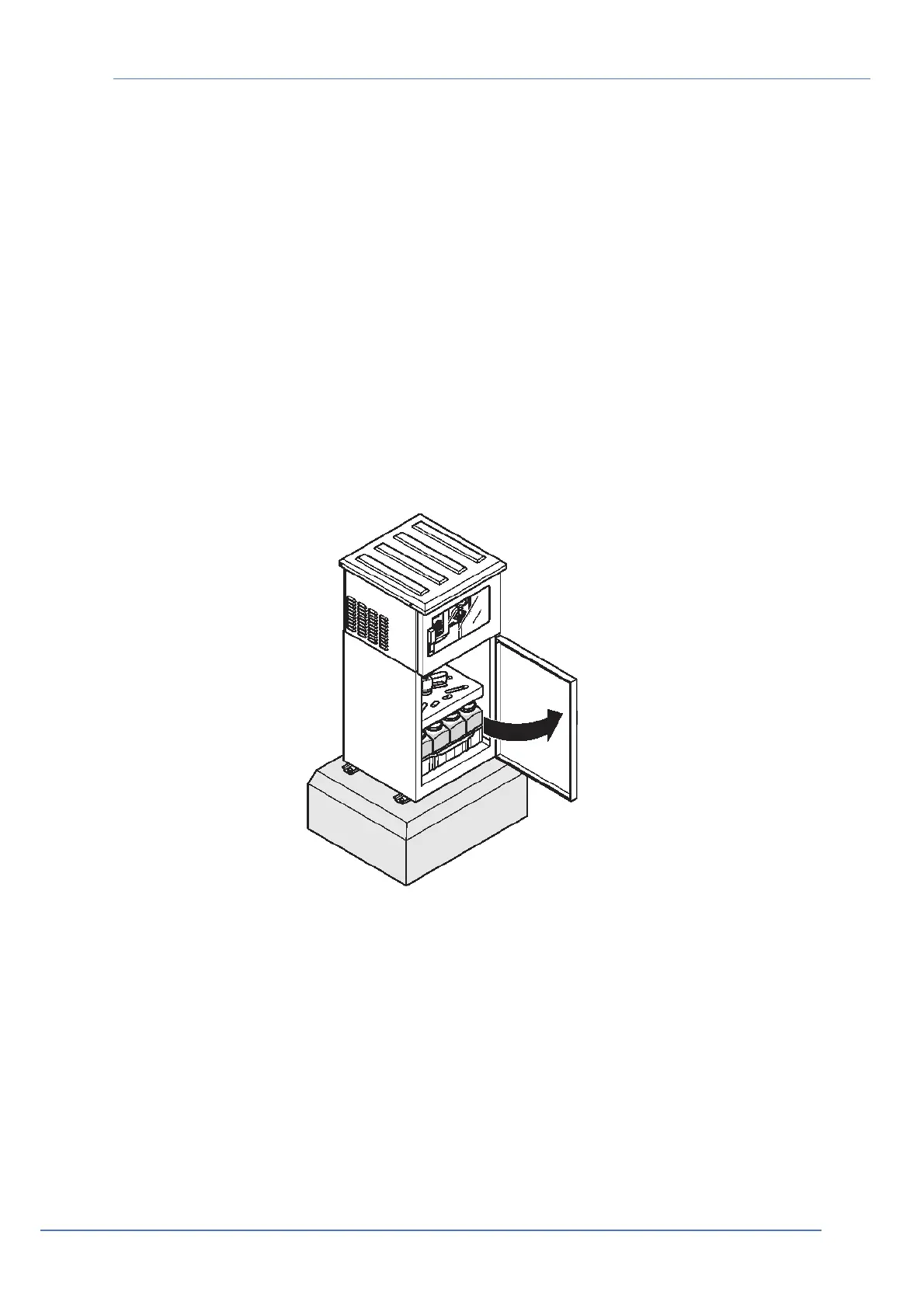
4.2.1 Replace the sample bottles (SP5 B, SP5 C, SP5 S, SP5 S-M, SP5 S-F)
Figure 44 Open the door


 To Next Page