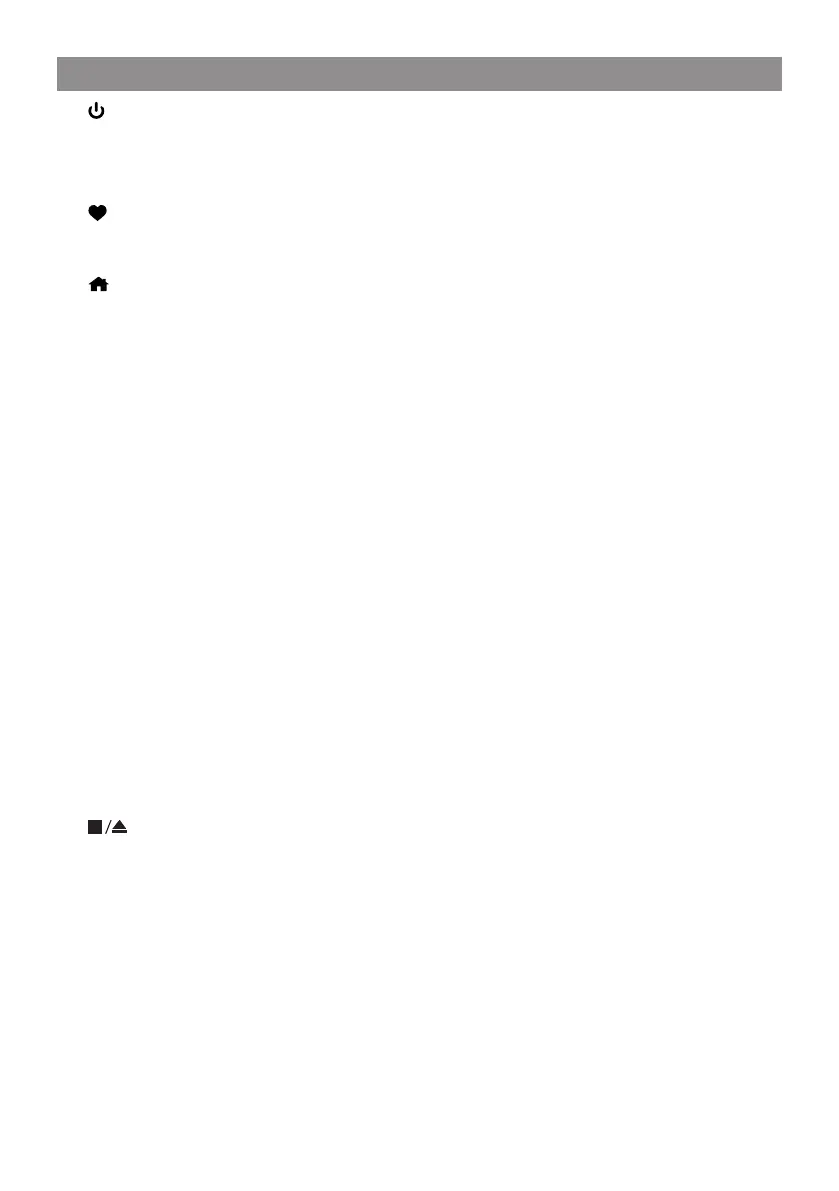
1.
Press and release to Standby / activate the radio
2. Quick preset buttons 1-3
Long press to preset a particular station. Short press to recall the station.
3.
Long press to preset a particular station
Short press to recall the favourite list
4. /EQ
Access Home screen/press this button (or repeatedly depends on the state of
menu) to return to the playing screen. Long press to access EQ setting.
5. ◄
Back to previous menu.
[Internet radio/DAB/FM]
Short press to return to the last level of the menu.
Long press to skip to the previous presets / station
[Media player: UPnP/USB/CD/Micro SD]
Short press to return to the list of media files. Long press to rewind the track.
[BT]
Long press to exit the BT mode.
6. ►
[Internet radio/DAB/FM]
Under the radio playing display, short press repeatedly to view the radio info/
display the big time clock.
Long press to skip to the next station/presets.
Under My Favorite list, short press to enter edit menu
[Media player UPnP/USB/CD/Micro SD]
Long press to fast forwarding.
[BT]:
Long press to disconnect the paired device.
7. (for CD)
Short press to stop the playback of CD. Long press to eject the CD.
8. Scroll / Select
Rotate to scroll along, up/down on the menu
Press in to confirm / Select menu options
[FM]
Rotate the knob to manual tune the FM frequencies.
[Internet radio/DAB]
Rotate to change to next / previous station.
[Media player UPnP/BT/USB/CD/MicroSD]
Rotate to skip to next or previous track.
Press in to pause/play the music
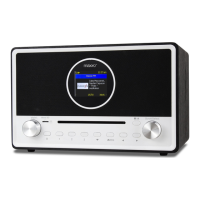
Location of Controls


 To Next Page