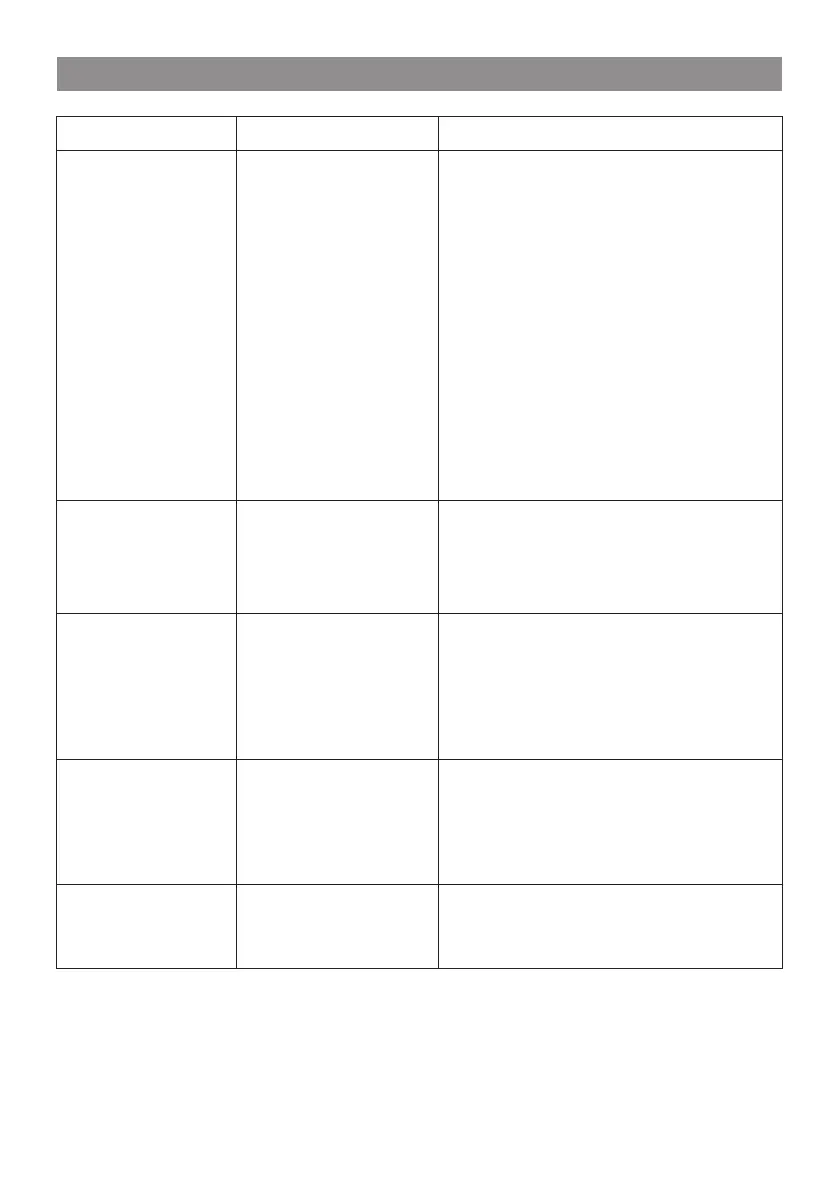
17. Trouble Shooting
Problem
Cause
Solutions
If your radio
can connect to
the network
successfully,
but is unable
to play
particular
stations
• The station is not broadcasting at this
time of the day (remember it may be
located in a different time zone).
• The station has too many people trying
to attach to the radio station server and
the server capacity is not large enough.
• The station has reached the maximum
allowed number of simultaneous
listeners.
• The link on the radio is out of date. The
update of the link is done regularly. To
get the updated list of stations, please
access from Internet radio > Skytune. In
case a particular stream is still not
working, please contact us or report the
case to Skytune
No
DAB/FM
reception
• Please carry out “Reset to default” on
the radio and extend the antenna.
• Move the radio close to the window.
No sound
• Please check that the aerial is extended
for the maximum signal strength and
adjust the direction to improve reception.
• Check that you do not have other
electrical equipment too close to your
radio, causing interference.
• Adjust the volume level of the external
powered speaker.
• Please check if the power of the external
powered speaker is switched on.
DAB/FM radio
reception is poor
CD cannot be
ejected
Choose "Reset CD Door" under
Configuration and select Yes to confirm.

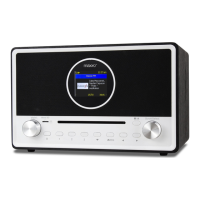

 To Next Page