3
–
7
Before Driving
Keys
NOTE
The system can be set to unlock all
doors by performing a single operation.
Refer to Personalization Features on
page 9-10.
Use the following procedure to change
the setting.
1. Switch the ignition off and close all
of the doors and the trunk lid.
2. Open the driver's door.
3. Within 30 seconds of opening the
driver's door, press and hold the
UNLOCK button on the key for 5
seconds or longer (the sound of
the doors locking/unlocking can be
heard).
After this, the system switches the
setting each time the UNLOCK
button is pressed (the sound of the
doors locking/unlocking can be
heard).
4. The setting change is completed by
doing any one of the following:
Switching the ignition to ACC or
ON.
Closing the driver's door.
Opening the trunk lid.
Not operating the key for 10
seconds.
Pressing any button except the
UNLOCK button on the key.
Pressing a request switch.
(Auto re-lock function)
After unlocking with the key, all doors
will automatically lock if any of the
following operations are not performed
within about 60 seconds. If your
vehicle has a theft-deterrent system,
the hazard warning lights will ash for
conrmation.
The time required for the doors to lock
automatically can be changed.
Refer to Personalization Features on
page 9-10.
A door or the trunk lid is opened.
The ignition is switched to any
position other than off.
(With theft-deterrent system)
When the doors are unlocked by
pressing the unlock button on the key
while the theft-deterrent system is
turned off, the hazard warning lights
will ash twice to indicate that the
system is turned off.
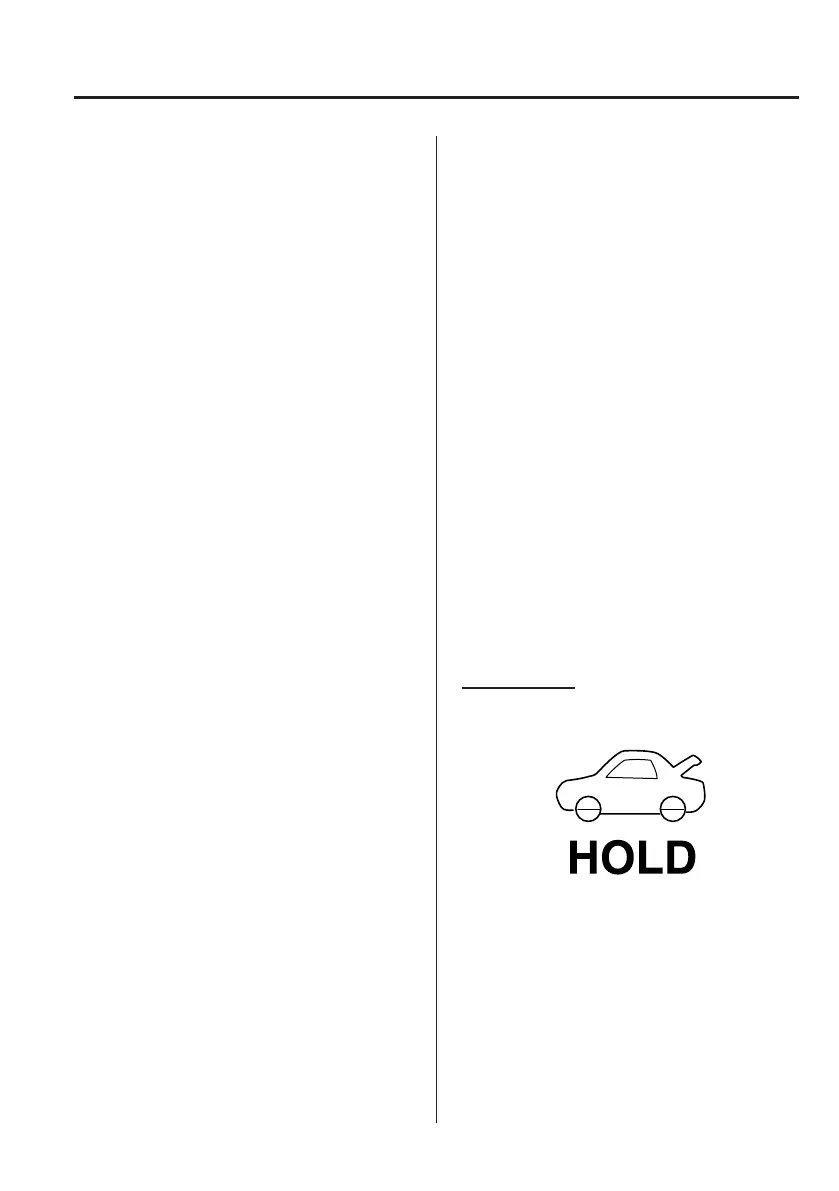
Trunk button
To open the trunk lid, press and hold the
trunk button until the trunk lid opens.
Mazda6_8FH2-EA-16F_Edition1.indb 7 2016/05/10 19:22:46



 To Next Page