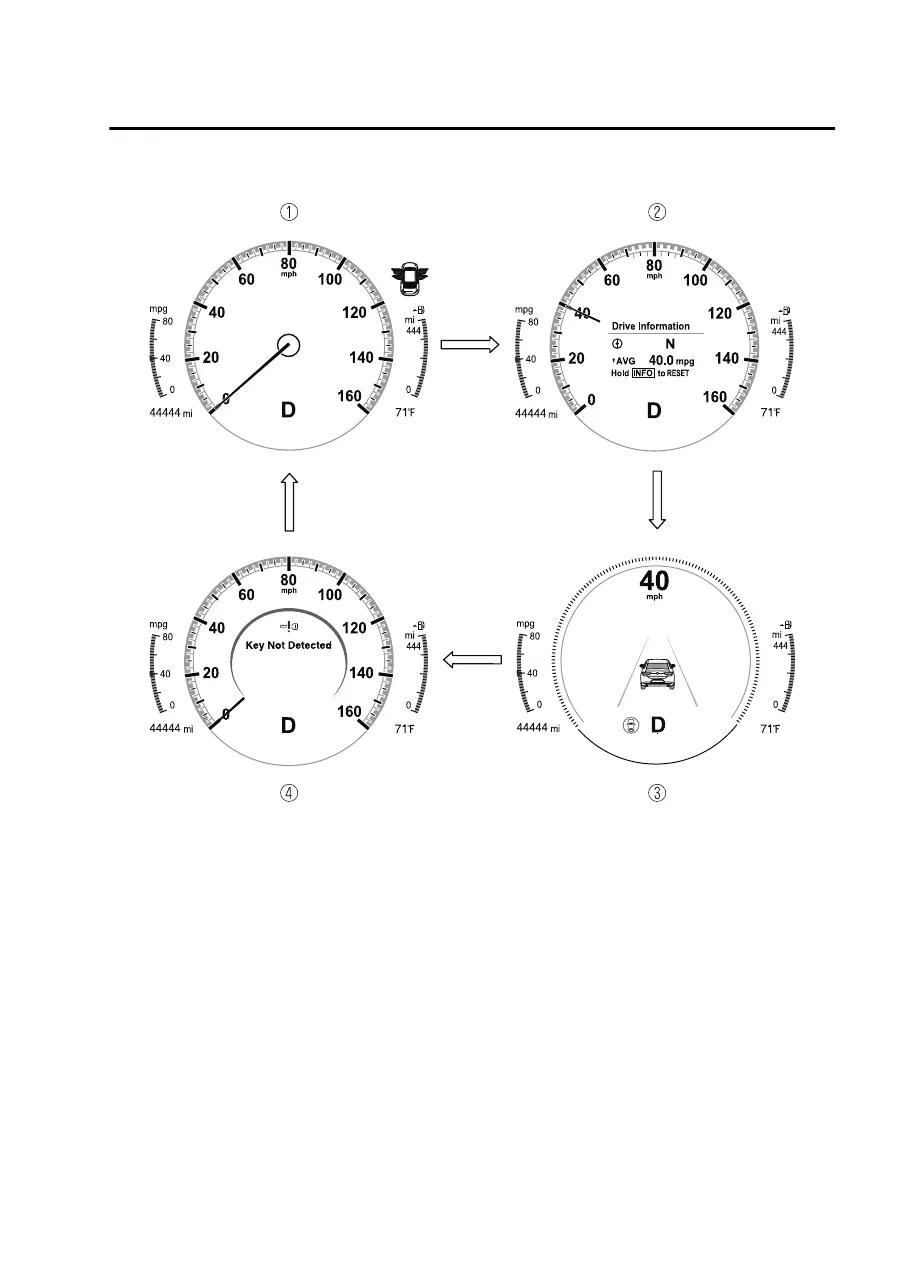
The screen content changes each time the INFO switch is pressed.
1. Basic display
2. Drive information display
3. i-ACTIVSENSE display
4. Message display
*1
*
1 Displayed only when a warning occurs.
The type of display for the fuel economy and the maximum driving distance can be
changed.
Refer to the Settings section in the Mazda Connect Owner's Manual.
When Driving
Instrument Cluster and Display
4-15
CX30_8JP5-EA20K_Edition1_new 2020-7-22 15:50:09



 To Next Page