If the vehicle is stopped by the SBSR
operation and the brake pedal is not
depressed, displaying in meter
“Emergency Braking Activated.
Depress Brake Pedal to Hold Stop”,
after about 2 seconds and the SBSR
brake is automatically released.
Turn o the SBSR system while
pulling a trailer or while an accessory
such as a bicycle carrier is installed to
the rear of the vehicle.
▼
Collision Warning
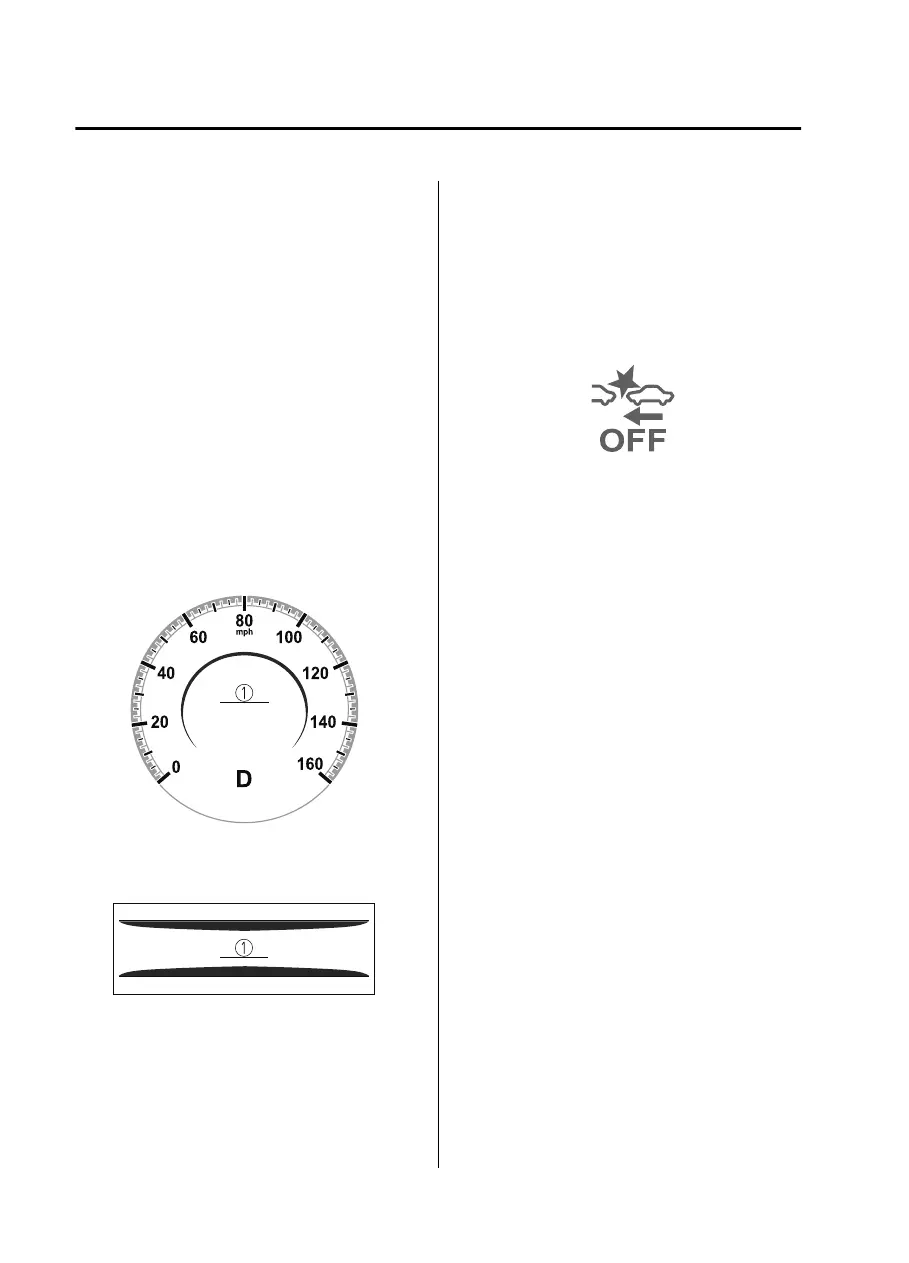
If there is a possibility of a collision, the
collision warning sound is activated
continuously and a warning is
displayed on the active driving display
and the multi-information display.
Multi-information display
1. “BRAKE!” message is displayed
Active driving display
1. “BRAKE!” message is displayed
▼
Stopping the Smart Brake Support
[Rear] (SBSR) System Operation
The SBSR can be changed to
inoperable.
Refer to the Settings section in the
Mazda Connect Owner's Manual.
When the
SBSR
is canceled, the SBS
OFF indicator light turns on.
NOTE
When the SBSR is canceled, the Smart
Brake Support [Rear Crossing]
(SBSRC) is also canceled.
When Driving
i-ACTIVSENSE
4-160
CX30_8JP5-EA20K_Edition1_new 2020-7-22 15:50:09



 To Next Page