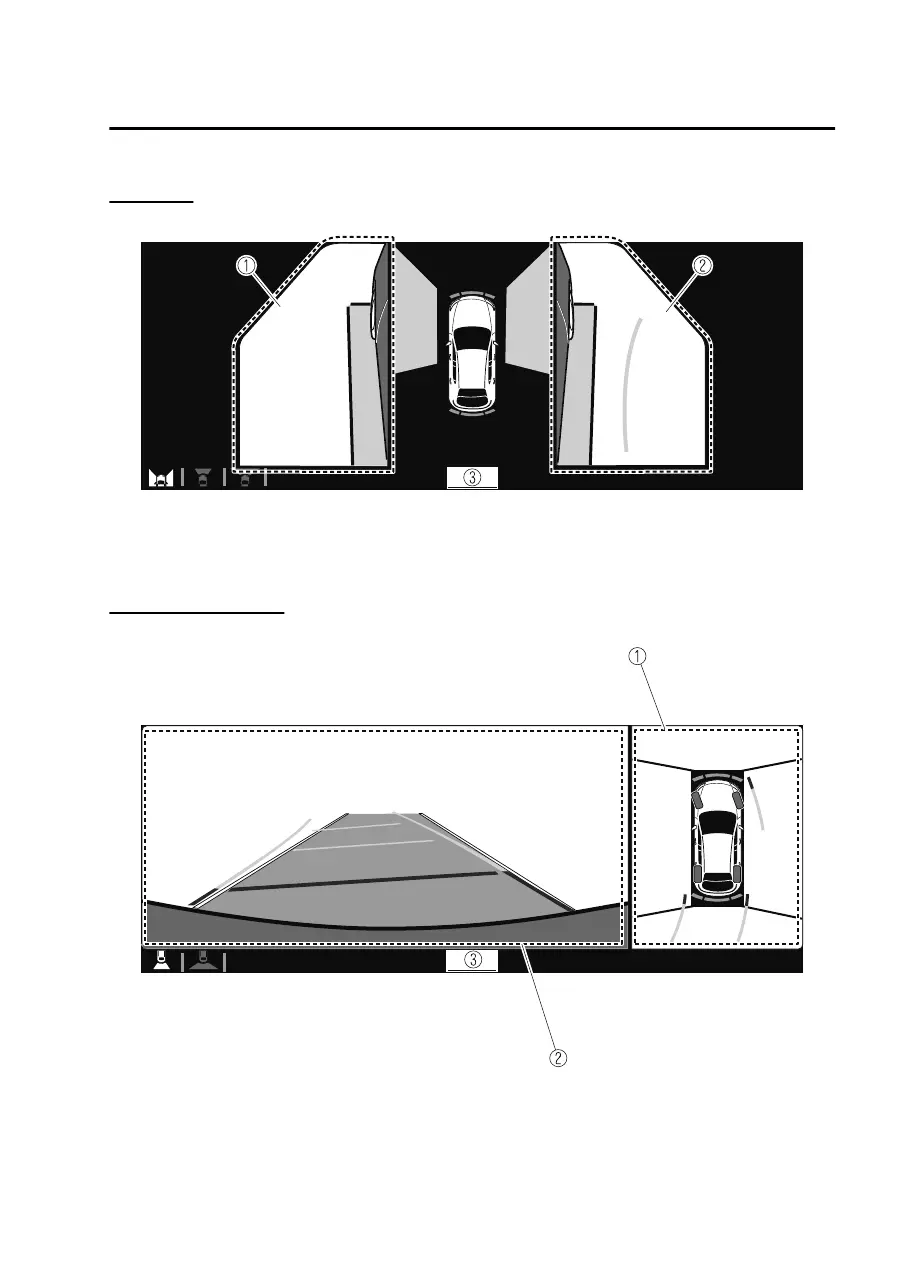
Side view
Displays the image of the left and right sides of the vehicle.
1. Left side view screen
2. Right side view screen
3. “Check surroundings for safety.” message is displayed
Top view/Rear view
Displays the image of the area around the vehicle and the rear of the vehicle.
1. Top view screen
2. Rear view screen
3. “Check surroundings for safety.” message is displayed
When Driving
i-ACTIVSENSE
4-171
CX30_8JP5-EA20K_Edition1_new 2020-7-22 15:50:09



 To Next Page