NOTE
The setting can be changed so that the projected vehicle path lines are not
displayed.
Refer to the Settings section in the Mazda Connect Owner's Manual.
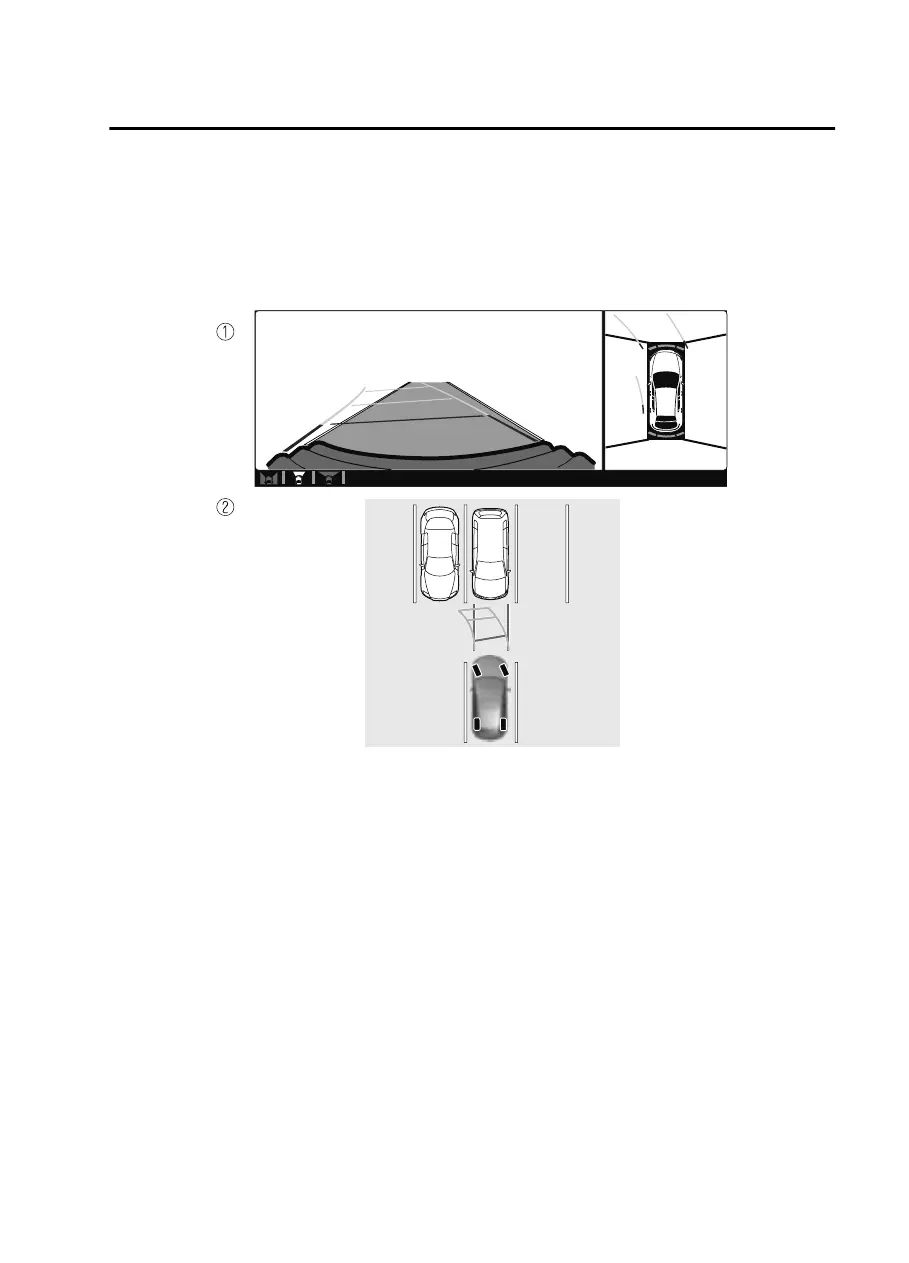
How to use the projected vehicle path line function
1. (Screen display)
2. (Actual condition)
Make sure that there are no obstructions within the projected vehicle path lines.
Drive the vehicle forward while turning the steering wheel so that no obstructions
come within the projected vehicle path lines.
When Driving
i-ACTIVSENSE
4-179
CX30_8JP5-EA20K_Edition1_new 2020-7-22 15:50:09



 To Next Page