33
Before
Use
Getting
started
Routing
● For Character Entry, please refer to page 20.
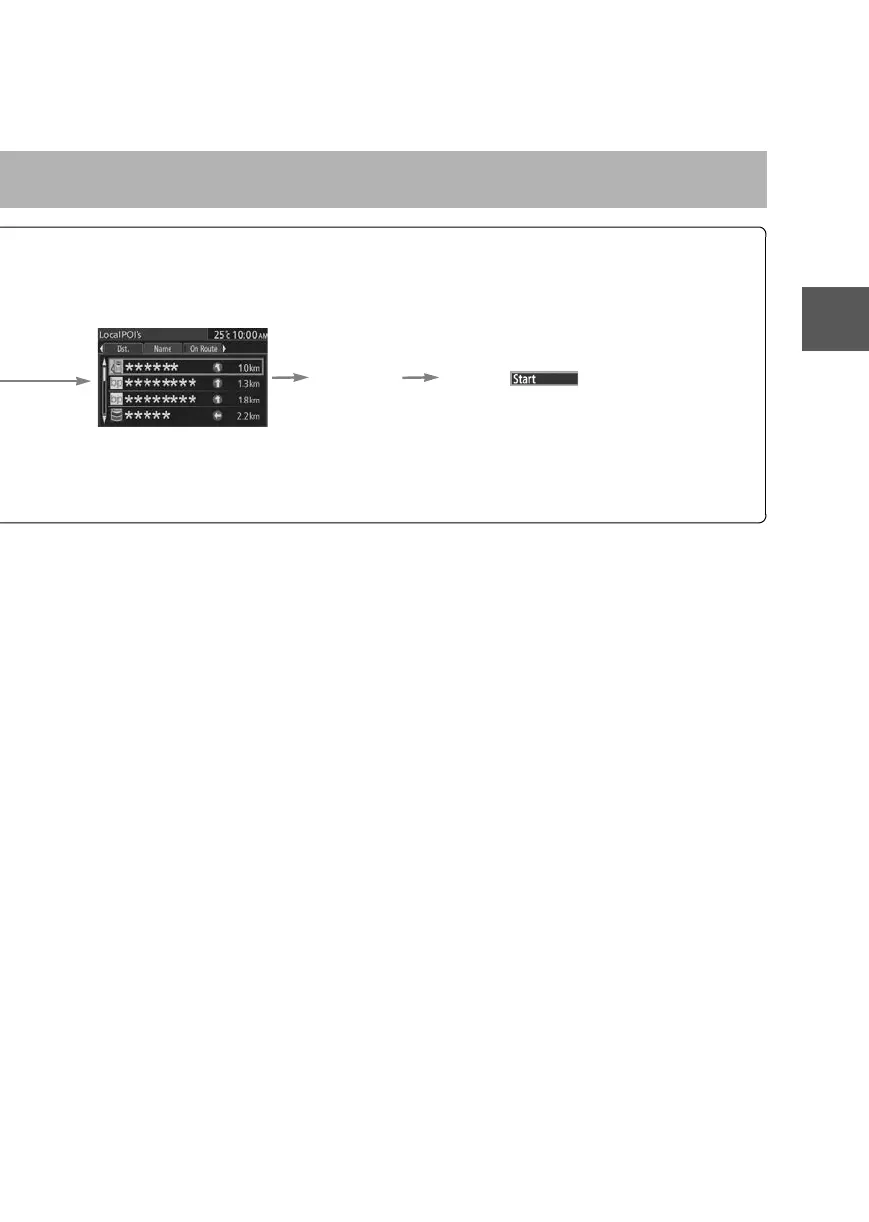
Pressing the left or right switch changes the order of
the POI for each category.
Select the
POI from
the list.
Select
Dist.: POIs around the current location and destination are displayed in order from
the POI closest to the current location.
Name: POI are displayed in alphabetical order.
On Route:Displays the list of the icons along the route to the destination.
0#8687''DQQMࡍࠫ㧞㧜㧝㧝ᐕ㧥㧝㧤ᣣޓᣣᦐᣣޓඦ೨㧥ᤨ㧞㧝ಽ











 To Next Page