40
Before
Use
Getting
started
Getting
started
Editing
Browse Map & Mark
●
You can set the destination browsing around the current position, and memory point registration.
Before Steps
Select
Browse
Map &
Mark
Open the [Browse Map & Mark] Menu
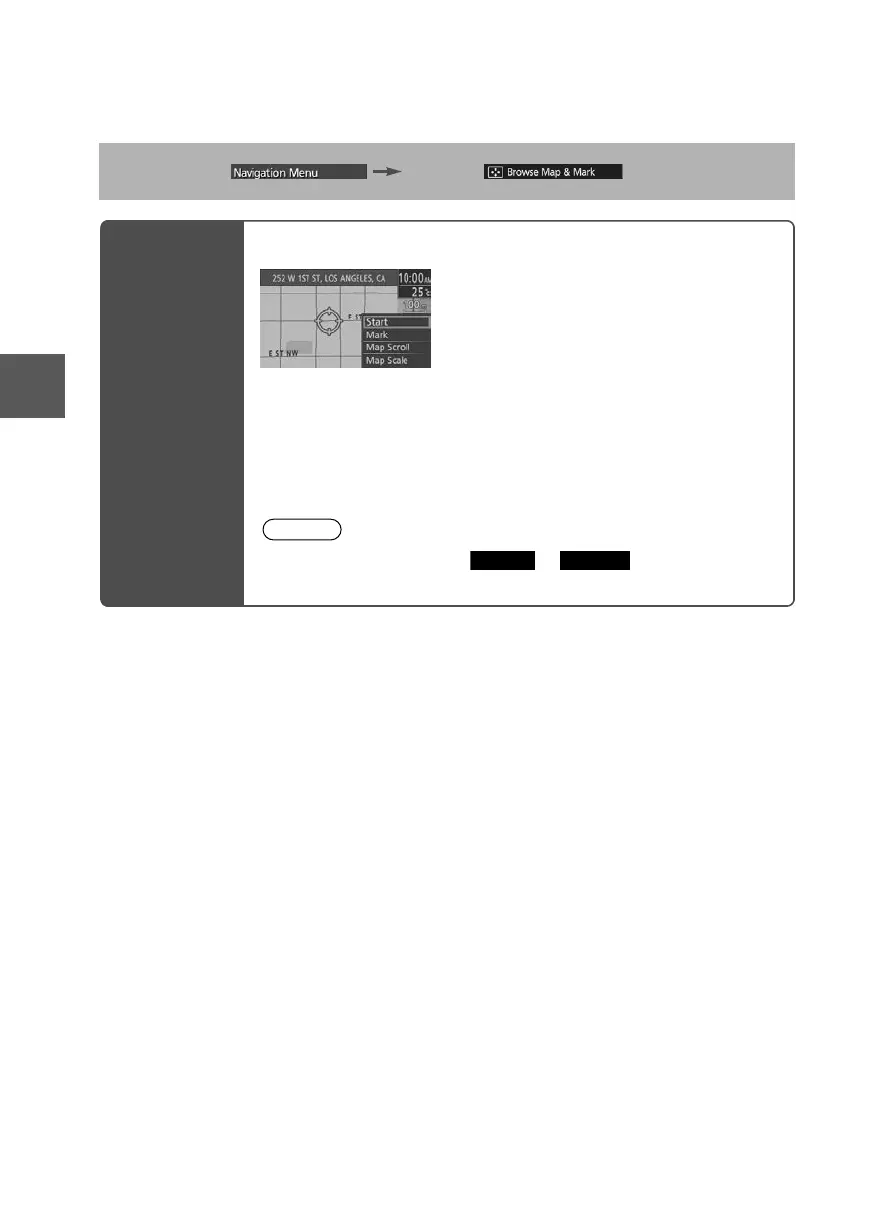
Select the desired place using the cursor and press the Enter switch.
Start: Sets the destination and starts the guidance.
Mark: Registers the center position of the Map screen to the memory
point while in the browse map mode or the Map scroll mode.
Map Scroll: Switches to the map scroll screen.
Map Scale: Switches to the map scale screen.
Note
Once the destination is set, or is displayed for the
following destination settings.
Add to
Replace
0#8687''DQQMࡍࠫ㧞㧜㧝㧝ᐕ㧥㧝㧤ᣣޓᣣᦐᣣޓඦ೨㧥ᤨ㧞㧝ಽ











 To Next Page