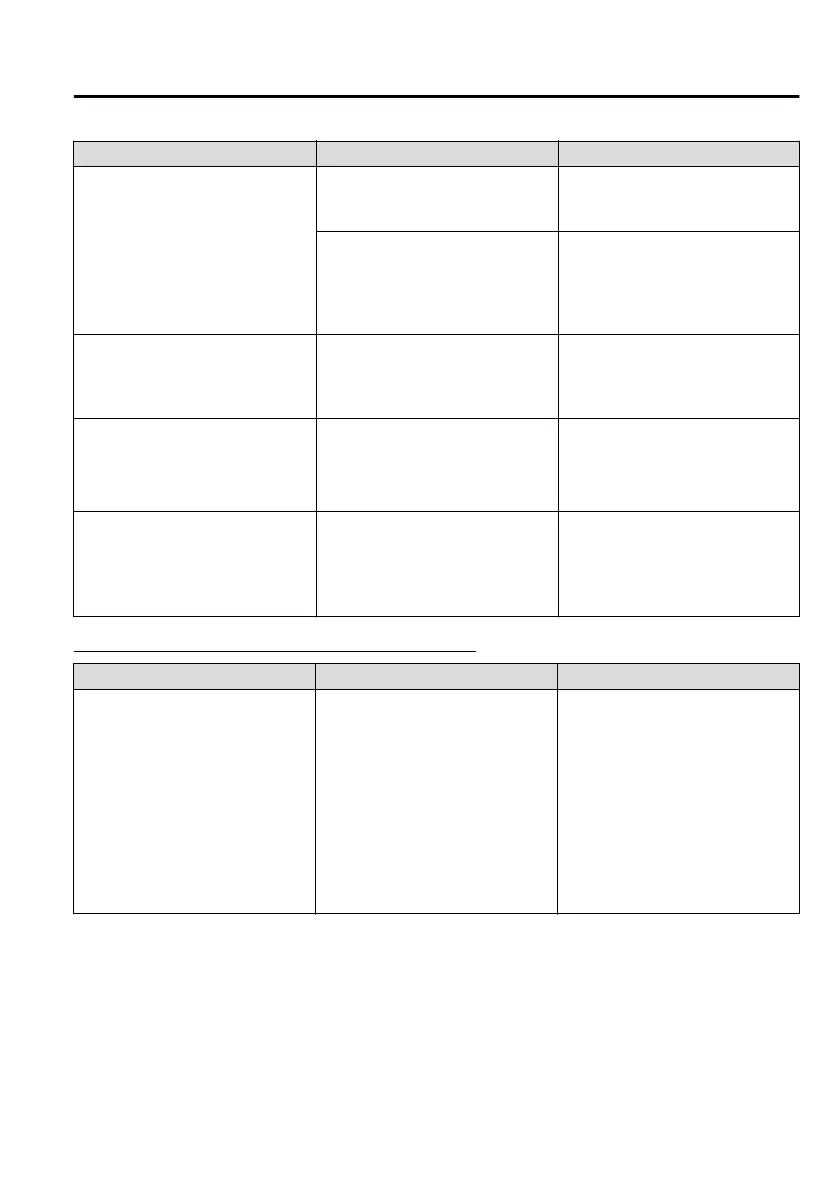
Symptom Cause Solution method
The error message, “Mobile device
error” is displayed after connecting
my Android™ Smartphone to the
USB port.
There is mis-communication be-
tween the vehicle's audio system
and your Android™ Smartphone.
Disconnect the connector cord from
the USB port once and then recon-
nect it.
Your Android™ Smartphone cannot
be paired because another device is
connected via Bluetooth
®
.
Disconnect the other device's Blue-
tooth
®
connection, disconnect the
connector cord of the Android™
Smartphone from the USB terminal
once, and then reconnect it.
The icon of the application I want to
use is not displayed on the home
screen while in Android Auto™
mode.
Only applications compatible with
Android Auto™ are displayed on
the screen.
Contact the application's supplier.
Voice recognition is poor or in-
correct.
Voice recognition responds slow-
ly or it does not work.
―
If you are having difficulty using
the voice recognition, visit the An-
droid Auto™ support site or contact
Google™.
There is a difference in the audio
volume between Bluetooth
®
audio
and Android Auto™.
―
Check the volume of the audio on
the device connected via Blue-
tooth
®
. The volume on some devi-
ces connected via Bluetooth
®
can
be adjusted.
Bluetooth
®
Device pairing, connection problems
Symptom Cause Solution method
Unable to perform pairing ―
Make sure that the Bluetooth
®
de-
vice is compatible with the Blue-
tooth
®
unit, and that Bluetooth
®
and
Find Mode
*1
are on and the airplane
mode is off in the Bluetooth
®
device
setting. Turn off the power of the
Bluetooth
®
device once, then turn it
back on. If pairing is still not possi-
ble after this, contact an expert re-
pairer, we recommend an Author-
ised Mazda Repairer.
Interior Features
Audio Set
5-77
CX-8_8HJ9-EI-19E_Edition2_old 2020-4-15 13:00:04



 To Next Page