Black plate (220,1)
CAUTION
This unit plays files with the (.wma) file
extension as a WMA file. Do not use
the WMA file extension for files other
than WMA files. Otherwise, it could
result in noise or a malfunct ion.
l
Track, artist and album name
information is recorded as data termed
“WMA-Tag”, and this information is
displayable.
l
WMA files written under specifications
other than the indicated specification
may not play normally or files or folder
names may not display correctly.
l
The file extension may not be provided
depending on the computer operating
system, version, software, or settings.
In this case, add the file extension
“.wma” to the end of the file name, and
then write it to the disc.
qOperating Tips for AAC
Advanced Audio Coding (AAC) is
standardised voice compression
established by the ISO
*1
working group
(MPEG). Audio data can be created and
stored at a higher compression ratio than
MP3.
*1 International Organisation for
Standardisation
Playable AAC file specifications
This unit supports playback of AAC files
recorded in CD-R and CD-RW.
Playable AAC files are as follows:
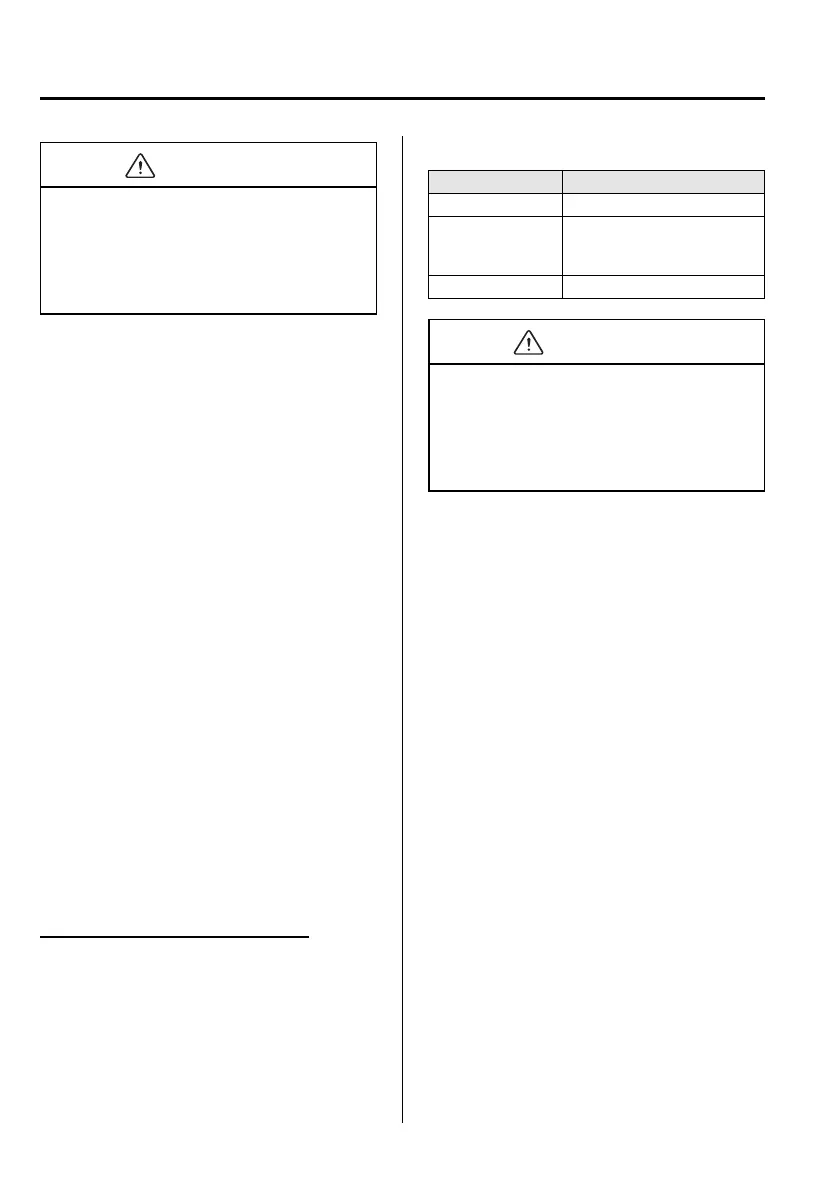
Item Content
Specification MPEG-4 AAC-LC
Sampling rate
8/11.025/12 kHz
16/22.05/24 kHz
32/44.1/48 kHz
Bit rate 24―320 kbps
CAUTION
This unit plays files with the file
extension (.aac/.m4a) as an AAC file.
Do not use the AAC file extension for
files other than AAC files. Otherwise, it
could result in noise or a malfunction.
l
Song, artist, and album name
information in the AAC file is recorded
as data termed
“iTunes, m4a, Meta-Data applicab le”,
and this information is displayable.
l
AAC files written under specifications
other than the indicated specification
may not play normally or files or folder
names may not display correctly.
l
The file extension may not be provided
depending on the computer operating
system, version, software, or settings.
In this case, add the file extension
“.aac/.m4a” to the end of the file name,
then write it to the disc.
6-26
Interior Comfort
Audio System
Mazda5_8DF6-EI-13J_Edition7 Page220
Thursday, March 9 2017 8:35 PM
Form No.8DF6-EI-13J



 To Next Page