EasyManua.ls Logo

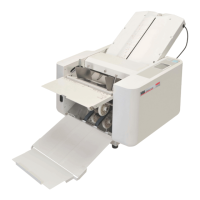
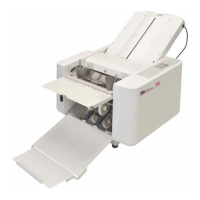
MBM FO0605 - User Manual

MBM FO0605
52 pages
Print Icon
To Next Page IconTo Next Page
Loading...
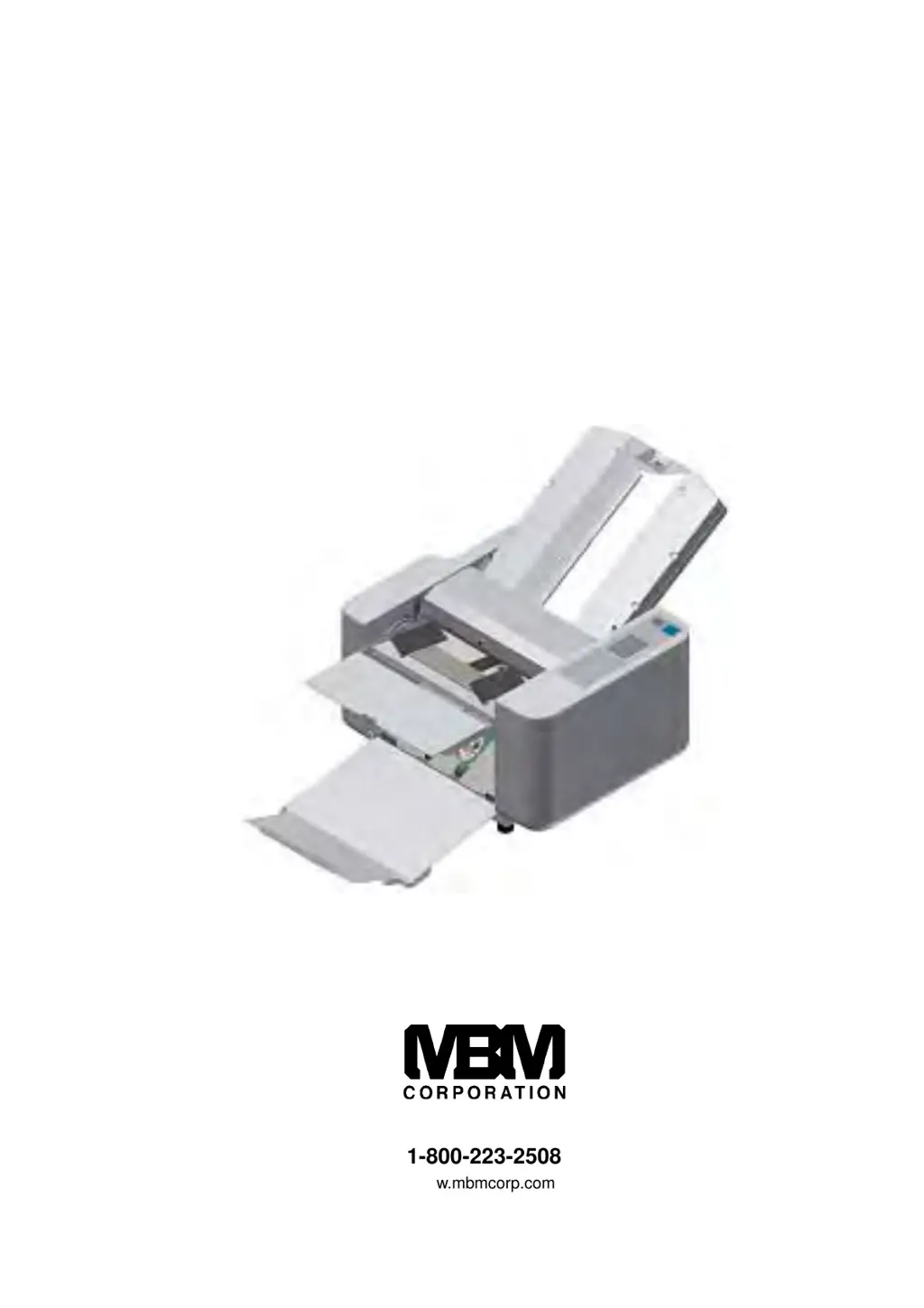
OPERATION MANUAL
MBM 508A
AUTOMATIC FOLDER
1-800-223-2508
www.mbmcorp.com
Rev. 1.01

Table of Contents

Questions and Answers

  • C
    Christopher MendozaAug 11, 2025
    What to do if my MBM Folding Machine is jamming?
    • L
      lacey82Aug 11, 2025
      If your MBM Folding Machine is experiencing paper jams, here are a few things you can try: * First, remove any jammed paper. If a Perforation/Scoring Unit is installed, remove it from the Folding Machine to access the jammed paper. * Next, adjust the mounting location of the roller to ensure the transport rollers grip the perforating/scoring paper on both sides. * Finally, try slowing down the running speed of the machine.
  • G
    Gerald WilsonAug 20, 2025
    How to fix slanting paper in MBM Folding Machines?
    • T
      Tiffany MckenzieAug 21, 2025
      If the paper is slanting in your MBM Folding Machine, try the following: 1. Ensure there is no play in the paper placed between the Paper Guides in the Paper Feed Tray. 2. Adjust the Slant Adjustment Dial. 3. Adjust the mounting location of the Transport Roller to ensure it grips the paper on both sides. 4. Ensure the Perforating/Scoring Unit is firmly re-mounted to the Block Mounting Arm.
  • R
    Rodney HillAug 30, 2025
    How to resolve paper slippage in MBM Folding Machines?
    • D
      Debra King PhDAug 30, 2025
      If your MBM Folding Machine is experiencing paper slippage, you should try replacing the Paper Separator or the Paper Feed Roller.

MBM FO0605 Specifications

General IconGeneral
BrandMBM
ModelFO0605
CategoryFolding Machines
LanguageEnglish

Related product manuals