EasyManua.ls Logo

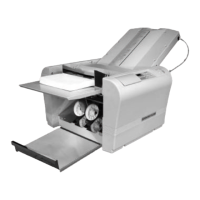
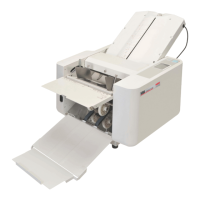
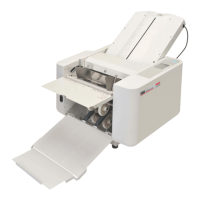
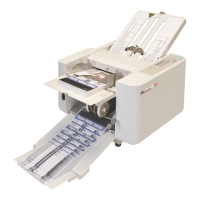
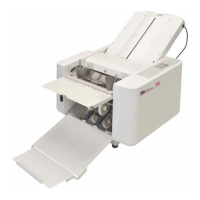
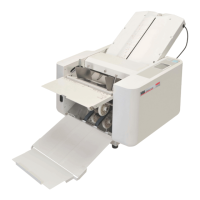
MBM 1800S - User Manual

MBM 1800S
20 pages
Print Icon
To Next Page IconTo Next Page
Loading...
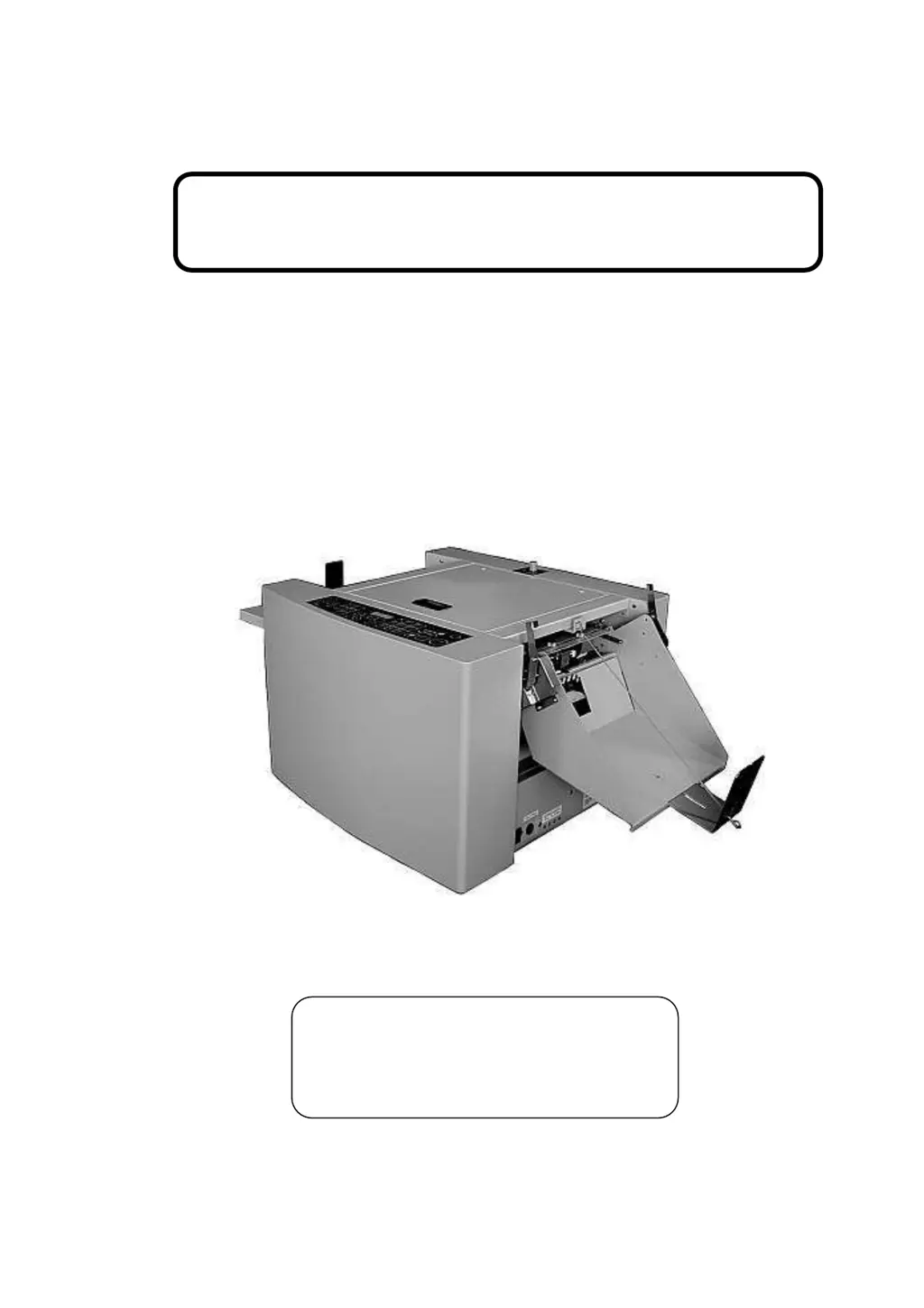
Operation Manual
Perforation/Scoring Unit (Option)
for
Paper Folding Machine
Read this operation manual carefully before
use. Keep this booklet handy for your
reference anytime.
Ver.1-3 (090511)

Other manuals for MBM 1800S

Questions and Answers

  • A
    Amy FrankAug 20, 2025
    How to fix frequent paper jams in my MBM Folding Machines?
    • T
      Timothy CrossAug 20, 2025
      To address frequent paper jams in your MBM Folding Machine: * Ensure the Paper Feed Table is square against the Machine Front Stopper Wall by using the Skew Adjustment Knob. * Make sure the paper's side edge is square against the Machine Front Stopper Wall, also using the Skew Adjustment Knob. Alternatively, use squarely cut paper. * Remove any torn paper chips from the paper path. * Clean both the Paper Folding Roller and the Paper Feeding Roller. * If excessive static electricity is present, apply a static electricity remover.
  • A
    Andrea MccoyAug 21, 2025
    How to resolve frequent paper ejection jams in MBM 1800S?
    • B
      Beverly ReynoldsAug 21, 2025
      To address frequent paper ejection jams in your MBM Folding Machine: * Relocate the Ejection Roller to a position suitable for the paper size being used. * Remove folded paper from the Ejection Table if it is full.
  • P
    Paula LongAug 25, 2025
    Why MBM 1800S power does not turn on?
    • J
      Jeremy KaneAug 25, 2025
      To resolve the issue of your MBM Folding Machine not powering on, even when the power switch is on: * Ensure the power cable is firmly connected to the electric supply. * Reset the circuit breaker if it has been activated. * If there is a contact failure of the noise filter, firmly plug in the Noise Filter Plug. * Ensure the connector is firmly plugged in for the Control PCB or DC Power Supply. * If these steps don't work, you may need to replace the Power Switch, the DC Power Supply Unit, or the Control PCB.
  • A
    Anthony CohenAug 26, 2025
    How to stop MBM 1800S from frequently slipping sheets?
    • J
      John ReynoldsAug 26, 2025
      If your MBM Folding Machine is frequently experiencing sheet slippage: * Clean the Paper Feed Belt or Paper Feed Roller if they are covered with paper dust or dirty ink. * Replace the Paper Feed Belt if it is worn out. * Ensure you are using paper within the machine's specifications. * Clean the Separator if it is dirty. * Adjust the Separator position to ensure a 0.5mm gap between the Separator and Paper Feed Belt, using a feeler gauge.
  • C
    Carla MontoyaAug 28, 2025
    How to adjust folding position on MBM 1800S Folding Machines?
    • R
      Robert AndrewsAug 28, 2025
      To correct inadequate folding positions on your MBM Folding Machine: * Adjust the Table 1 Stopper and/or Table 2 Stopper position for fine adjustment. * Maintain a consistent folding speed throughout each folding process. * Clean the Folding Roller.
  • M
    Mr. Shane HuntAug 30, 2025
    What to do if MBM Folding Machines frequently double feed sheets?
    • J
      Joseph SmithAug 30, 2025
      To resolve the issue of frequent double feeds in your MBM Folding Machine: * Replace both Separators simultaneously if the current one is worn out. * Clean the Separator. * Fan out the paper to ensure good separation and then set it on the Paper Feed Table again. * Use paper that is within the specified machine specifications. * Lower the Paper Height Sensor if the top paper, separated by blow air, is floating too close to the Paper Feed Belt. * Reduce the blow air used for paper separation.
  • L
    lpadillaAug 31, 2025
    Why is folded paper wrinkling in my MBM 1800S?
    • M
      Meghan CollinsAug 31, 2025
      To address the issue of folded paper wrinkling in your MBM Folding Machine: * Remove any paper torn chips sticking to the surface of the Folding Roller. * Clean the Folding Roller. * If the paper grain is set in landscape direction or a softer grain paper is used, try using a slower speed. * Ensure you are using paper within the machine's specifications.
  • J
    Jennifer SchwartzSep 3, 2025
    What to do if paper bends unexpectedly in MBM 1800S Folding Machines?
    • J
      Jacob ScottSep 3, 2025
      To resolve the issue of paper bending unexpectedly or not feeding when the START Key is pressed on your MBM Folding Machine: * Manually correct excessive warp of the paper. * Adjust the Table 1 Stopper or Table 2 Stopper position to ensure proper folding position. * Reset Table 1 and/or Table 2 to their proper positions. * Ensure there is paper on the Paper Feed Table and that the table is lifted to the correct position.
  • C
    Caitlin ValentineSep 5, 2025
    Why is the stopper plate not moving on my MBM Folding Machines?
    • J
      James JensenSep 5, 2025
      To address the issue of the Stopper Plate not moving on your MBM Folding Machine: * Ensure the Connector Plug of Table 2 is firmly plugged in. * Remove any paper jam inside Table 1 or 2 by taking the table out of the machine. * Clean the photo sensor. * If these steps do not solve the issue, you may need to replace the motor of Table 1 or 2, or the Control PCB.
  • B
    briansmithSep 6, 2025
    Why does my MBM 1800S Folding Machines eject paper but not feed in?
    • M
      monica49Sep 6, 2025
      If your MBM Folding Machine ejects paper but no paper is fed in: * Clean the ejection photo sensor if it is dirty. * If the problem persists, the Control PCB may be out of order and require replacement.

Summary

Name of Parts

Perforating Unit

Identifies key components of the Perforating Unit, including its mounting arm and fixing lever.

Preparation before use

Remove Folding and Ejection Tables

Steps to remove existing tables before installing the new unit.

Install Perforating;Scoring Unit

Guide on how to physically install the Perforating/Scoring Unit into the machine.

Install Control Wire and Mounting Plate

Instructions for connecting the control wire and mounting plate.

How to use

Setting Perforating Block

Instructions for installing and adjusting the Perforating Block, including rollers and blade.

Trial Perforation

Procedure for testing the perforating function to ensure it meets desired settings.

Fine Adjustment of Perforating Line

Details on adjusting the location and angle of the perforation line.

Perforation, continuous

Guide on performing continuous perforations on multiple sheets.

Replacing Perforating Blade

Step-by-step instructions for safely replacing the perforating blade unit.

Setting Scoring Block

Instructions for installing and adjusting the Scoring Block and its depth.

Trial Scoring

Procedure for testing the scoring function to ensure it meets desired settings.

Fine Adjustment of Scoring Line

Methods for adjusting the scoring line's location and depth.

Scoring, continuous

Guide on performing continuous scoring on multiple sheets.

Adding 2 nd Perforating or Scoring Unit

Exchanging Perforation Unit to Scoring Unit

Replacing Transport Rubber Ring

Troubleshooting

Paper Slippage

Solutions for issues where paper slips during operation.

Paper Jam

Remedies for clearing paper jams and preventing recurrence.

Slanting

Troubleshooting steps for slanted perforations or scoring.

Not sufficient perforation

Solutions for issues where perforation is incomplete or weak.

Torn scoring

Remedies for scoring lines that are torn or damaged.

Not sufficient scoring

Solutions for issues where scoring is too shallow or incomplete.

Specifications

MBM 1800S Specifications

General IconGeneral
ModelMBM 1800S
Folding SpeedUp to 18, 000 sheets/hour
Number of Folding Plates2
Power Supply110V, 60Hz
Fold TypesLetter, Half, Double Parallel, Z-Fold, Gate, Church
Min. Paper Weight12 lbs

Related product manuals