EasyManua.ls Logo

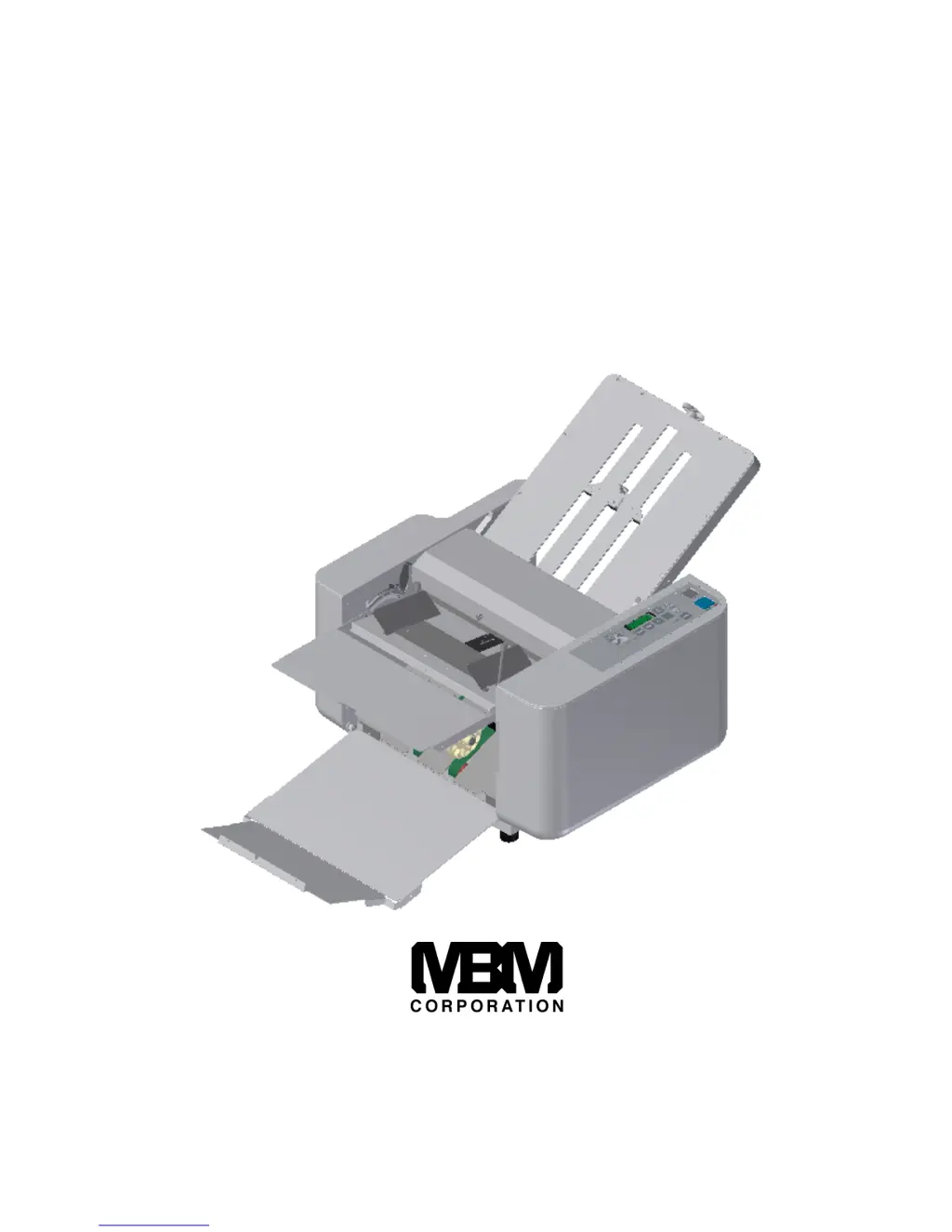
MBM 208J - User Manual

MBM 208J
24 pages
Print Icon
To Next Page IconTo Next Page
Loading...
OPERATION MANUAL
MBM 208J
MANUAL FOLDER
1-800-223-2508
www.mbmcorp.com
Rev. 1.01

Questions and Answers

  • D
    danny93Aug 11, 2025
    Why is the paper not feeding properly in my MBM 208J?
    • D
      Daniel BeasleyAug 11, 2025
      Paper not feeding properly in your MBM folding machine can occur due to several reasons: * Recently printed paper may be sticking together; in this case, jog the paper sufficiently and ensure the ink is dry. * Stains on the paper separator or feed roller can impede feeding; clean these parts using an appropriate cleaner. * A worn-out paper separator may also be the culprit; consider installing a new one. * Finally, ensure you have at least 20 sheets of paper stacked on the feed table, as a low volume can also cause feeding issues.
  • S
    Sherry LaneAug 17, 2025
    What to do if wrinkles appear on paper folded by MBM Folding Machines?
    • P
      phernandezAug 17, 2025
      If wrinkles appear on the paper after folding with your MBM folding machine, consider these potential causes and solutions: * If you're using recently printed paper, it may be sticking together. Jog the paper well and ensure the ink is completely dry before folding. * Stains on the paper separator, paper feed roller, or even the fold rollers can cause wrinkles. Clean all these components using an appropriate cleaner. * Incorrectly set Tables 1 and 2 can also lead to wrinkles; reset them properly. * Check for and remove any paper jams in Tables 1 and 2.
  • J
    Jonathon ReyesAug 25, 2025
    Why is my MBM 208J not folding lightweight paper?
    • C
      cweaverAug 26, 2025
      If your MBM folding machine is not folding lightweight paper (13 lbs bond or lighter), there are a couple of potential reasons: * The fold rollers might be slippery due to dust or ink. Clean all four fold rollers with an appropriate cleaner. * The room temperature may be too low. Operate the machine in a climate-controlled environment, ensuring the paper is at room temperature before folding. Paper stored below 53F is not recommended.
  • J
    jennifer27Sep 2, 2025
    How to correct an improper fold position on MBM Folding Machines?
    • S
      Steve NashSep 2, 2025
      If you're experiencing an improper fold position with your MBM folding machine, it could be due to the paper length not being a standard size. Measure the length of the paper and adjust the machine using the fine adjustment knob.

Summary

Safety Instructions

Danger Warnings

Instructions to prevent severe injury from immediate dangers.

Cautionary Notes

Instructions to prevent injuries or property damage from dangerous situations.

Description of Parts

Operation Panel Designation and Functions

Preparations

Operation Procedure

Fold Feed Angle; Skew Adjustment

Adjusting the feed angle and skew for proper paper alignment.

Error Indications, Situations, and Measures

Identifying error codes and the corresponding solutions.

Maintenance

Troubleshooting

MBM 208J Specifications

General IconGeneral
BrandMBM
Model208J
CategoryFolding Machines
LanguageEnglish

Related product manuals