EasyManua.ls Logo

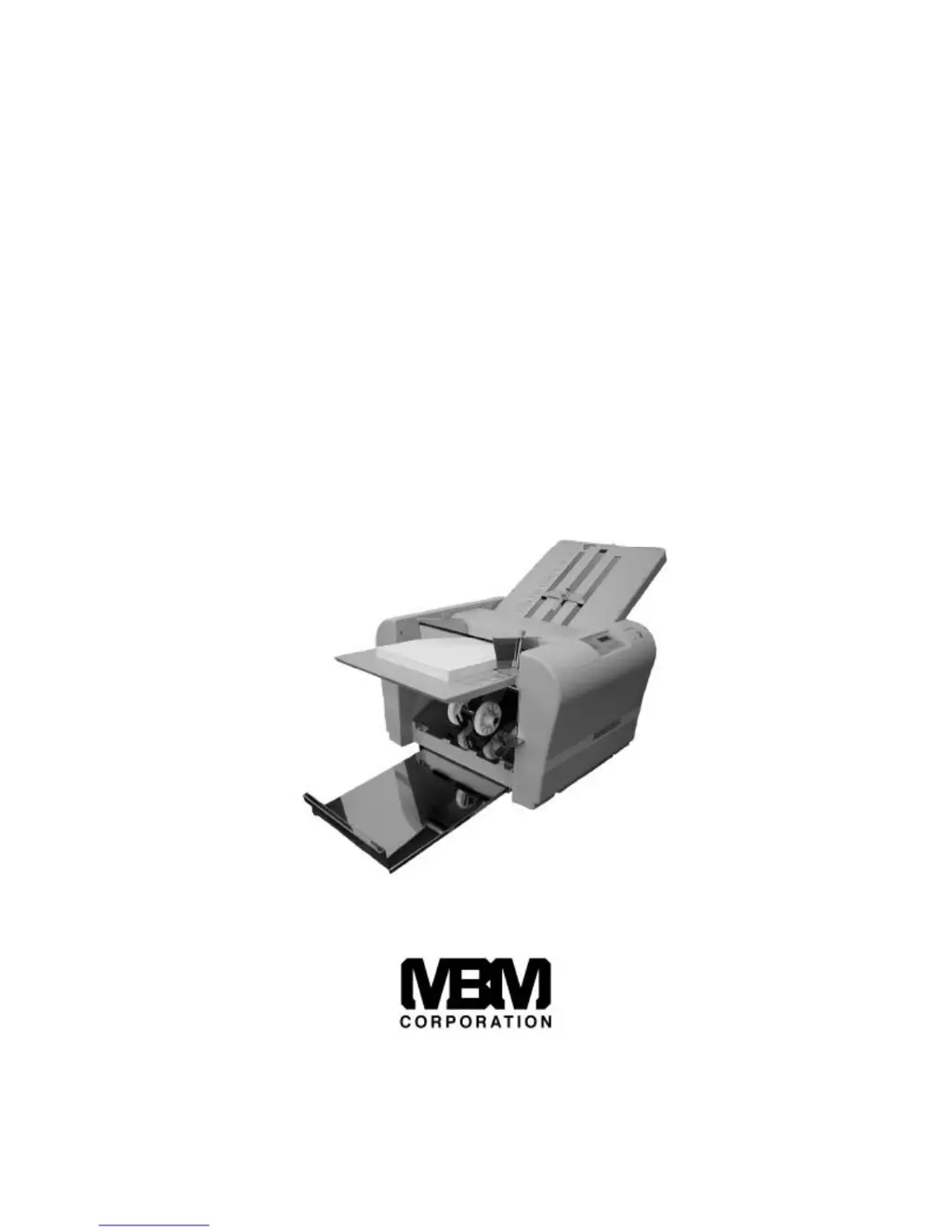
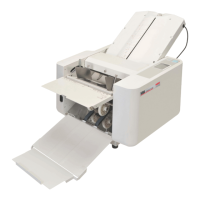
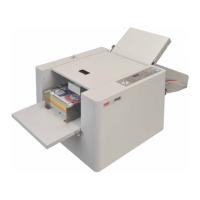
MBM 206M - User Manual

MBM 206M
19 pages
Print Icon
To Next Page IconTo Next Page
Loading...
OPERATION MANUAL
for
MBM 206M
Manual Paper Folder
A PRODUCT OF
1-800-223-2508
www.mbmcorp.com
http://www.monomachines.com

Questions and Answers

  • M
    Michelle GalvanAug 1, 2025
    Why is the paper not feeding properly in my MBM Folding Machine?
    • S
      Sarah RobinsonAug 1, 2025
      The paper might not feed properly in your MBM Folding Machine due to several reasons. It could be that the paper sticks after printing, in which case you should jog the paper sufficiently and ensure the ink is dry. Stains on the paper separator or feed roller can also cause this; clean them with an approved cleaner. If the paper separator is worn, install a new one. Lastly, ensure you have at least 20 sheets of paper on the feed table.
  • B
    Bobby JacksonAug 11, 2025
    How to prevent wrinkles on paper folded by MBM 206M?
    • R
      richardsontimothyAug 11, 2025
      Wrinkles can appear on the paper folded by MBM folding machines due to several reasons: * Paper sticks just after it is printed: Jog the paper sufficiently and make sure that the ink is dry. * Stains on the paper separator: Clean the paper separator using the approved cleaner. * Stains on the paper feed roller: Clean the dust or ink on the paper feed roller with the approved cleaner. * Stains on paper fold rollers: Clean all four fold rollers using approved cleaner. * Table 1 and 2 are not properly set: Reset properly. * Paper jam in Table 1 and 2: Detach Table 1 and 2 and remove the jammed paper.
  • R
    Richard HansenAug 21, 2025
    Why can't my MBM Folding Machine fold lightweight paper?
    • C
      Charlene MooreAug 21, 2025
      Your MBM Folding Machine might not be able to fold lightweight paper (13# or lighter) if the fold rollers are slippery due to dust or ink. Clean all four fold rollers using the approved cleaner. Also, low room temperature can be a factor; operate the machine in a climate-controlled environment, ensuring the paper is at room temperature before folding. Paper stored below 53F is not recommended.

Summary

Safety Instructions

Danger and Caution Symbols

Explains the meaning of danger and caution symbols used in the manual.

Introduction

Machine Specifications

Key Operational Specifications

Covers paper size, quality, fold types, dimensions, speed, and functions.

Included Accessories

Machine Parts Identification

Operation Panel Functions

Machine Preparation and Setup

Installing and Loading Paper

Guides on installing tables and properly stacking paper for folding.

Basic Operation Procedure

Power, Position, and Test Folds

Covers powering on, setting fold positions, and performing test folds.

Advanced Operation Procedures

Fold Adjustments and Modes

Details fold angle adjustment, continuous, and batch folding.

Handling Operational Issues

Jams, Stops, and Resets

Covers automatic stop conditions, clearing paper jams, and error resets.

Performing Cross Folds

Table 1 Fine Adjustments

Fold Type Adjustments for Table 1

Details specific adjustments for various fold types on Table 1.

Table 2 Fine Adjustments

Fold Type Adjustments for Table 2

Details specific adjustments for various fold types on Table 2.

Machine Maintenance

Cleaning and Consumables

Outlines regular maintenance tasks, including cleaning and identifying consumables.

Troubleshooting Guide

Common Problem Resolution

Provides solutions for paper feeding, operational, and fold quality issues.

MBM 206M Specifications

General IconGeneral
BrandMBM
Model206M
CategoryFolding Machines
LanguageEnglish

Related product manuals