EasyManua.ls Logo

MBM 207M - User Manual

MBM 207M
20 pages
Print Icon
To Next Page IconTo Next Page
Loading...
OPERATION MANUAL
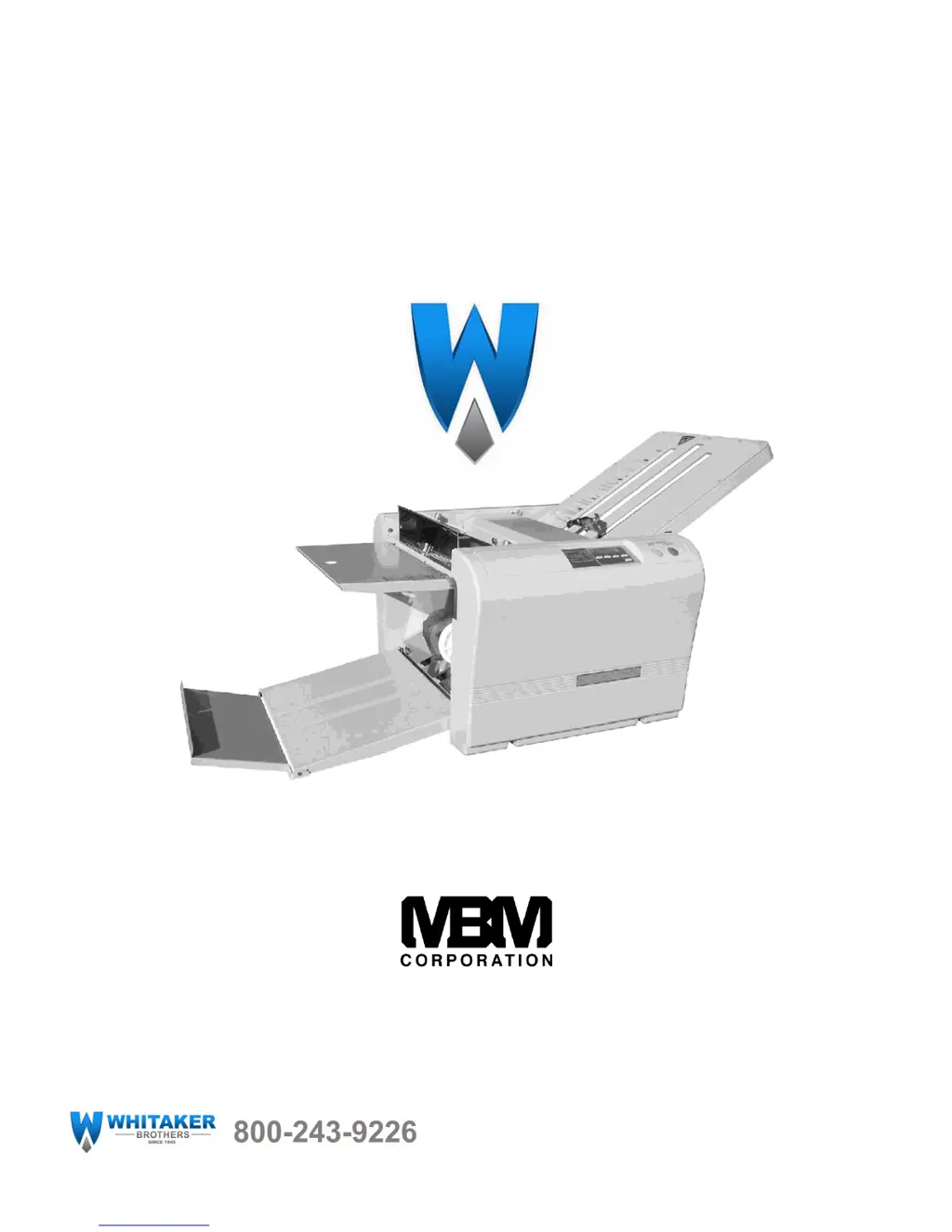
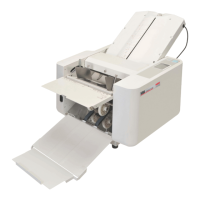
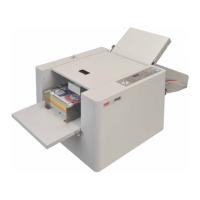
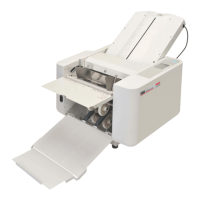
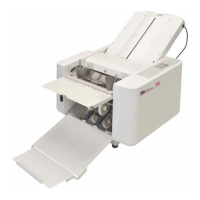
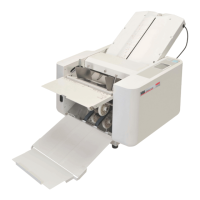
MBM 207M MANUAL FOLDER
1-800-223-2508
www.mbmcorp.com
www.WhitakerBrothers.com

Other manuals for MBM 207M

Questions and Answers

  • L
    Larry BauerAug 1, 2025
    How to fix paper not feeding properly in my MBM 207M?
    • R
      Richard TranAug 1, 2025
      If your MBM Folding Machine isn't feeding paper properly, there could be several reasons. Recently printed paper might be sticking together; in this case, jog the paper sufficiently and ensure the ink is dry. Stains on the paper separator or the paper feed rubber roller can also cause issues; clean them using an appropriate cleaner. If the paper separator is worn out, consider installing a new one. Also, ensure that there's enough paper stacked on the feed table—at least 20 sheets or more.
  • K
    Keith BoydAug 11, 2025
    Why does my MBM Folding Machine wrinkle the paper?
    • M
      Mr. Arthur BellAug 11, 2025
      If wrinkles appear on the paper when using your MBM Folding Machine, several factors could be the cause. It might be that recently printed paper is sticking together, so ensure to jog the paper sufficiently and let the ink dry completely. Stains on the paper separator or feed roller could also be the culprit; clean these with an appropriate cleaner. Additionally, check that Tables 1 and 2 are properly set and free of paper jams. If a paper jam exists, detach Tables 1 and 2 and remove the jammed paper. You may need to clean all four fold rollers using an appropriate cleaner.
  • A
    adambarnesAug 20, 2025
    Why can't my MBM Folding Machines fold light paper?
    • M
      Michael AllenAug 20, 2025
      If your MBM Folding Machine is having trouble folding lightweight paper (13# or lighter), it could be due to a couple of reasons. The fold rollers might be slippery because they're covered in dust or ink; clean all four fold rollers with an appropriate cleaner. Also, low room temperature can be a factor; operate the machine in a climate-controlled environment and ensure the paper is at room temperature before folding. Paper stored below 53F is not recommended.

Summary

Safety Instructions

Definition of Symbols and Notes

Explains danger and caution symbols used in the manual.

General Danger Precautions

Outlines critical safety measures to prevent severe injury or electrical shock.

General Caution Precautions

Details safety measures to avoid minor injuries or property damage.

Introduction

Specifications

Accessories

Description of Parts

Operation Panel Overview

Preparation

Operation Procedure

Switching the Power ON

Instructions for powering the paper folder machine on and off.

Setting Fold Plate Table Position

Guides on adjusting the stopper plate for correct fold positioning.

Test Folding

Procedure for performing a test fold to verify settings.

Fold Feed Angle; Skew Adjustment

How to adjust the feed angle to correct paper slant.

Continuous Folding

Instructions for operating the machine for continuous paper folding.

Subtraction Counting

Using the counter for subtraction mode during folding.

Clearing a Paper Jam

Steps to safely remove jammed paper from the machine.

Cross Folding

Fine Adjustments for Table 1

Fine Adjustments for Table 2

Maintenance

Removing the Rollers

Step-by-step guide on how to remove the machine's rollers.

Setting of the Rollers

Instructions for correctly installing and aligning the rollers.

Replacing Paper Separator, Feed Roller & Brake Rubber

Procedure for replacing key internal components like separators and rollers.

Troubleshooting

MBM 207M Specifications

General IconGeneral
BrandMBM
Model207M
CategoryFolding Machines
LanguageEnglish

Related product manuals