11 Troubleshooting
Definition of alarm and warning messages
MB-20-G/MB-200G-W_MB-LABmaster_MB-200 MOD_TP700
Operating Manual - V5.0 - 04/2018 - STD
Page
11 - 5
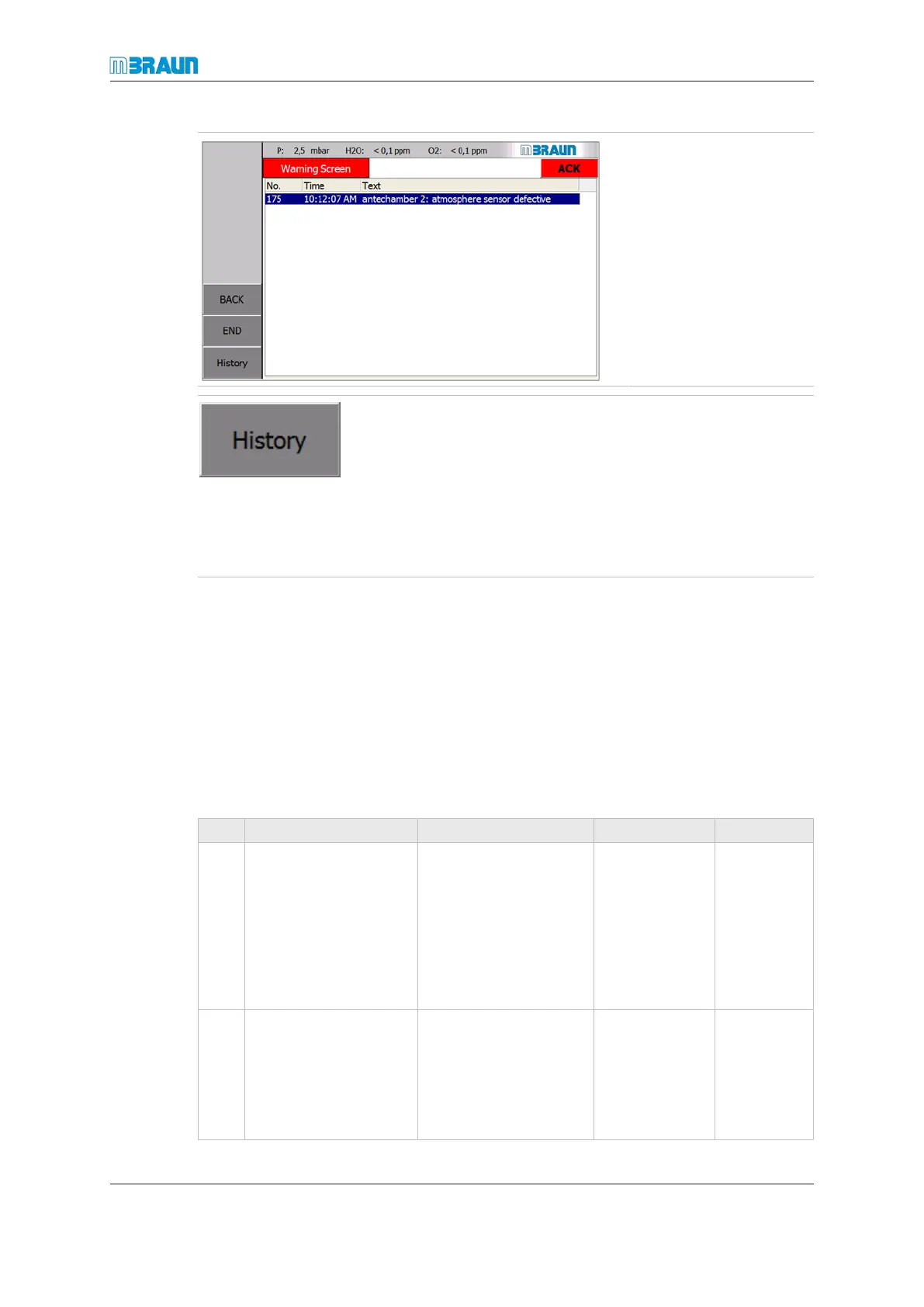
► Select alarm.
► Confirm the alarm by
touching the ACK
button.
► Touch the History button.
ð The Warning History screen appears.
Status indication of warning messages on the Warning
History screen:
K Warning message has arrived
(K)G Warning message sent
11.3.2 Deletion of a warning message
After eliminating the fault, the related message can be deleted:
► Select warning message.
ð Message is marked.
► Touch ACK button.
ð Marked message is deleted.
11.4 Definition of alarm and warning messages
No Description Possible fault causes Solution Elimination
2 Vacuum pump VPG 1
motor guard has
triggered
Vacuum pump defect-
ive
Large leak in the va-
cuum tubing (excess-
ive vacuum pump
loading from large
leak)
Replace va-
cuum pump.
Eliminate large
leak in the
tubing.
Vacuum pump
test.
Test by
MBRAUN-
Service
3 Circulation blower
GB1 motor guard has
triggered, or a fre-
quency converter fault
has occurred.
Blower defective
Blower tubing is
clogged causing
blower to run hot
Replace
blower.
Eliminate clog
in tubing.
Blower test.
Test by
MBRAUN-
Service



 To Next Page