SFP module
The SFP module is a hot-swappable, protocol-independent, compact, optical receiver, which allows for greater
port density than the standard GBIC. This module operates at varying speeds for up to 1 Gigabit per second on
Gigabit Ethernet. The SFP module operates in single mode and multimode. Additionally, this module transmits
on an 850-nanometer wavelength on short reach (SR) and 1310-nanometer wavelength on long reach (LR).
Figure 3-4 SFP module for the Sensor
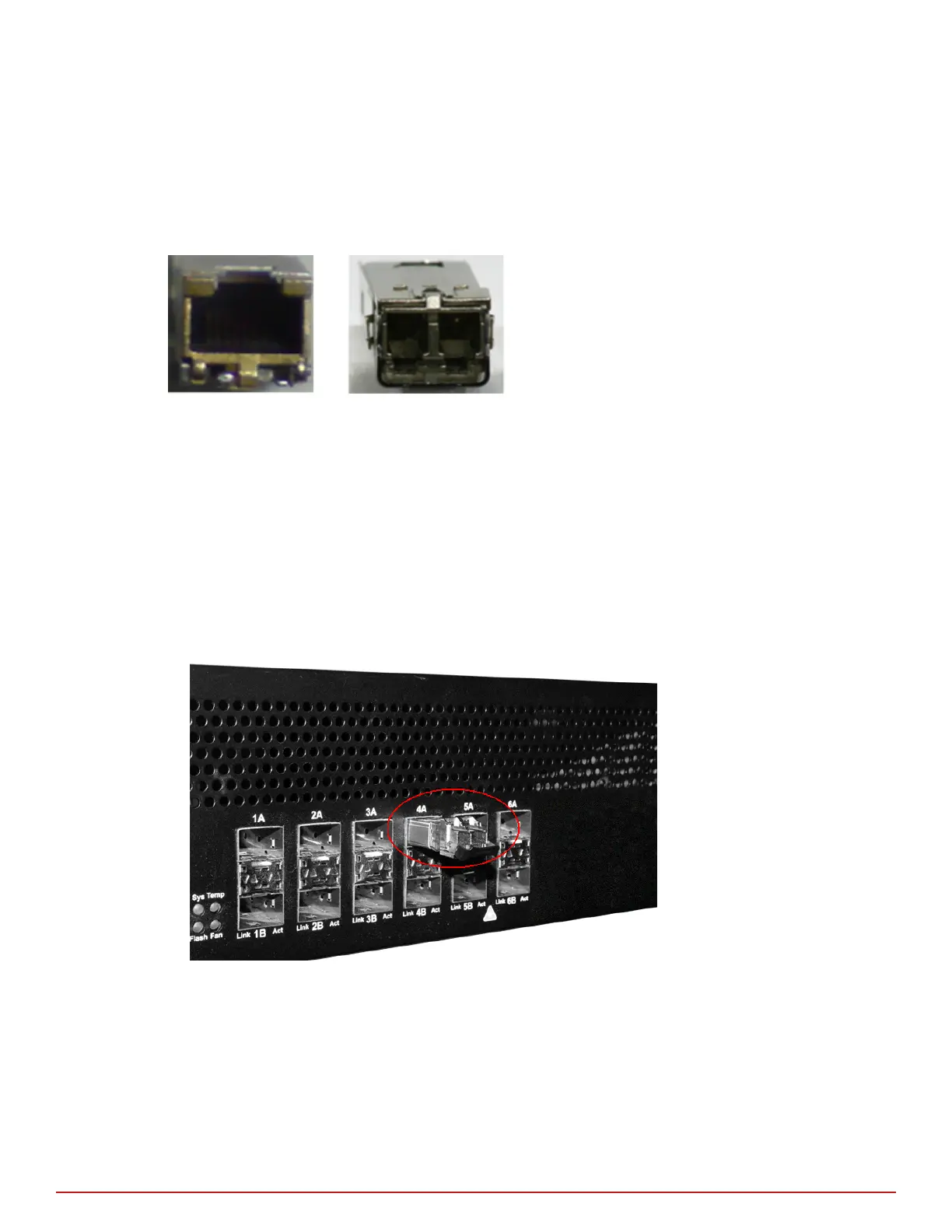
Figure 3-5 Copper and optical SFP modules for the Sensor
Install a module
This section provides the steps to install an SFP module with a bail clasp.
Task
1
Remove the module from its protective packaging.
2
Ensure the module is the correct model for your network.
3
Locate the label on the module and ensure that the alignment groove is down.
4
Grip the sides of the module with your thumb and forenger and insert module into the module socket.
Modules are keyed to prevent incorrect insertion.
Figure 3-6 SFP module in the Sensor Monitoring port
Remove a module
Task
1
Disconnect the network cable from the module.
2
Release the module from the slot by pulling the bail-clasp out of its locked position.
Setting up the Sensor
Small form-factor pluggable modules
3
McAfee
®
Network Security Platform M-2850/M-2950 Sensor Product Guide
21



 To Next Page