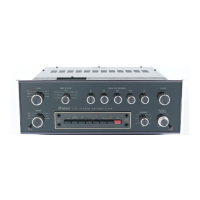
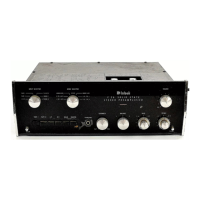
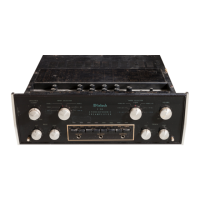
Now connect the program sources in the following fashion:
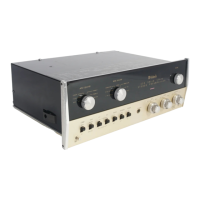
1.) Plug one end of the 3 foot shielded lead into the jack marked
"MAIN OUTPUT" located on the back panel of the C-8.
2.) The C-8 "VOLUME" control on the front panel is turned fully
clockwise. The changes in volume will be controlled by the C-8S ganged
"VOLUME" control.
3.) Insert the left channel phono cartridge lead in "PHONO #2" on the
C-8.
4.) If a tape deck is used for stereo playback, insert left channel
lead into "MIC" input of the C-8, serial #10600 and above, after conver-
sion as in section A, step #4 above. This input is terminated at 100,000
ohms. N.A.R.B. tape playback equalization is achieved by depressing the
Bass Compensation switch labeled "950", adjusting the "BASS" tone control
to - 1, and adjusting the "TREBLE" tone control to- 2.5.
If a stereo tape playback with preamplifiers is used, insert the
left output in the channel marked "TAPE".
Next interconnect the C-8S:
1.) Plug the heavy inter-unit cable from the C-8S in the octal socket
marked "Pre-Amp" on the right power amplifier.
2.) The loose end of the 3' shielded lead (section B, step #1) from
the C-8 "MAIN OUTPUT" is plugged into the "LEFT STEREO IN" on the C-8S.
3.) Interconnect by means of one of the 6' shielded cables between
the jack marked "LEFT STEREO OUT" on the C-8S and the "0.5 VOLT" input
of the left power amplifier.
4.) Interconnect by means of the other of the 6' shielded cables between
the "MAIN OUTPUT" on the C-8S and the "0.5 VOLT" input on the right
power amplifier.
5.) Plug the A.C. cord from the C-8 into one of the auxiliary A.C.
receptacles on the C-8S.
6.) The A.C. cords from both power amplifiers can now" be plugged into
the auxiliary A.C. plugs on their respective preamplifiers. The on-off
switch on the volume control of the C-8S now controls turning on the
entire system.
(c.)
(B.)
-2-



 To Next Page